Load cell info @admin
Model name
Software version
LC serial number
Emax
n
Y
Z
Overload
Overload counter
PR6224/50tC3
1.00.04
104
50.0 t
3000 e
14000
3000
75.0 t
0
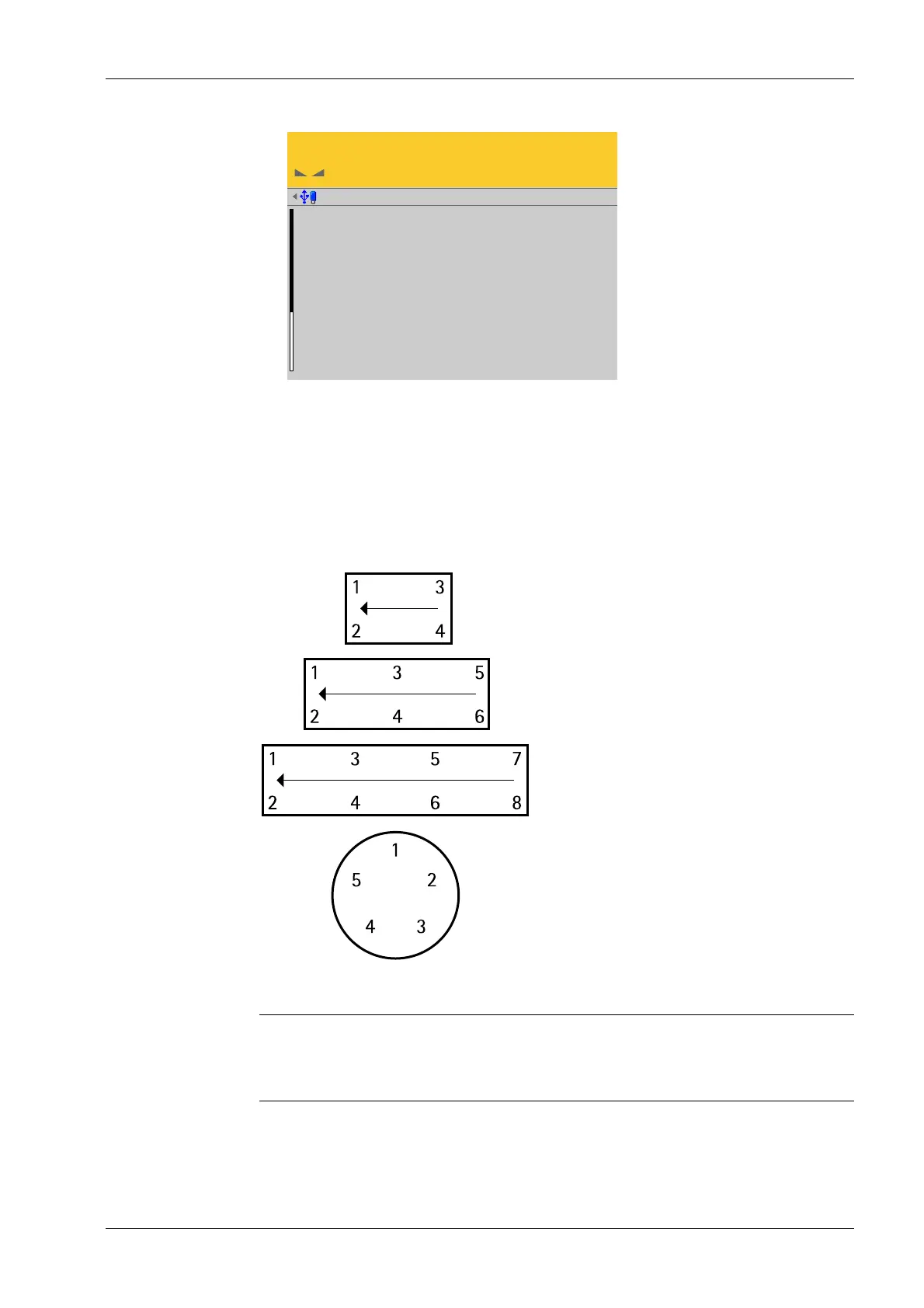
4.7.8.3.3.2 Assign (installation locations)
In this menu item (under View and assign load cells), the load cells (serial numbers) of
the digital precision pressure load cell Pendeo
®
Process are assigned to the installation
locations.
This is important for correcting the dead load (distribution to the individual load cells), for
corner correction and in the event of load cell replacement.
Example of a possible allocation.
Note:
The assignment from the installation should be documented in the case of load cells
being replaced.
Accessible via MENU - [Operating] - [System setup] - [Weighing points] - [Weighing
point x] - [Calib] - [View and assign load cells] - [Assign] .
2. Press EXIT to return to the previous window.
1. Unload the scale.
4 System setup Process Controller Maxxis 5 PR 5900
EN-199 Minebea Intec



 To Next Page