4.7.8.3.3.1 Info (display load cell data)
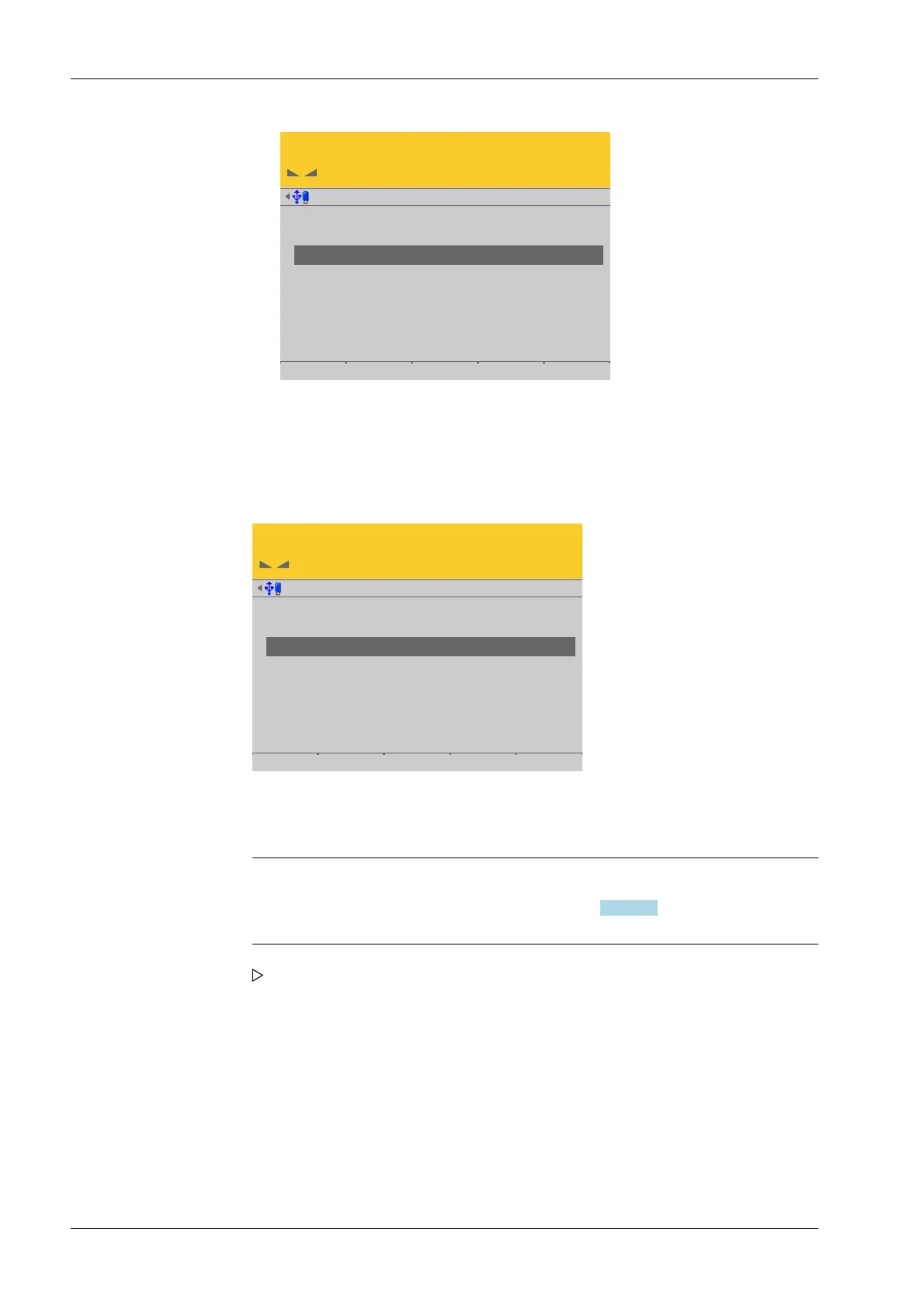
In this menu item (under View and assign load cells), the load cell data of the digital
precision pressure load cell Pendeo
®
Process is displayed.
Accessible via MENU - [Operating] - [System setup] - [Weighing points] - [Weighing
point x] - [Calib] - [View and assign load cells] - [Info] .
View @admin
LC 1
LC 2
LC 3
LC 4
1.471 t
1.613 t
2.087 t
2.337 t
Info Assign by name Accept
The load cells are displayed with their item number, serial number, and load.
Note:
If load cell names have been assigned (see Chapter 4.7.8.3.5), the view can be
switched with the [by name] soft key.
View @admin
LC 1
LC 2
LC 3
LC 4
1.471 t
1.613 t
2.087 t
2.337 t
Info Assign by name Accept
1. Select the desired load cell and press the [Info] soft key.
The load cell data is displayed.
Process Controller Maxxis 5 PR 5900 4 System setup
Minebea Intec EN-198



 To Next Page