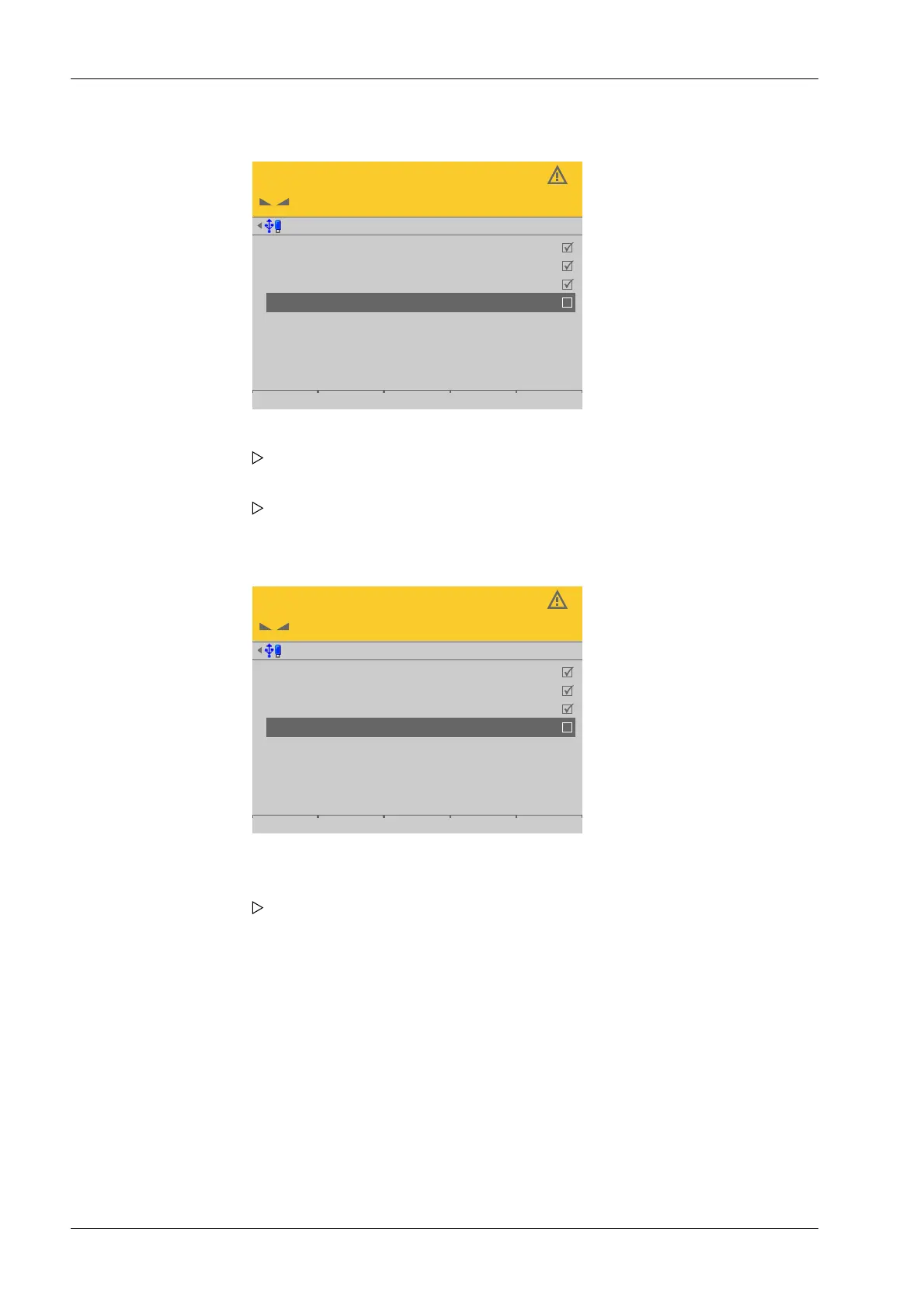
Deactivating the load cell
Service @admin
LC 1
LC 2
LC 3
LC 4 deactivated
101
102
103
1.430 t
2.373 t
1.583 t
2.121 t
1.463 t
2.342 t
1.618 t
2.086 t
Activating the load cell
After inserting and connecting the new load cell:
Service @admin
LC 1
LC 2
LC 3
LC 4
101
102
103
104
1.430 t
2.373 t
1.583 t
2.121 t
1.463 t
2.342 t
1.618 t
2.086 t
2. Select the faulty load cell and conrm to deactivate the cell.
The warning symbol replaces the weight unit.
3. Press the [Accept] soft key.
The simulation of the deactivated load cell is started.
4. Select and conrm the deactivated load cell.
5. Press the [Accept] soft key.
Only then will the new load cell be recognized.
A search is started.
Process Controller Maxxis 5 PR 5900 4 System setup
Minebea Intec EN-210



 To Next Page