Create user @admin
User ID
User name
User activated
Password
Language
Screensaver
Logout after
Force login after screensaver
Change user at relogin
Need password to logout
11
operator
********
System default
Standard system settings
no auto logout
Save
The user name is displayed with an automatically generated user ID.
[User activated.]
The user (☑ default setting) can log in.
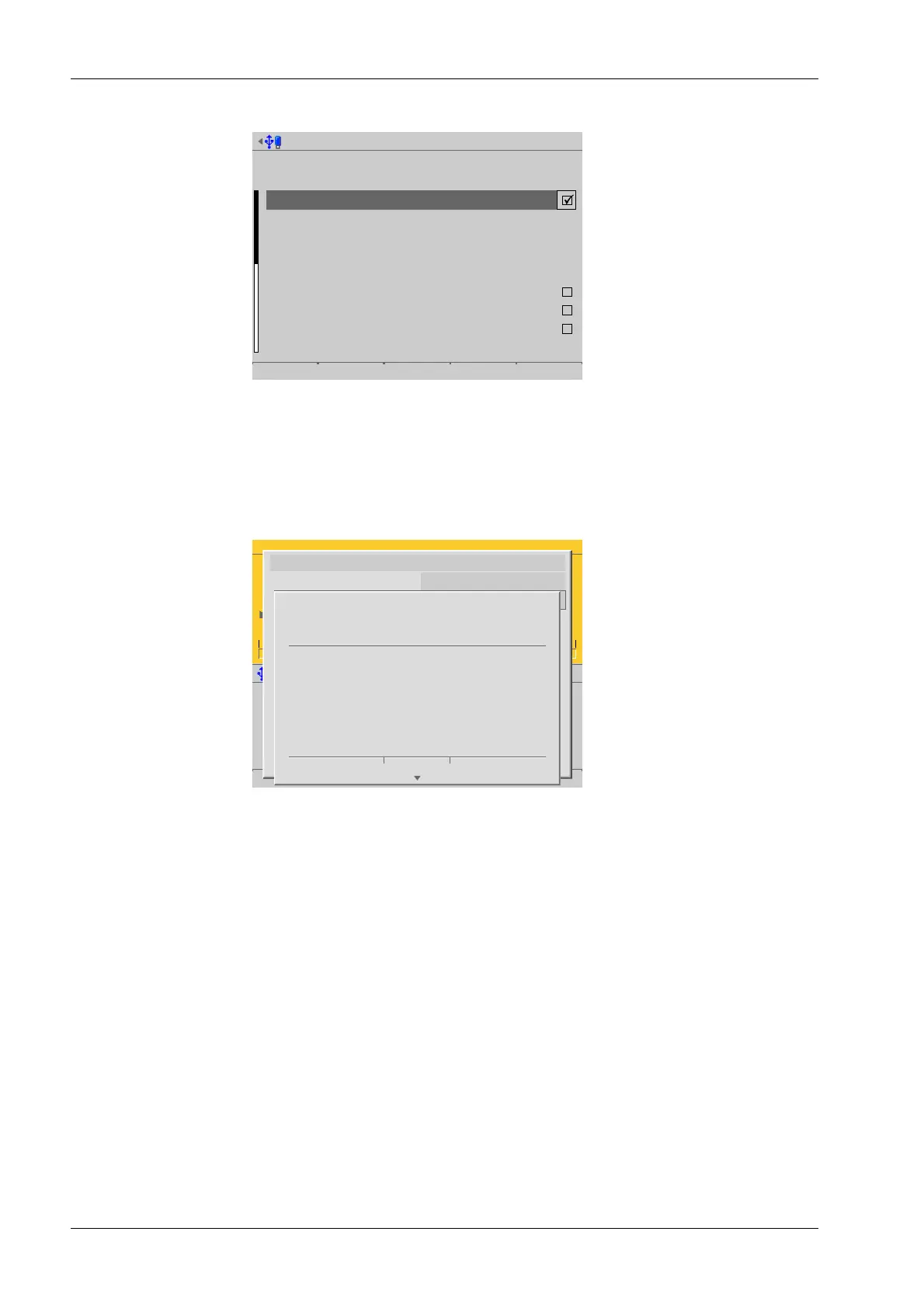
If a deactivated user (☐) logs in, the following error message is shown:
WP-A
Max 3000g d= 0.1g
g
0g 3000g
Login
Enter user name and password
User name operator01
Password ********
STOP
Login failed.
(User is disabled)
Cancel
[Password]
The password can be changed here if desired.
[Language]
Select the desired operating language.
[Screensaver]
Selection: [no screensaver], after 1 minute, after 5 minutes, after 10 minutes, after
30 minutes, system default
[Logout after]
Selection: [no auto logout], after 1 minute, after 5 minutes, after 10 minutes, after
30 minutes.
[Force login after screensaver]
Check the box ☑ when the screensaver is activated.
Once the screensaver is switched on, operation is only possible once a password has
been entered.
4. Select and conrm the individual parameters.
Process Controller Maxxis 5 PR 5900 4 System setup
Minebea Intec EN-232



 To Next Page