[Change user at relogin]
Once the screensaver is switched on, operation is also possible when a dierent
password has been entered.
[Need password to logout]
A password is required in order to log out.
Note:
The administrator can always log in or out even when another user has locked the
device with a password.
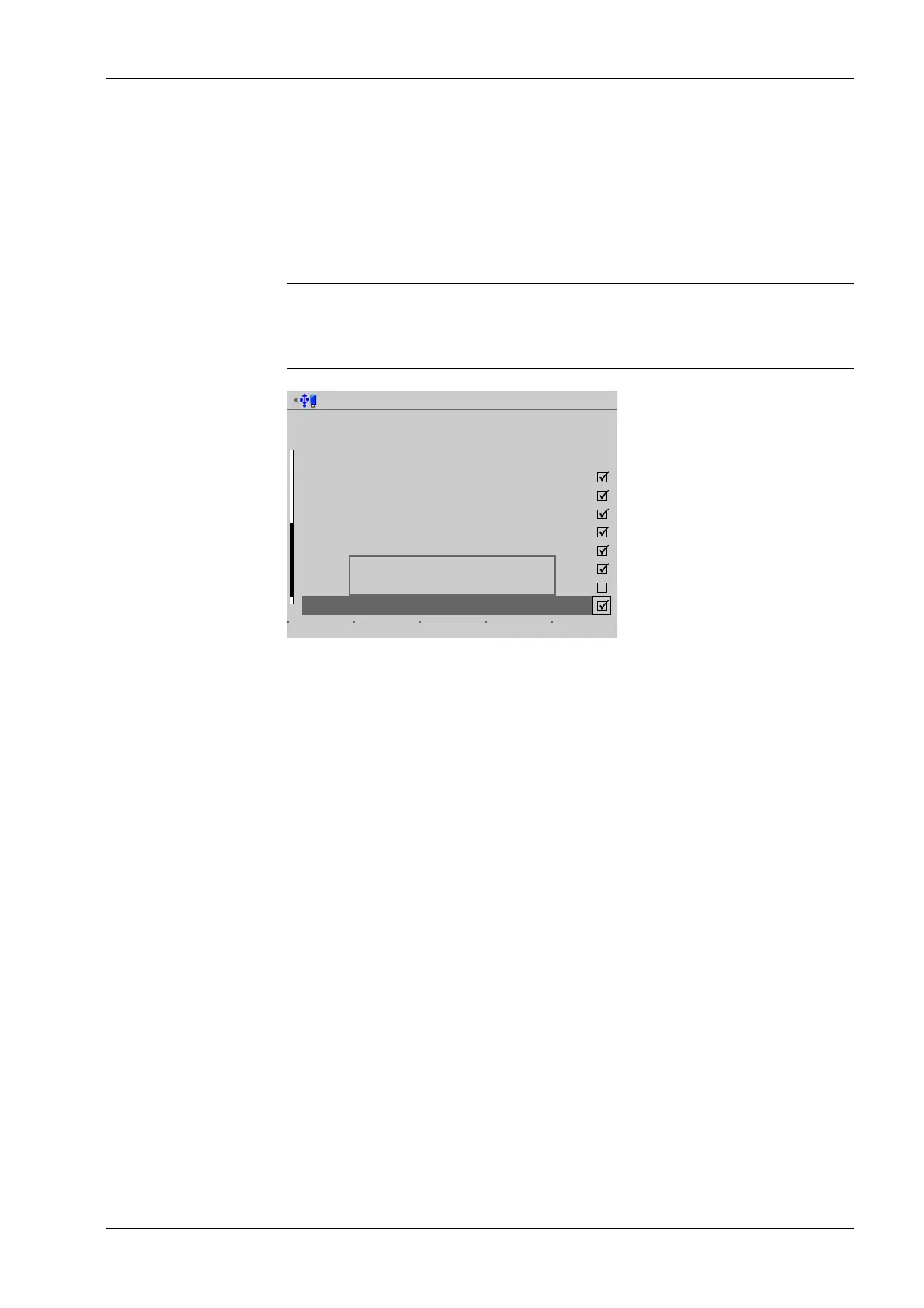
Create user @admin
User ID
User name
System rights
Setup
Import
Export
Calibrate
Operating
User management
I/O test
Maintenance
11
operator
Save
User is allowed to use
system maintenance functions
including software update.
System rights:
[Setup]
User is allowed to change settings in the system setup.
[Import]
User is allowed to import data from the USB/SD memory to the device.
[Export]
User is allowed to export data from the device to the USB/SD memory.
[Calibration]
User is allowed to calibrate weighing points.
[Operating]
User is allowed to use indicator keys.
[User management]
User is allowed to create, change, and remove other users.
[I/O test]
User is allowed to start, stop, and test the inputs and outputs.
[Maintenance]
User is allowed to use the system maintenance functions, including software updates.
[Use functions on the website]
User is allowed to use functions on the website.
4 System setup Process Controller Maxxis 5 PR 5900
EN-233 Minebea Intec



 To Next Page