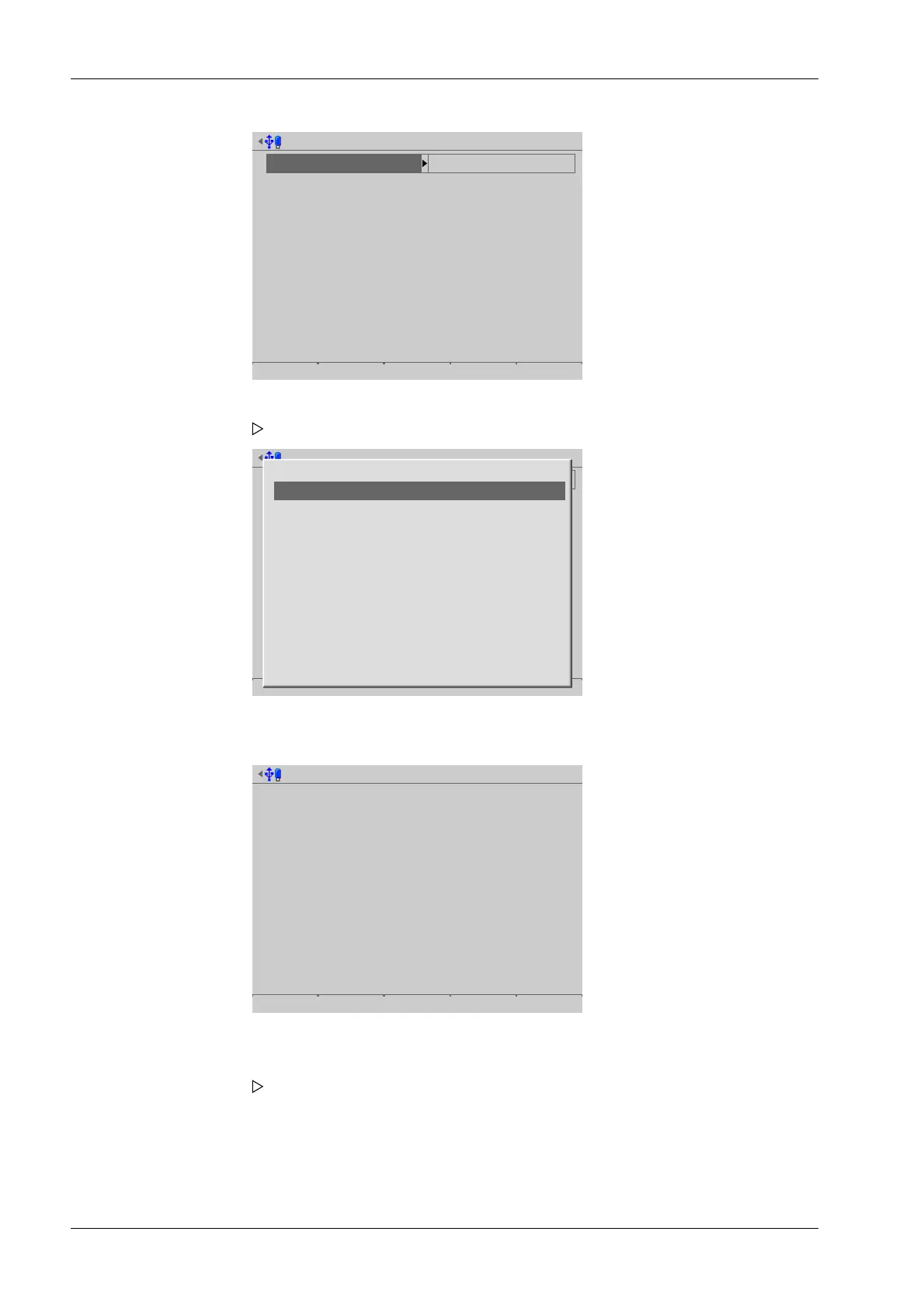
Select the data record to export by date @admin
Year
Month
daylight
2013
Mar
1
110 records
13 Data records
5 Data records
Show
Select the data record to export by date @admin
Year
Month
daylight
2013
Mar
1
110 records
13 Data records
5 Data records
Show
03.2013
04.2013
10.2013
11.2013
12.2013
13 Data records
12 Data records
9 Data records
72 Data records
4 Data records
Select the data record to export by date @admin
04.04.2013
Date/Time
Sequence number
Serial number
ID
G
NET
T
A
A
A
[1/6]
04.04.2013-10:38:38
40
408966395
PR 5900 ALIBI
<-0.5 g>
<-0.5 g>
0.0 g
Previous Next -10 +10 Select
3. Select and conrm the desired record.
A selection window opens.
4. Select and conrm the desired record.
5. Press the [Show] soft key.
6. Press the [Previous]/[Next] soft key to display the desired record.
7. Press the [Select] soft key to conrm the rst record of the range.
Another window opens that displays the sequence number (here: 40) of the
selected record under [First sequence number].
Process Controller Maxxis 5 PR 5900 6 System maintenance
Minebea Intec EN-296



 To Next Page