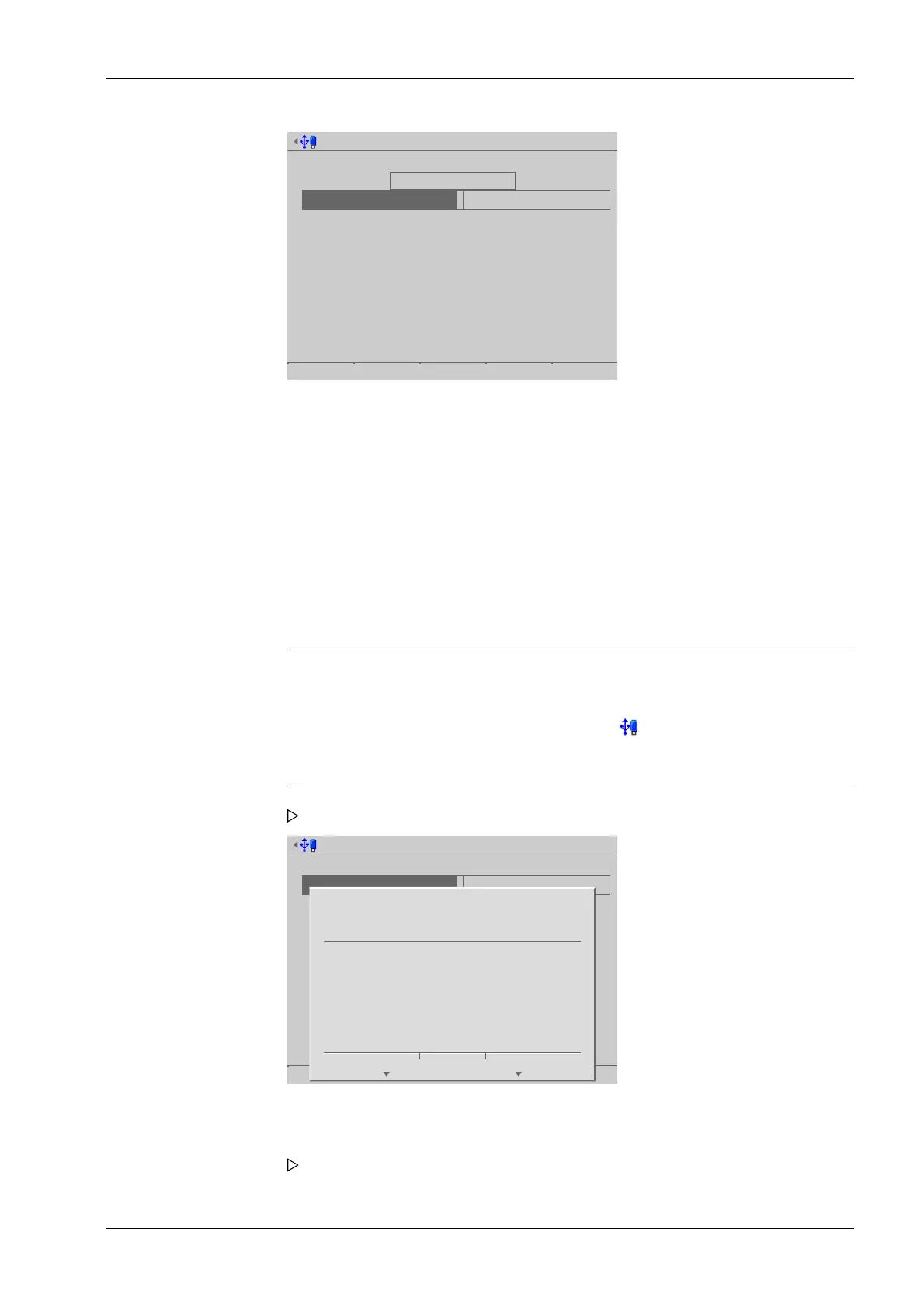
Export alibi records @admin
Select alibi records to export
First sequence number
Last sequence number
Select output
Compression
Destination
40
139
No compression
USB stick
Export Browse
13.01.2014 13:13:48
[Compression]
Selection: [No compression], best speed (reduced size with factor ~10, takes ~10%
longer), best compression (reduced size with factor ~20, takes ~70% longer)
[Destination]
Selection: USB stick, shared directory (conguration in menu [Operating]- [System
setup]- [ Network share connections] )
Note:
If no USB stick is plugged in, a warning appears.
- Plug in a USB stick and wait until the symbol appears in the info line.
- Press the [Retry] soft key.
Export alibi records @admin
Select alibi records to export
First sequence number
Last sequence number
Select output
Compression
Destination
40
139
No compression
USB stick
Export Browse
?
Insert a USB flash drive into the
USB port and press 'Next’
to export alibi data records.
Press 'Cancel' to abort.
Cancel Continue
An XML le is saved on the USB stick.
8. Dene the last sequence number in accordance with the rst sequence number.
9. Select and conrm the desired output parameters.
10. Press the [Export] soft key to start the export.
A prompt window appears.
11. Press the [Continue] soft key.
A progress window is shown during the save process. An information window is
displayed when the process is complete.
6 System maintenance Process Controller Maxxis 5 PR 5900
EN-297 Minebea Intec



 To Next Page