6.9.2.1 SD card
In this menu item (under Update software), a software version saved on an SD card is
restored.
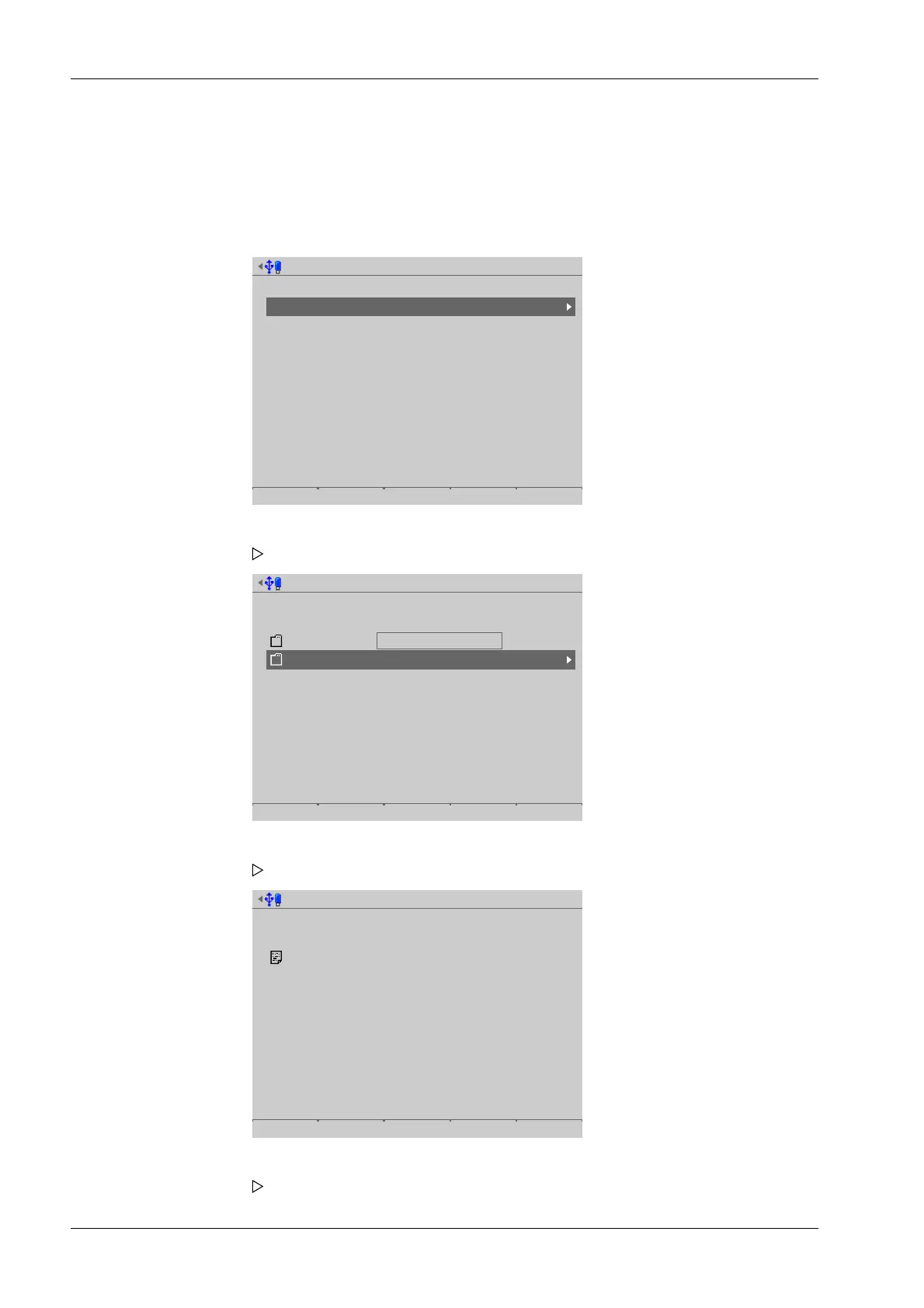
Accessible via MENU - [Operating] - [System maintenance]- [Update software]- [Update
software]- [SD card] .
Select media for update software
Attached storage devices
SD card
SD card (factory data)
USB stick
Network share connections
Alibi
Backups
Exports
ONECLICKUPDATE
Reports
Software
Update software from SD card
Select binary files to use for update
SD card : /
backup
current
3 Binary file(s)
Update software from SD card
Select binary files to use for update
SD card : //current
3 binary file(s)
1. Select and conrm [SD card].
A selection window opens.
2. in this case: select and conrm [current].
A selection window opens.
3. In this case: select and conrm [3 binary les].
A selection window opens.
Process Controller Maxxis 5 PR 5900 6 System maintenance
Minebea Intec EN-318



 To Next Page