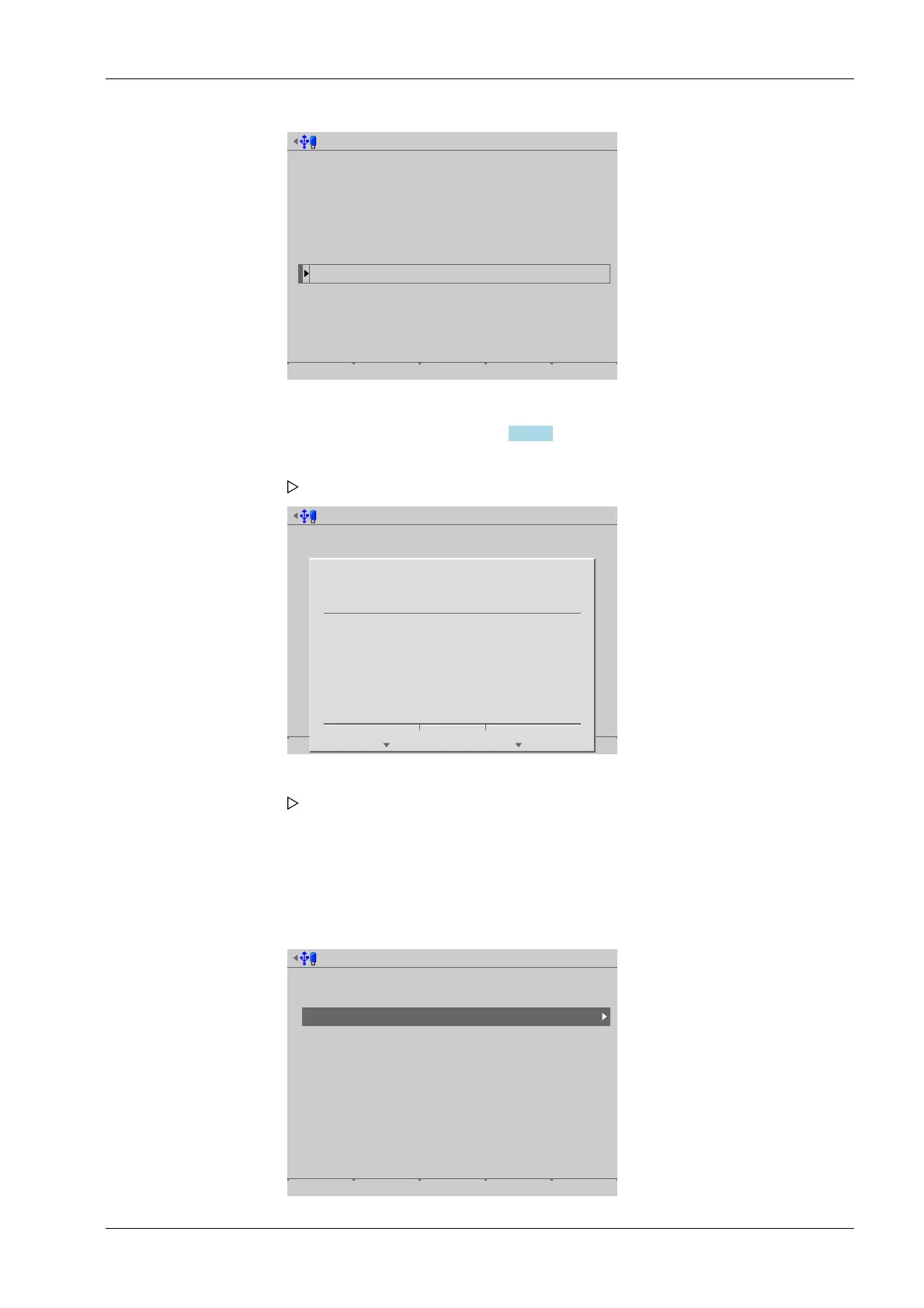
Update software from SD card
Installed software
PR5900-Bios 00.02.00.138280
PR5900-Firm 00.02.00.138404
PR5900-Basic 01.00.06.4464
No labels installed.
Select software to update from
PR5900-r00-Bios 02.11.00.208007
PR5900-r00-Firm 02.11.00.208007
PR5900-Appl-Basic 01.00.04.28
2012-08-13-13:51:51
2012-08-14-06:04:36
2012-08-13-15:23:23
2014-04-28-12:34:01
2014-04-28-12:34:01
2014-03-28-11:44:03
No labels retained
Start
The software installed on the device and available on the SD card is listed.
Select software, see also Chapter 6.9.2.3.
Update software from SD card
Start
?
Press 'Next' to update the selected software
from SD card.
Cancel Continue
6.9.2.2 SD card (factory data)
In this menu item (under Update software), the software on the device is restored to the
factory settings.
Accessible via MENU - [Operating] - [System maintenance]- [Update software]- [Update
software] .
Select media for update software
Attached storage devices
SD card
SD card (factory data)
USB stick
Network share connections
Alibi
Backups
Exports
ONECLICKUPDATE
Reports
Software
4. Press the [Start] soft key to start the update.
A prompt window appears.
5. Press the [Continue] soft key.
The software is updated on the device. The device runs a cold start.
6 System maintenance Process Controller Maxxis 5 PR 5900
EN-319 Minebea Intec



 To Next Page