Update software from SD card
Start
?
Press 'Next' to update the selected software
from SD card.
Cancel Continue
6.9.2.3 USB stick
In this menu item (under Update software), a software version saved on a USB stick is
restored.
Note:
The software le names must not be changed!
Accessible via MENU - [Operating] - [System maintenance]- [Update software]- [Update
software]- [USB stick] .
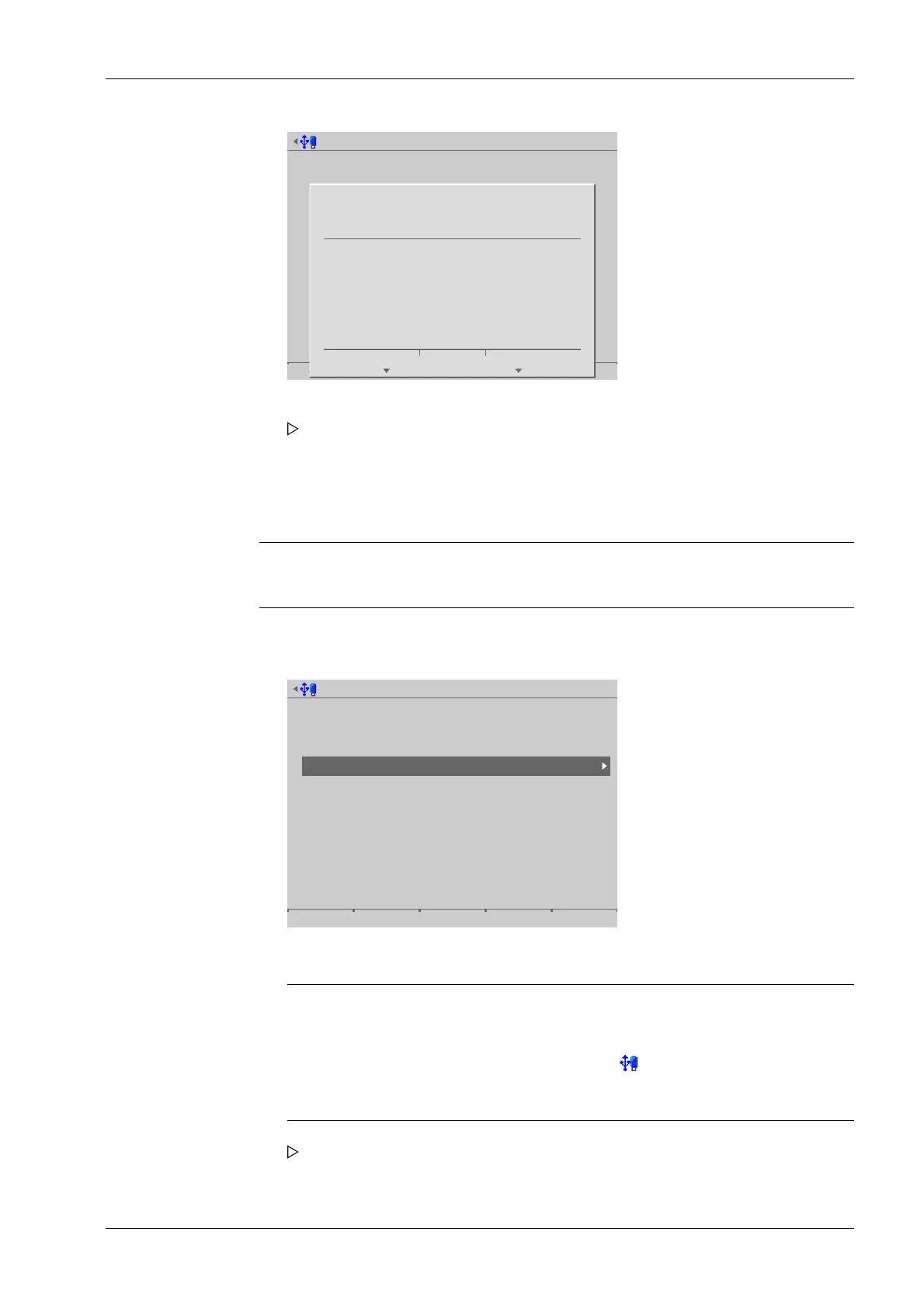
Select media for update software
Attached storage devices
SD card
SD card (factory data)
USB stick
Network share connections
Alibi
Backups
Exports
ONECLICKUPDATE
Reports
Software
Note:
If no USB stick is plugged in, a warning appears.
- Plug in a USB stick and wait until the symbol appears in the info line.
- Press the [Retry] soft key.
5. Press the [Continue] soft key.
The software is updated on the device. The device runs a cold start.
1. Select and conrm [USB stick].
A selection window opens.
6 System maintenance Process Controller Maxxis 5 PR 5900
EN-321 Minebea Intec



 To Next Page