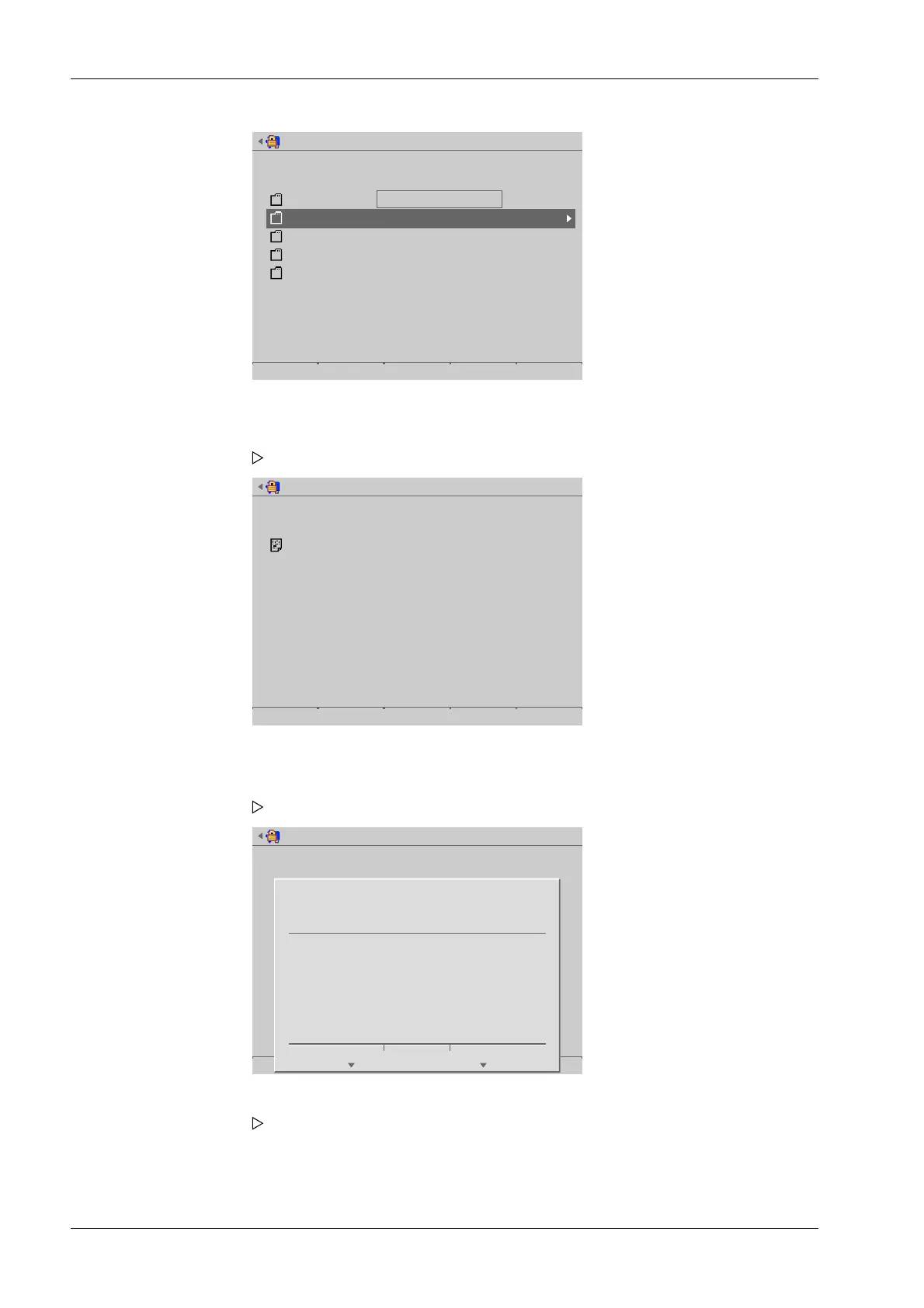
Update software from USB stick
Select binary files to use for update
USB stick : /
Service report
Software
backup
export
pr5900
3 Binary file(s)
The content shown is an example.
Update software from USB stick
Select binary files to use for update
USB stick : //Software
3 binary file(s)
If the storage medium contains BIZ les:
Update software from USB stick
Start
?
Compressed files (.biz) found.
It will take some more time to read them.
Continue to read biz files?
Yes No
2. In this case: select and conrm [Software].
A selection window opens.
3. In this case: select and conrm [3 binary les].
A prompt window appears.
4. Press the [Yes] soft key.
A selection window opens.
Process Controller Maxxis 5 PR 5900 6 System maintenance
Minebea Intec EN-322



 To Next Page