Update software from SD card
Select binary files to use for update
SD card : /
Manuals
Software
2 Binary file(s)
Update software from SD card
Select binary files to use for update
SD card : //Software
2 binary file(s)
Update software from SD card
Installed software
PR5900-r01-Bios 02.10.00.2077991
PR5900-r01-Firm 02.10.00.2077991
PR5900-Appl-Basic 01.00.04.28
No labels installed.
Select software to update from
PR5900-r01-Bios 02.11.00.208007
PR5900-r01-Firm 02.11.00.208007
2014-04-28-09:33:25
2014-04-28-09:33:25
2014-03-28-11:44:03
2014-04-28-12:34:01
2014-04-28-12:34:01
Retain current application
No labels retained
Start
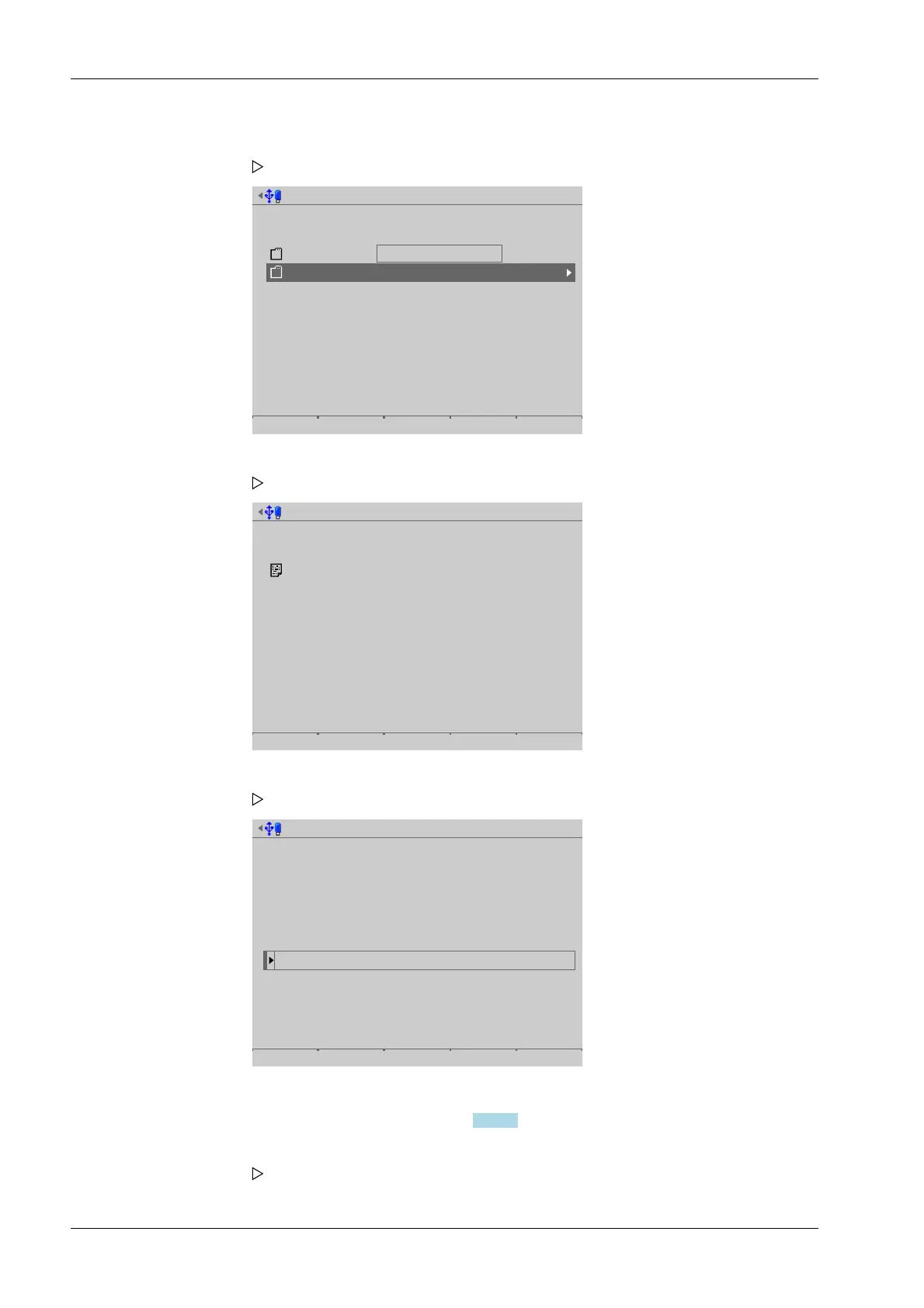
The software installed on the device and the factory settings on the SD card are listed.
Select software, see also Chapter 6.9.2.3.
1. Select and conrm [SD card (factory data)].
A selection window opens.
2. In this case: select and conrm [Software].
A selection window opens.
3. In this case: select and conrm [2 binary les].
A selection window opens.
4. Press the [Start] soft key to start the update.
A prompt window appears.
Process Controller Maxxis 5 PR 5900 6 System maintenance
Minebea Intec EN-320



 To Next Page