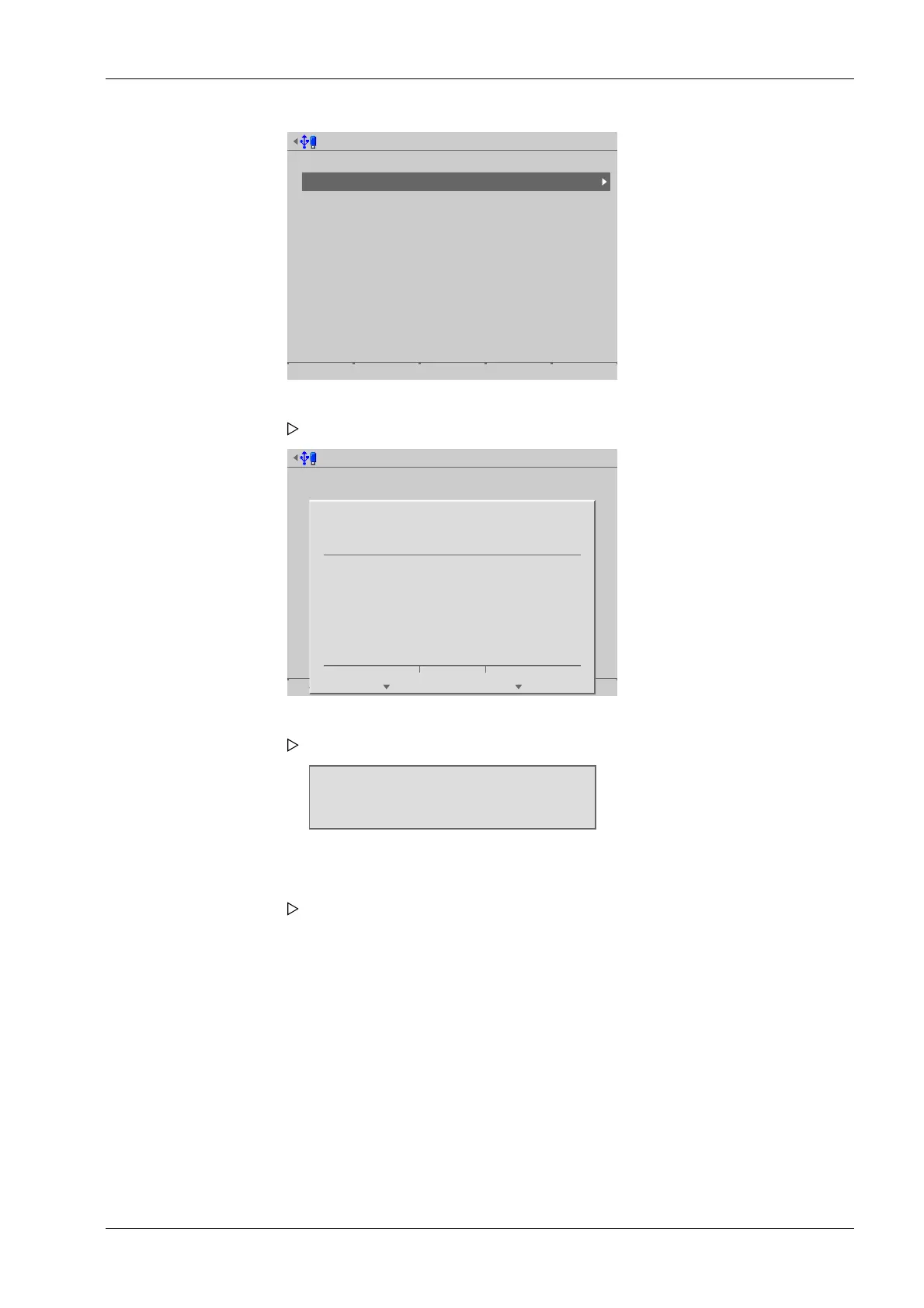
Update software @admin
Update software
Update via FlashIt!
Update software for remote terminal
Remove application
Restore software from SD card
Update software via FlashIt! @admin
Start
?
Press 'Next' to update the software
using FlashIt!.
Cancel Continue
Wait for FlashIt!
lpAddr=172.24.20.111
The device waits for the update to start on the notebook/PC.
1. Select and conrm [Update software with FlashIt].
A prompt window appears.
2. Press the [Continue] soft key.
A window appears on the display.
3. Double-click the corresponding le in the "Explorer."
"FlashIt!" opens and the le is displayed next to [Select].
6 System maintenance Process Controller Maxxis 5 PR 5900
EN-327 Minebea Intec



 To Next Page