Printer @admin
Interface not assigned
Test print Save
Not assigned
Built-in RS-232
Built-in RS-485
Option-2 RS-485-A
Option-2 RS-485-B
Network printer
Network share connection
USB printer
USB folder
Interface
Printer type
Folder name
USB folder
CR/LF translation
Reports
Default Test print Save
[Printer type]
The choice depends on the processing of the print le: raw, CR/LF translation, EPSON
TM-U220, EPSON LQ-300K, Generic PCL5 (Unicode), Generic PCL5 (codepage),
Generic ESC/P2
[Folder name]
Save location of the print le (in this case: Reports).
The user-dened folder path is subject to the following restrictions:
- A maximum of 128 characters are permitted.
- 0-9, A-Z (not case-sensitive) are permitted.
- Spaces and "/" are not permitted at the start of the entry.
- Spaces, "//", "./", " /", ".." and "/ " are not permitted.
- Spaces, "." or "/" are not permitted at the end of the entry.
- "<", ">", ":", """, "/", "\", "|", "?" and "*" are not permitted.
Input: via keyboard
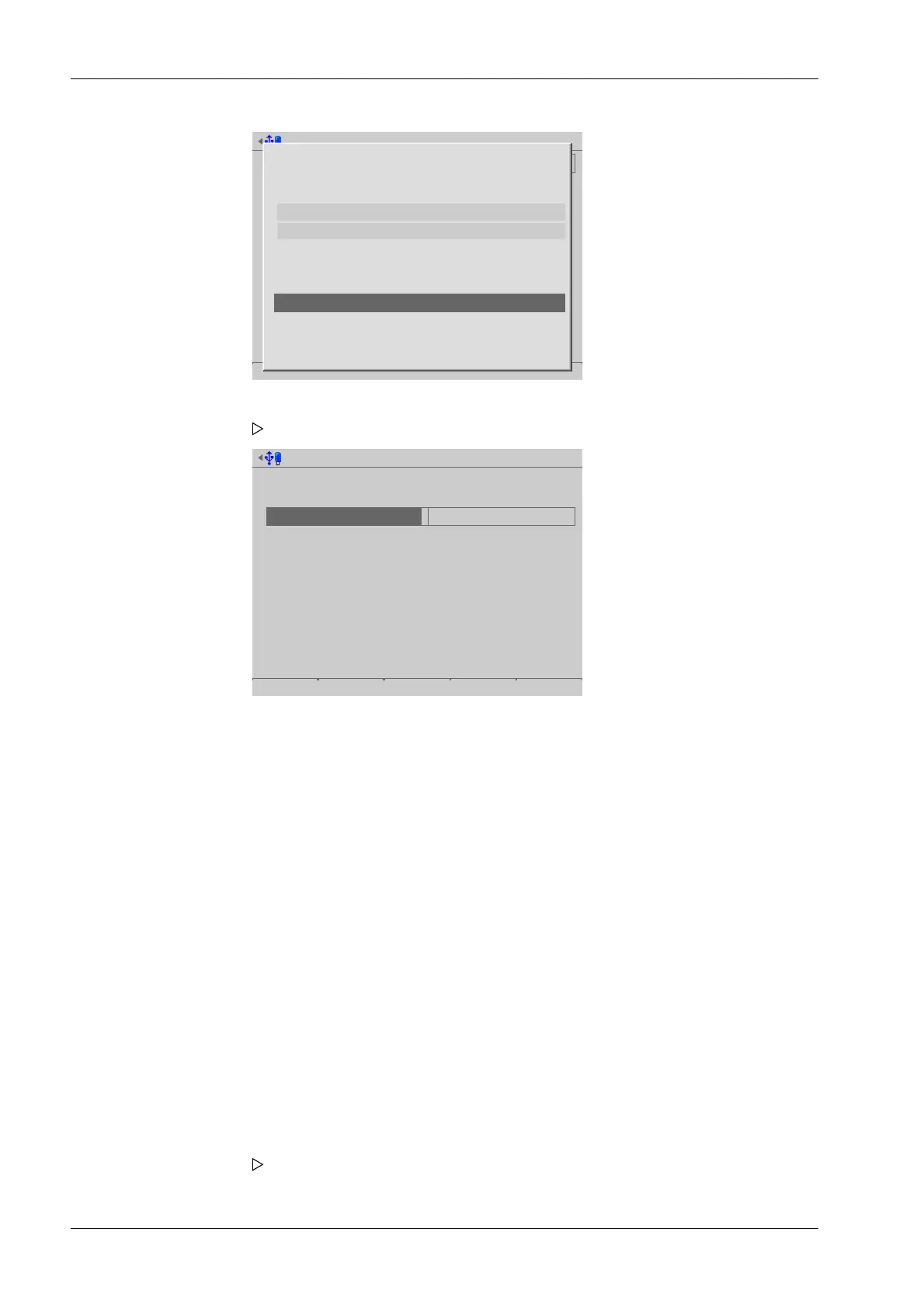
1. Select and conrm [USB folder].
A selection window opens.
2. Select and conrm the individual parameters.
3. Press the [Test print] soft key.
A prompt window appears.
Process Controller Maxxis 5 PR 5900 4 System setup
Minebea Intec EN-70



 To Next Page