System setup @admin
Connected devices
Date & Time
Operating parameters
Network parameters
Network share connections
Fieldbus parameters
Weighing points
Display settings
License settings
User management
Alibi memory
Operating parameters @admin
Operating
Display language
External keyboard layout
Input method
Screensaver
Keyclick sound
Coldstart with STOP+EXIT
Programming
Software download
Label/Language download
Operational keys
(en) English
German QWERTZ
by language
after 10 minutes
short key click
immediatlety
disabled
Blocked
Default Input test Save
Note:
When user management is activated, the settings for the logged-in user remain
active.
[Display language]
Selection: (de) German, [(en) English], [(fr) French]
Note:
When user management is activated, the operating language only changes once the
currently logged-in user logs out. It is only possible to switch languages
immediately using the F1 or F2 key.
[External keyboard layout]
Selection: [English QWERTY], German QWERTZ, French AZERTY, Italian QWERTY,
Spanish QWERTY, Russian QWERTY/ицукен
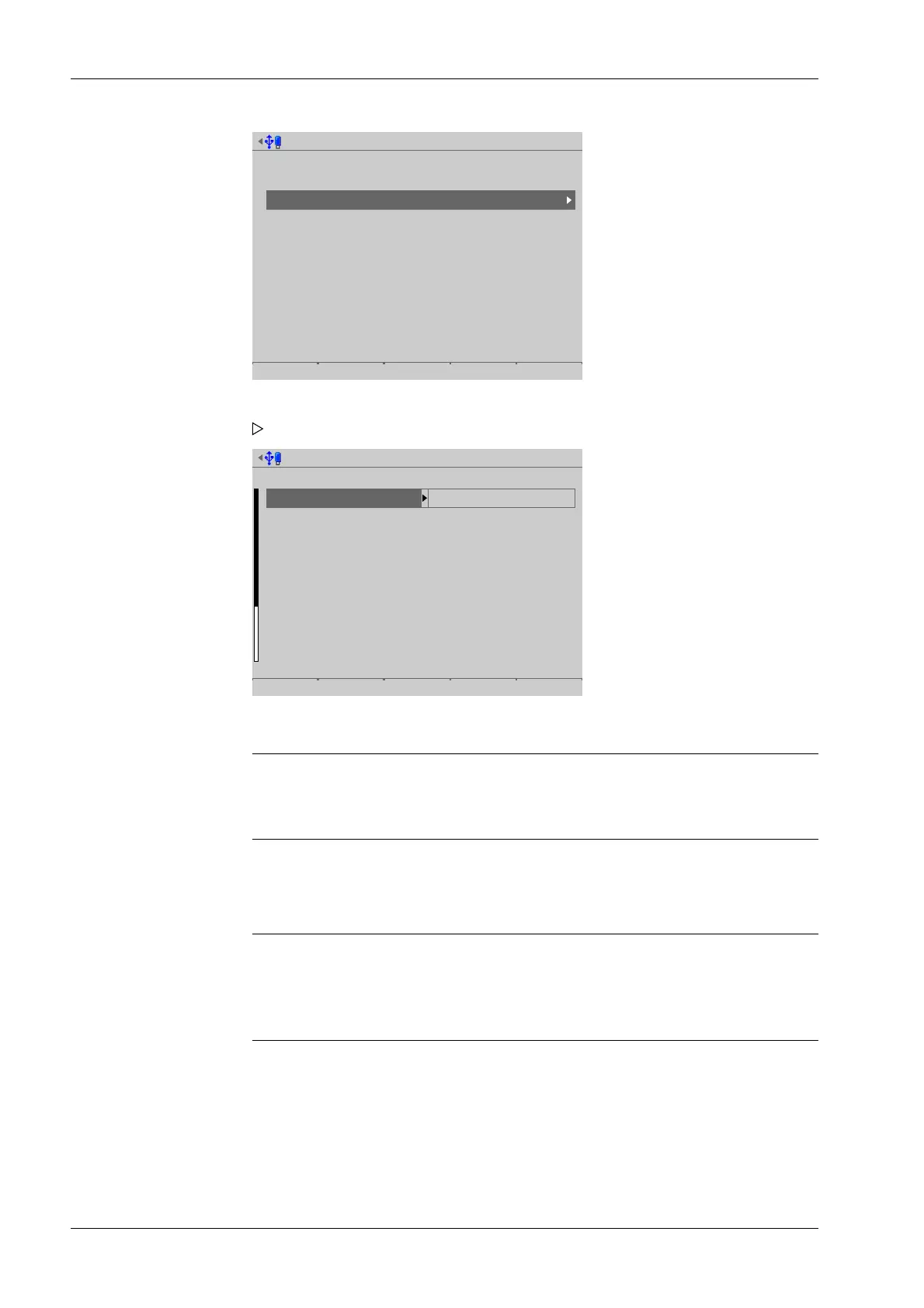
1. Select and conrm [Operating parameters].
A selection window opens.
2. Select and conrm the individual parameters.
Process Controller Maxxis 5 PR 5900 4 System setup
Minebea Intec EN-76



 To Next Page