Note:
This parameter applies in the case of a connected USB keyboard.
If a remote terminal is connected to Maxxis, this parameter also applies in the case
of a PS2 keyboard attached to the remote terminal.
[Input method]
This function makes it possible to enter Japanese (Hepburn) or Chinese (Pinyin)
characters even if the language in question (Japanese or Chinese) is not selected or
another language (such as English) has been selected under [Display language].
Selection: [by language], Hepburn (transliteration of Japanese "Hiragana" characters
into Latin script), Pinyin (phonetic transliteration based on the Latin alphabet)
Input test for keyboard and keypad
Operating parameters @admin
Operating
Display language
External keyboard layout
Input method
Screensaver
Keyclick sound
Coldstart with STOP+EXIT
Programming
Software download
Label/Language download
Operational keys
(en) English
German QWERTZ
Hepburn
after 10 minutes
short key click
immediatlety
enabled
Released
Default Input test Save
Operating parameters @admin
Operating
Display language
External keyboard layout
Input method
Screensaver
Keyclick sound
Coldstart with STOP+EXIT
Programming
Software download
Label/Language download
Operational keys
(en) English
German QWERTZ
Hepburn
after 10 minutes
short key click
immediatlety
enabled
Released
Default Input test Save
?
Enter some text for input test.
日本語の文字
Ok
IME...
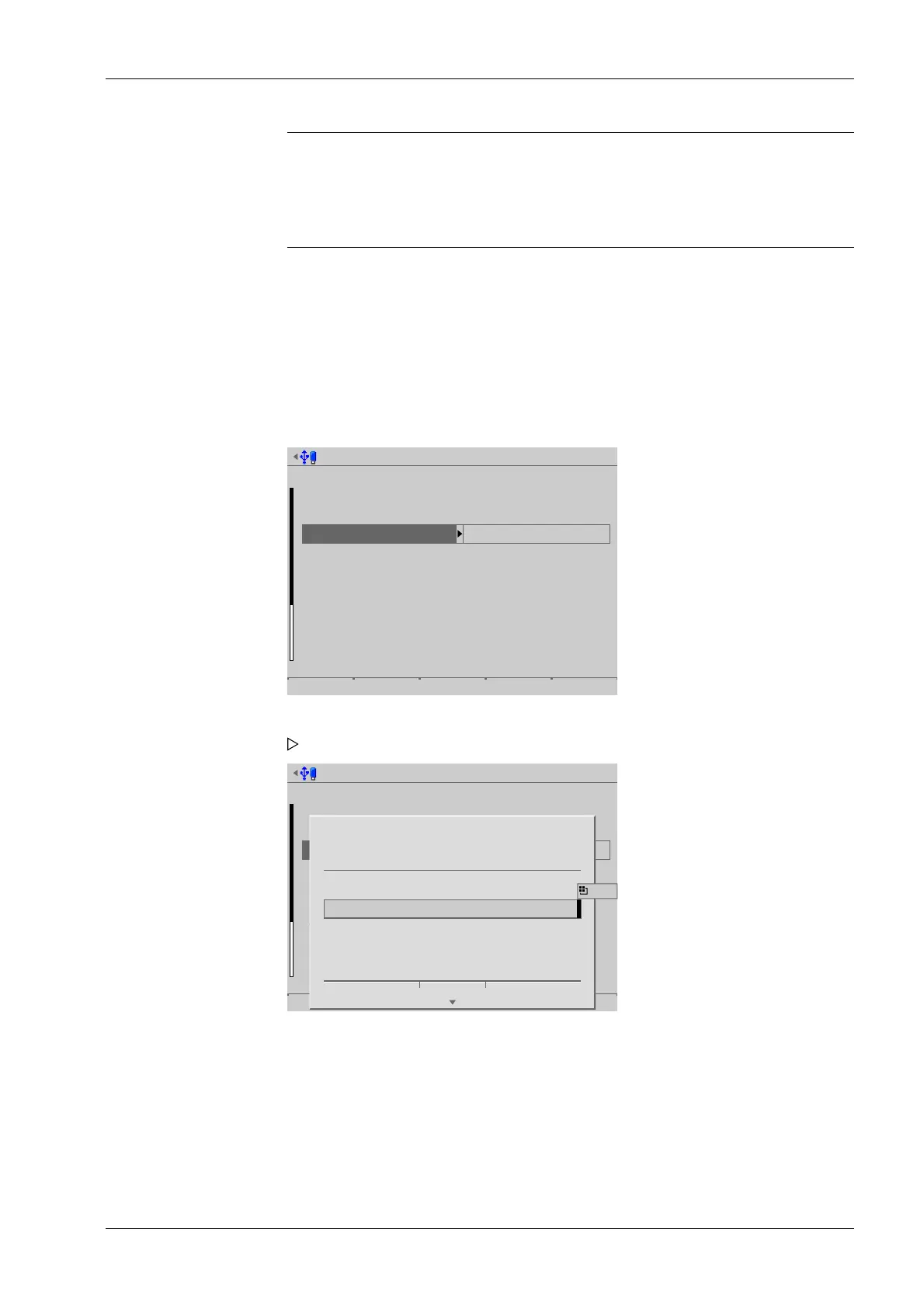
3. Press the [Input test] soft key to test the entry.
An input window opens.
4. Enter the desired characters.
4 System setup Process Controller Maxxis 5 PR 5900
EN-77 Minebea Intec



 To Next Page