8 Operation
Maschinenfabrik Reinhausen GmbH 2020 1193587317/21 EN TAPCON
®
To configure the device as a GOOSE subscriber, proceed as follows:
ü The SCD file for your system with all required IEDs has been imported.
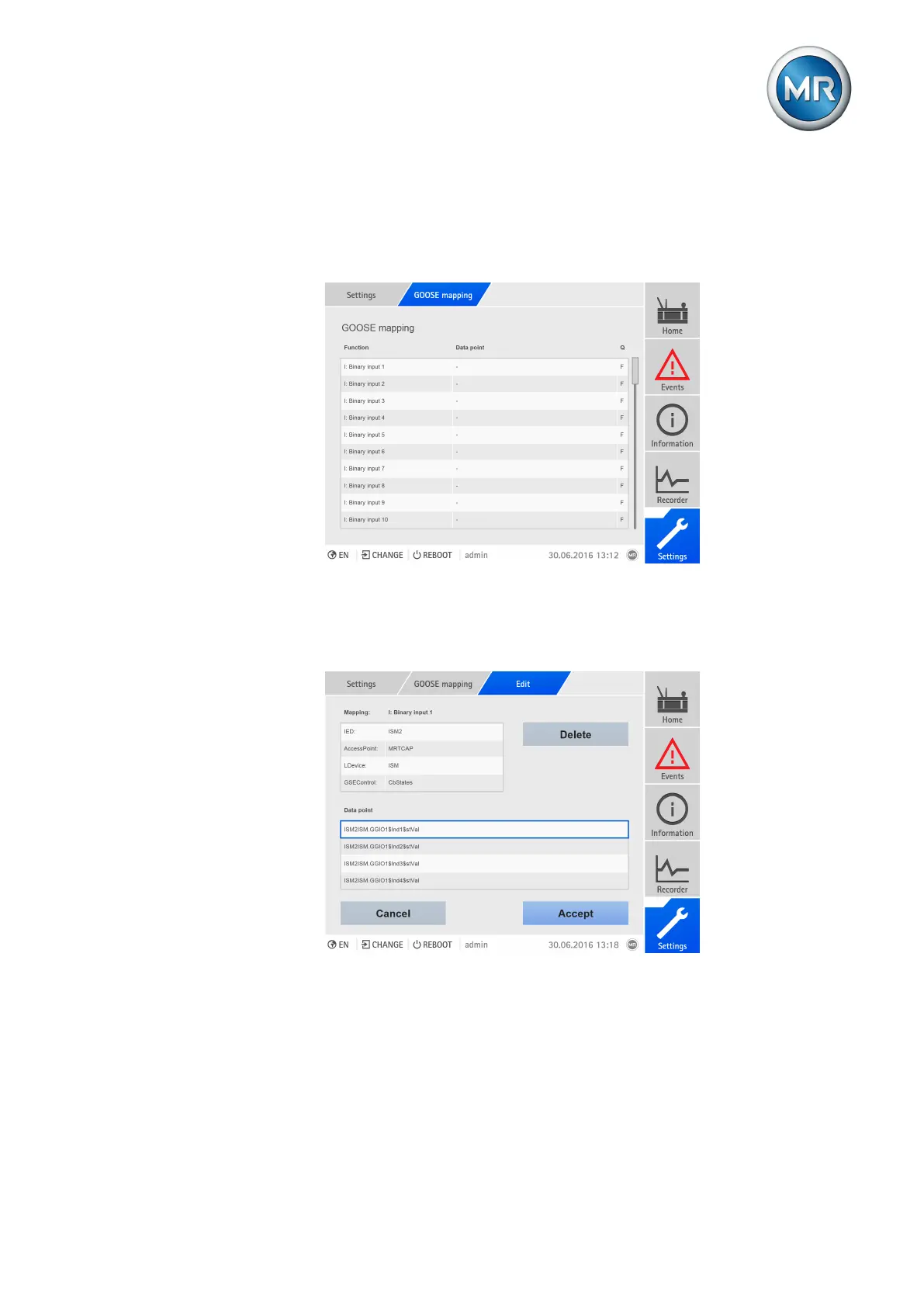
1. Go to Settings > Mapping.
ð The list of functions available on the device appears.
Figure90: Overview of device functions available
2. Select the desired function.
3. Select the desired IED, AccessPoint, LDevice, and GSEControl.
4. Select the desired data point.
Figure91: Selecting the data point
5. Press the Accept button to save the configuration.
ð The Restart device dialog appears.
6. Select Cancel if you want to configure other data points or OK to com-
plete the modified configuration by restarting the device.



 To Next Page