8 Operation
Maschinenfabrik Reinhausen GmbH 2020214 3587317/21 ENTAPCON
®
Delay time
You can use this parameter to set the delay time in order to delay the issuing
of the event message.
8.19.8 Phase symmetry monitoring
If you are measuring the voltage and current with the 3-phase UI 3 measur-
ing module, you can set the maximum permitted differences for voltage and
phase angle between the 3 phases. The difference is determined from the
highest and lowest measured value of the 3 phases.
ΔU Δφ
Max. diff.
Response for exceed
Delay time
5.0V
Off
0s
5.0deg
Off
0s
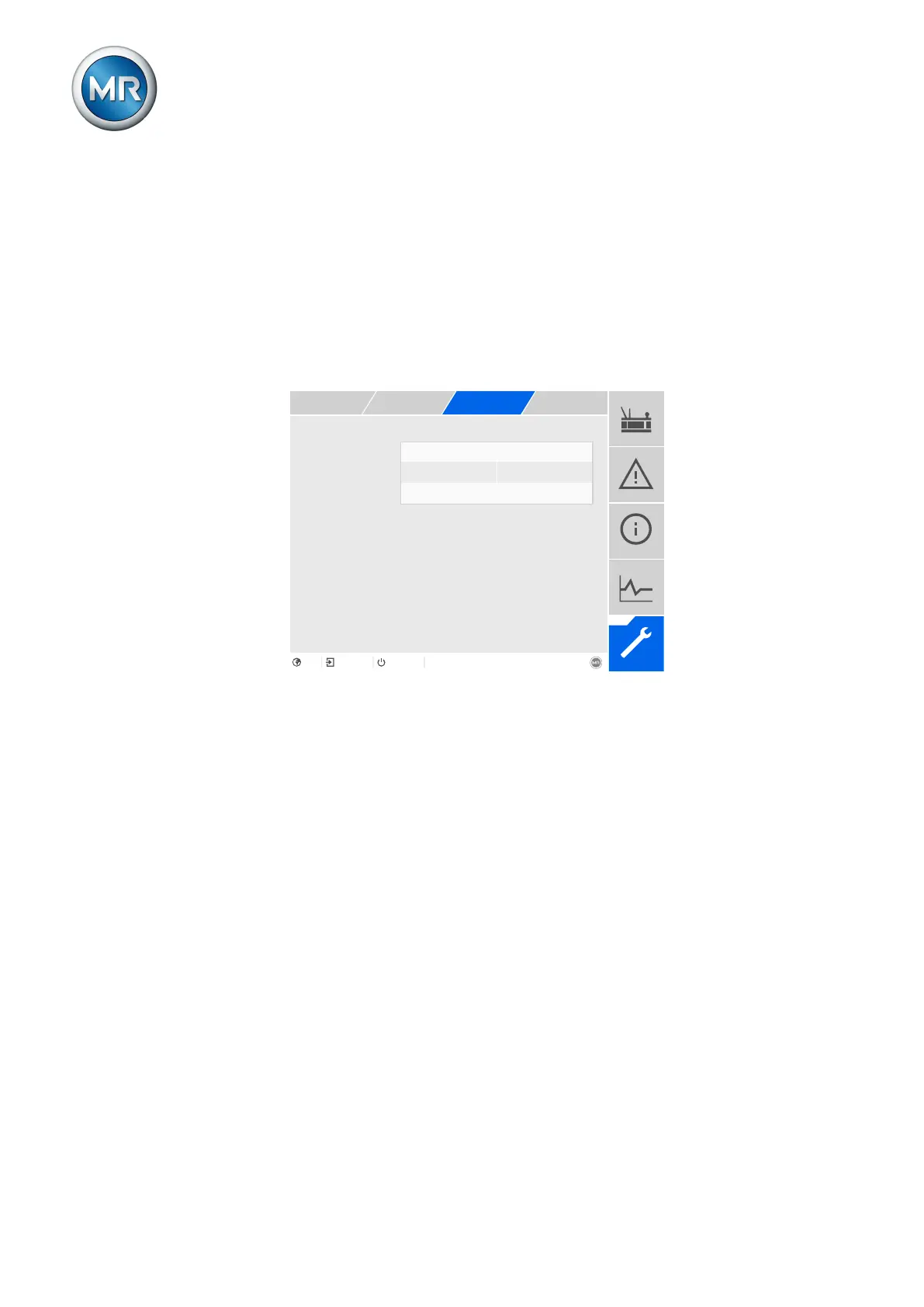
Figure147: Phase symmetry monitoring
1. Go to Settings > Parameters > Phase symmetry.
2. Select the desired parameter.
3. Set the desired parameter.
4. Press the Accept button to save the modified parameter.
Maximum difference
You can use this parameter to specify a limit value for the voltage difference
in V (in relation to the secondary value of the voltage transformer) or in kV
(in relation to the primary value of the voltage transformer) or the phase an-
gle difference.



 To Next Page