8 Operation
Maschinenfabrik Reinhausen GmbH 2020138 3587317/21 ENTAPCON
®
Control variable
You can use this parameter to set which control variable the device is to reg-
ulate. You can select the following options:
▪ Voltage
▪ Reactive power
Depending on your selection, the device uses the associated parameter set
for each option (desired value, bandwidth, etc.).
Standard regulation mode
You can set use this parameter to set the operating mode of the on-load tap-
changer regulation.
8.12 Voltage regulation
All of the parameters required for voltage regulation are described in this
section.
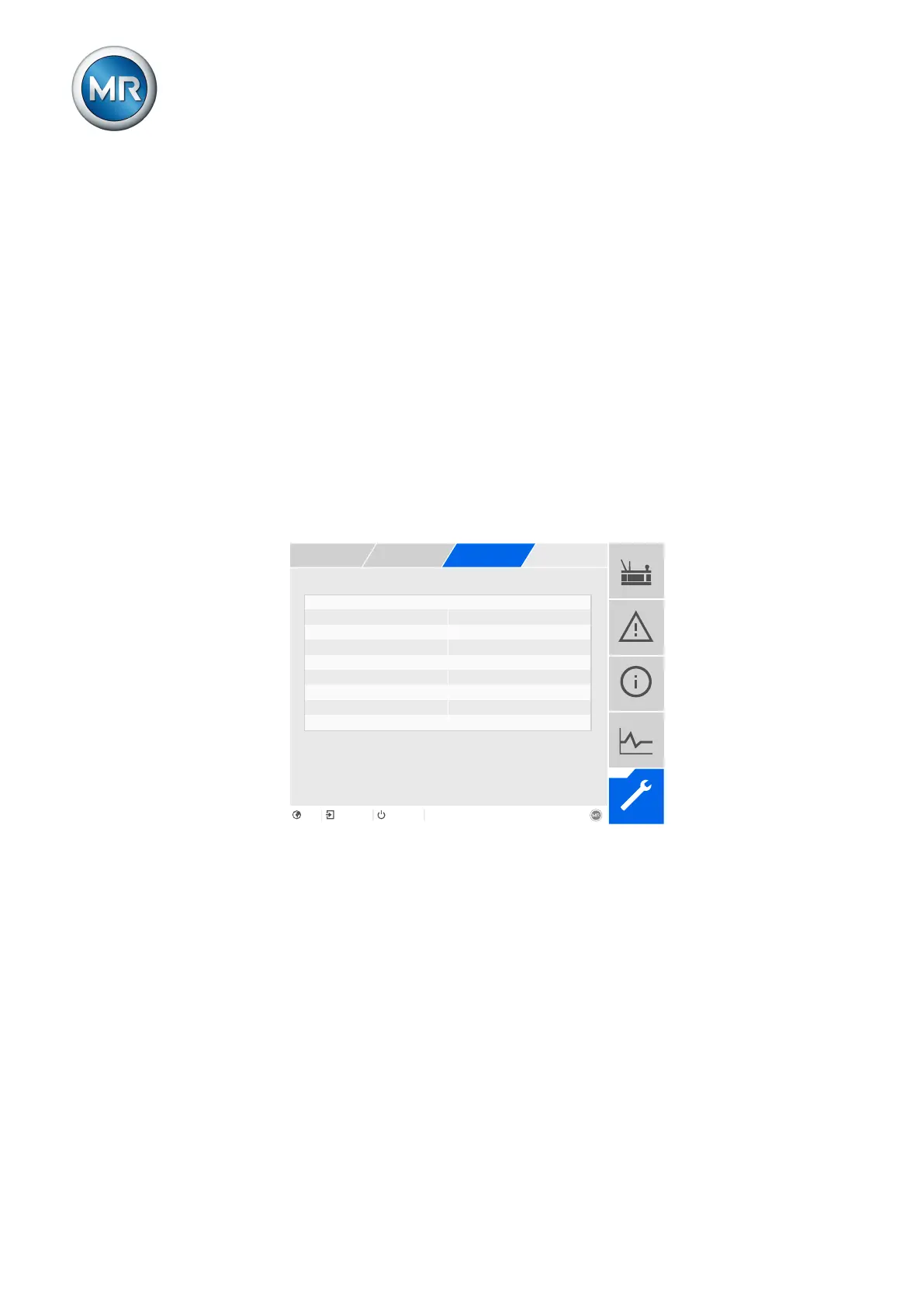
Selecting a desired value Desired value 1
Activate delay time T2 Off
Figure104: Voltage regulation (example)
1. Go to Settings > Parameters > On-load tap-changer regulator > Volt-
age regulation.
2. Select the desired parameter.
3. Set the desired parameter.
4. Press the Accept button to save the modified parameter.
8.12.1 Setting the desired value
In accordance with the order, the device is equipped with one of the follow-
ing variants for setting the desired value:



 To Next Page