8 Operation
Maschinenfabrik Reinhausen GmbH 2020160 3587317/21 ENTAPCON
®
8.14.1 Setting transformer data
You can use the following parameters to set the transformer data. Also note
the Examples for standard circuits for current transformers and voltage
transformers [►Section 8.14.2, Page 161].
Primary transformer voltage 100kV
Secondary transformer voltage 100V
Primary transformer current 100A
Secondary transformer current 1 A
Phase angle correction 0°
Voltage-transformer circuit 1 Ph phase voltage
Current-transformer circuit 1 Ph phase current
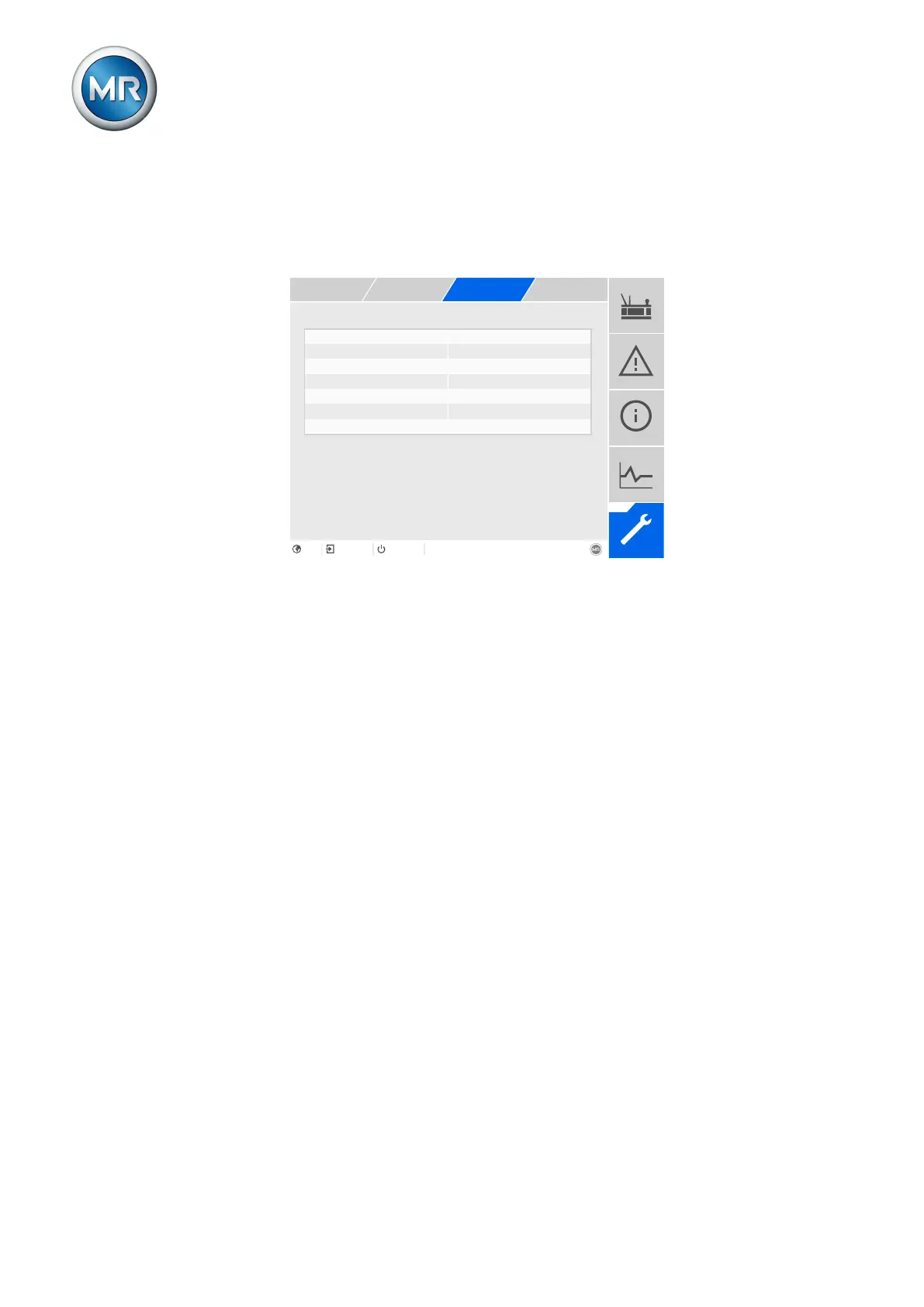
Figure115: Transformer data
1. Go to Settings > Parameters > Grid > Transformer data.
2. Select the desired parameter.
3. Set the desired parameter.
4. Press the Accept button to save the modified parameter.
Primary transformer voltage
You can use this parameter to set the primary voltage of the voltage trans-
former in kV.
Secondary transformer voltage
You can use this parameter to set the secondary voltage of the voltage
transformer in kV.
Primary transformer current
You can use this parameter to set the primary current of the current trans-
former.
Secondary transformer current
You can use this parameter to set the secondary current of the current trans-
former. You can select the following options:
▪ 0.2A
▪ 1A
▪ 5A



 To Next Page