6 Mounting
Maschinenfabrik Reinhausen GmbH 2020 573587317/21 EN TAPCON
®
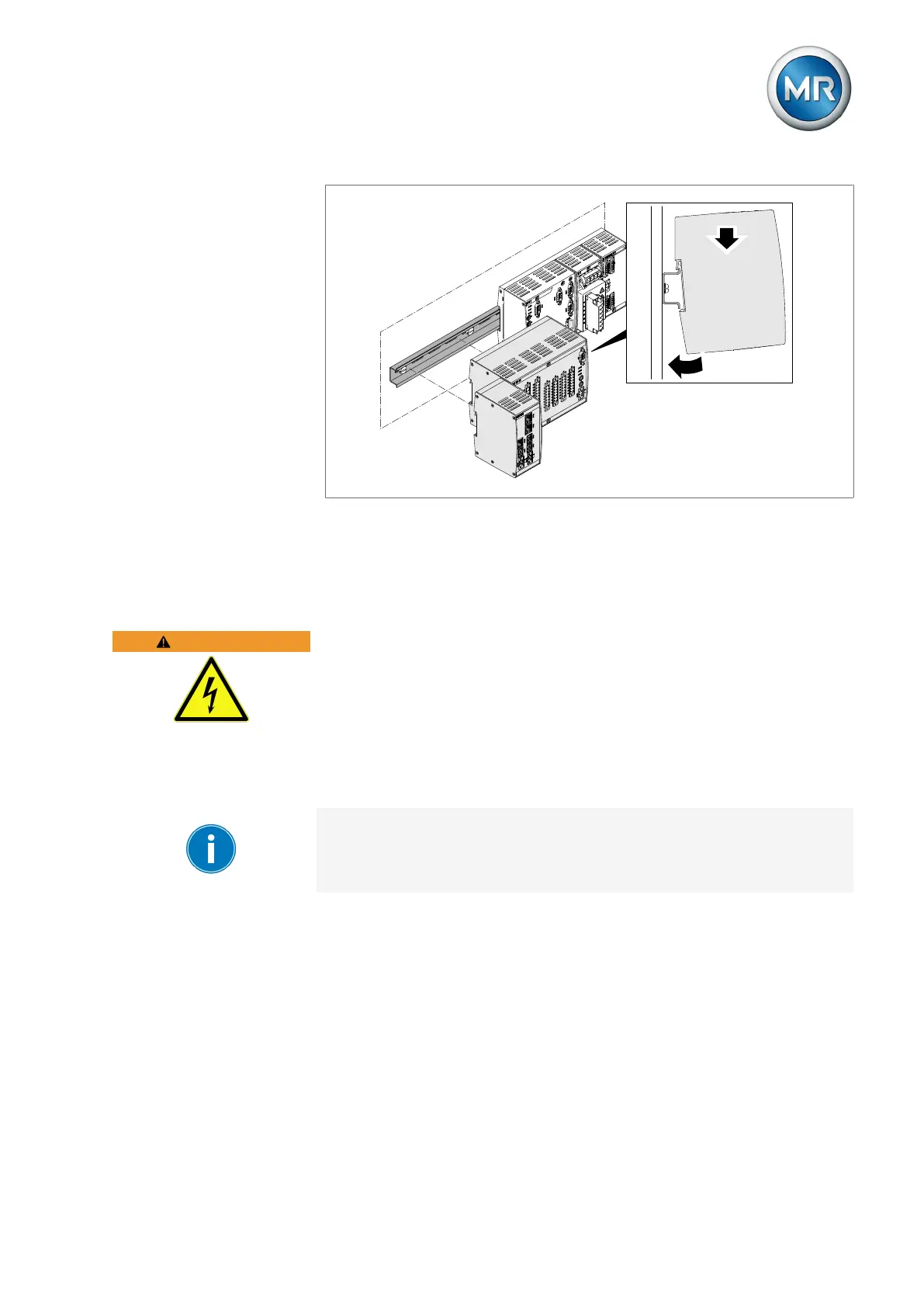
Figure40: Example: Hooking on DIO and SW assemblies
6.6 Connecting the device
The following section describes how to establish the electrical connection to
the device.
WARNING
Electric shock!
Connection errors can lead to death, injury or property damage.
► Ground the device with a protective conductor using the grounding screw
on the housing.
► Note the phase difference of the secondary terminals for the current
transformer and voltage transformer.
► Connect the output relays correctly to the motor-drive unit.
Supply the voltage via separators and ensure that current paths can be
short circuited. Fit the separator, clearly labeled, close to the device's power
supply so that it is freely accessible. This ensures that the device can be re-
placed with ease in the event of a defect.
Wiring information
Note this procedure for the wiring:
▪ To obtain a better overview when connecting cables, only use as many
cables as necessary.
▪ Note the connection diagram.
▪ Only use the specified cables for wiring. Note the cable recommendation.



 To Next Page