8 Operation
Maschinenfabrik Reinhausen GmbH 2020194 3587317/21 ENTAPCON
®
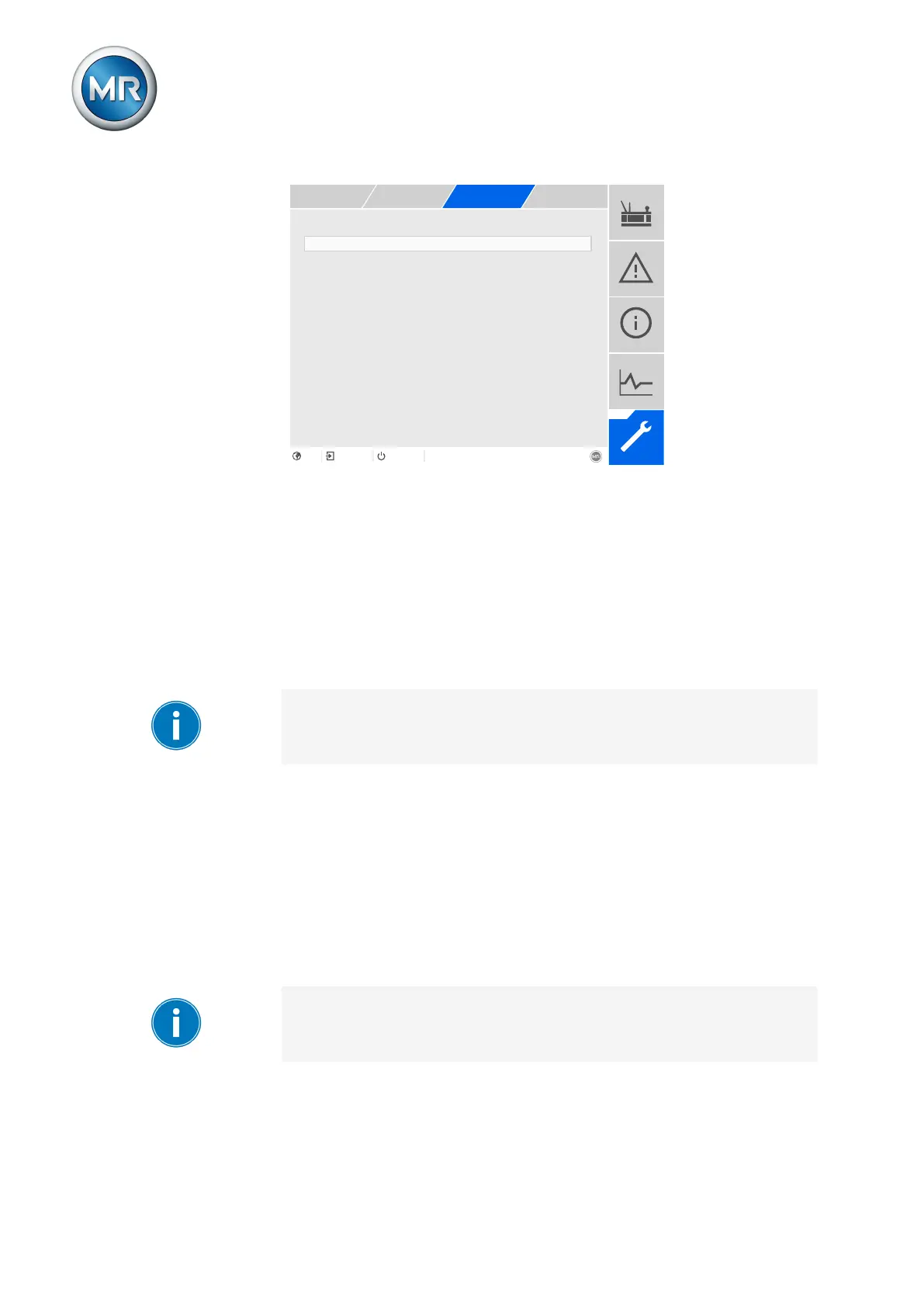
Figure133: Retrofit TAPCON® 2xx
1. Go to Settings > Parameters > Grid > TAPCON® 2xx retrofit.
2. Select the desired parameter.
3. Set the desired parameter.
4. Press the Accept button to save the modified parameter.
TAPCON® 2xx retrofit
You can use this parameter to activate or deactivate the Retrofit TAPCON®
2xx function.
If you activate this parameter, you have to reverse the prefix of the "Phase
angle correction" parameter for the transformer data (from - to + or from + to
-).
8.18.4 Detecting parallel operation via group inputs (optional)
You can control up to 16 transformers connected in parallel in one or 2
groups without detecting the system topology.
The devices in parallel operation only use the information communicated by
devices in the same parallel operation group via CAN bus.
You can use the PARALLEL GROUP 1 and PARALLEL GROUP 2 inputs to
assign the device to a parallel operation group. If you create a signal at both
inputs, the device is assigned to both parallel operation groups.
If no parallel operation group is assigned to a device, it doesn't take part in
the parallel operation and undertakes its own voltage regulation.



 To Next Page