8 Operation
Maschinenfabrik Reinhausen GmbH 2020 2373587317/21 EN TAPCON
®
4. Press the Accept button.
5. Confirm the security prompt with Yes to save the changes.
8.25 Event management
The device is equipped with event management, which allows you to detect
various device operating statuses and to adapt the behavior of the device.
An overview of all possible events is given in the Event messages chapter.
8.25.1 Displaying and acknowledging events
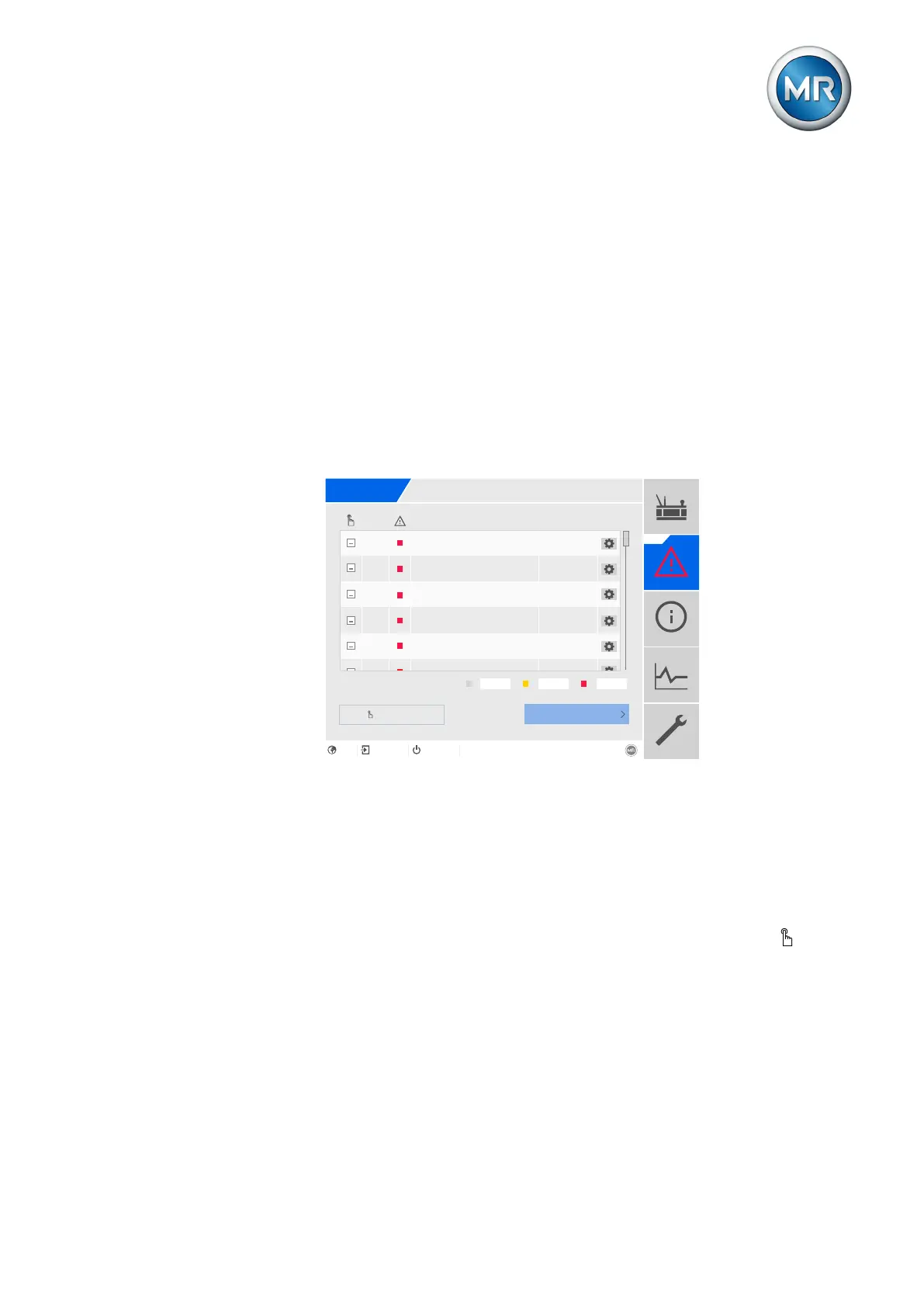
To display the events currently active, proceed as follows:
► Go to Events.
ð A list of events currently active appears.
Events
No.
Event Time
8
Limit value I>>
17.03.2020
10:56:59/669
12
Limit value S>>
16
Limit value P>>
18
Limit value Q<<
1001
Ambient temperature invalid
1002
Ambient temperature
17.03.2020
10:56:59/669
17.03.2020
10:56:59/669
17.03.2020
10:56:59/669
17.03.2020
10:56:59/669
17.03.2020
3
12
38
Log
Confirm
EN CHANGE REBOOTadmin 23.03.2020 08:08
Figure168: Overview of events currently active
Acknowledging events
Acknowledgeable events must be acknowledged in the event overview so
that they are no longer displayed. All other events are automatically removed
once the cause is remedied (e.g. limit value no longer infringed).
To acknowledge the events, proceed as follows:
► To acknowledge the events, highlight the desired events in the column
then press the Acknowledge button.
ð The events are acknowledged.



 To Next Page