8 Operation
Maschinenfabrik Reinhausen GmbH 2020132 3587317/21 ENTAPCON
®
If you enter event number 500, the link is disabled.
8.10 Control of the motor-drive unit
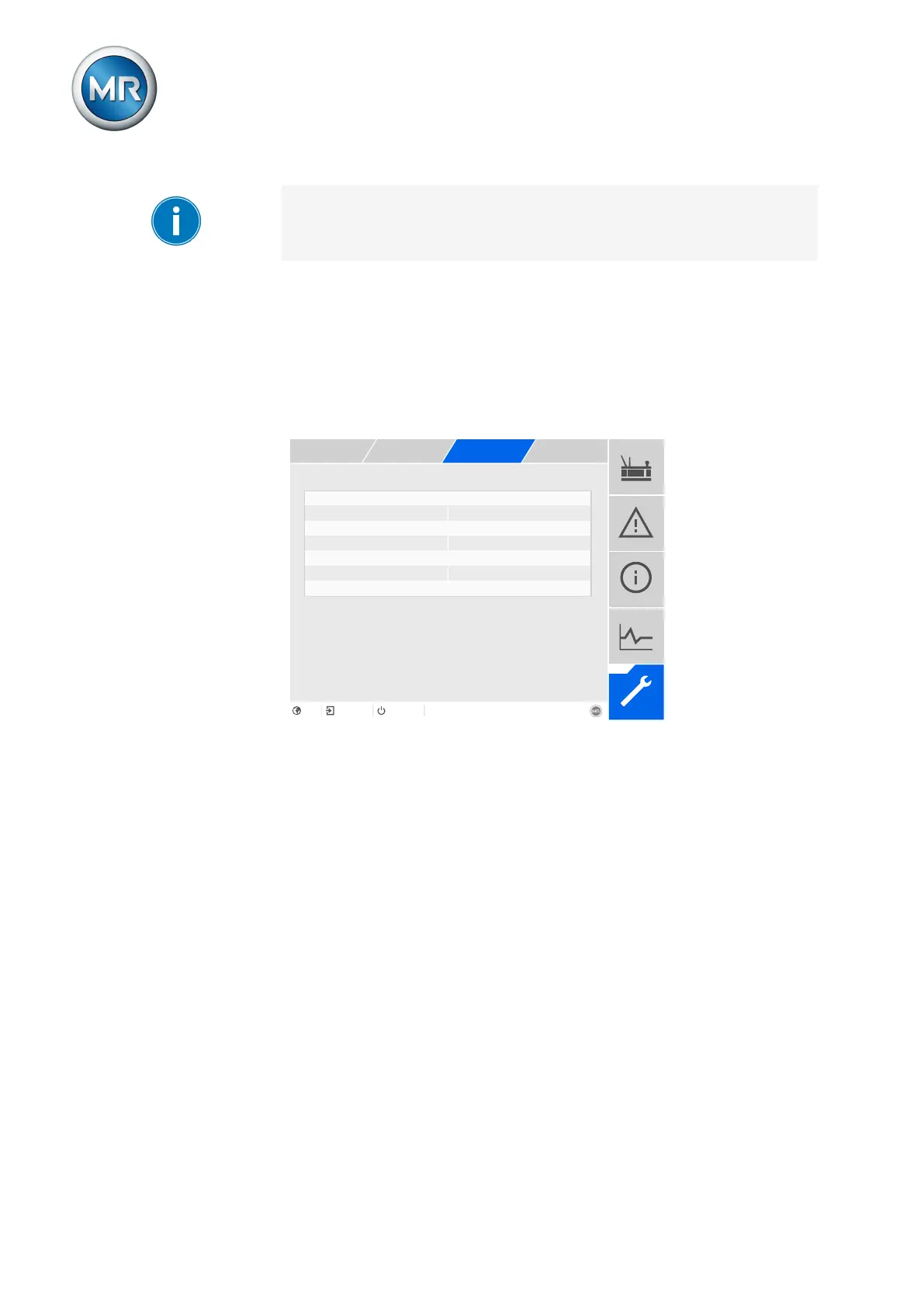
The following parameters let you configure control of the motor-drive unit.
You can set the following:
▪ Switching pulse
▪ Motor runtime
▪ Switching direction
Switching pulse type Time-controlled pulse
Switching pulse time 1.5s
Switching pulse pause 2.5s
Activate motor runtime monitoring Off
Activate switching direction moni... Off
Switching direction Standard
Figure100: Motor control unit
► Go to Settings > Parameters > Motor and control cabinet > Torque
monitoring .
8.10.1 Setting the switching pulse for controlling the motor-drive unit
You can use the parameters Switching pulse type, Switching pulse time and
Switching pulse pause to adapt the device switching pulse to the require-
ments of the motor-drive unit controller.
1. Go to Settings > Parameters > Motor and control cabinet > Motor
control.
2. Select the desired parameter.
3. Set the parameter.
4. Press the Accept button to save the modified parameter.
Switching pulse type
You can use this parameter to toggle the switching pulse between a continu-
ous pulse or a time-controlled switching pulse.



 To Next Page