8 Operation
Maschinenfabrik Reinhausen GmbH 2020130 3587317/21 ENTAPCON
®
Activate desired value 5
If the assigned event is active, the device activates the desired value 5.
Increase desired value
If the assigned event is active, the device prompts an increase in the desired
value.
Decrease desired value
If the assigned event is active, the device prompts a decrease in the desired
value.
8.9.2 Linking digital outputs
You can link each event with a digital output. The device provides a maxi-
mum of 20 digital outputs for this purpose. When you link a digital output to
an event, the device issues a signal to this output if the event occurs. The
signal persists until the event stops. A parameter is available for each avail-
able digital output.
To forward input signals or control system commands, you need to link the
digital outputs or control system messages with the Generic digital input or
Generic SCADA command events.
Generic digital output 1 500
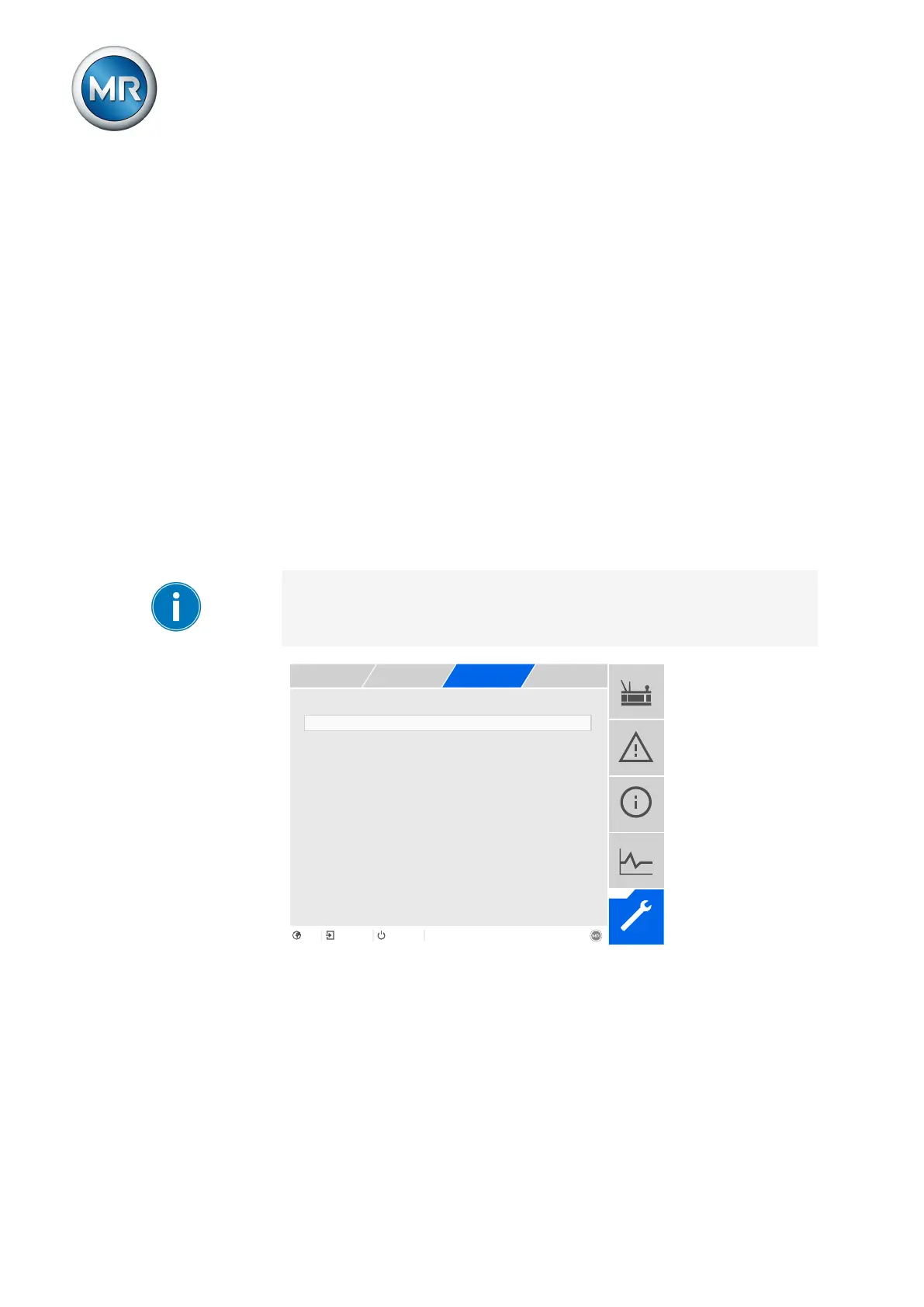
Figure98: Linking digital outputs
ü The desired event number is known [►Section 8.25, Page 237].
1. Go to Settings > Parameters > System > Link outputs.
2. Select the desired parameter.
3. Enter the desired event number.
4. Press the Accept button to save the modified parameter.



 To Next Page