8 Operation
Maschinenfabrik Reinhausen GmbH 2020 2353587317/21 EN TAPCON
®
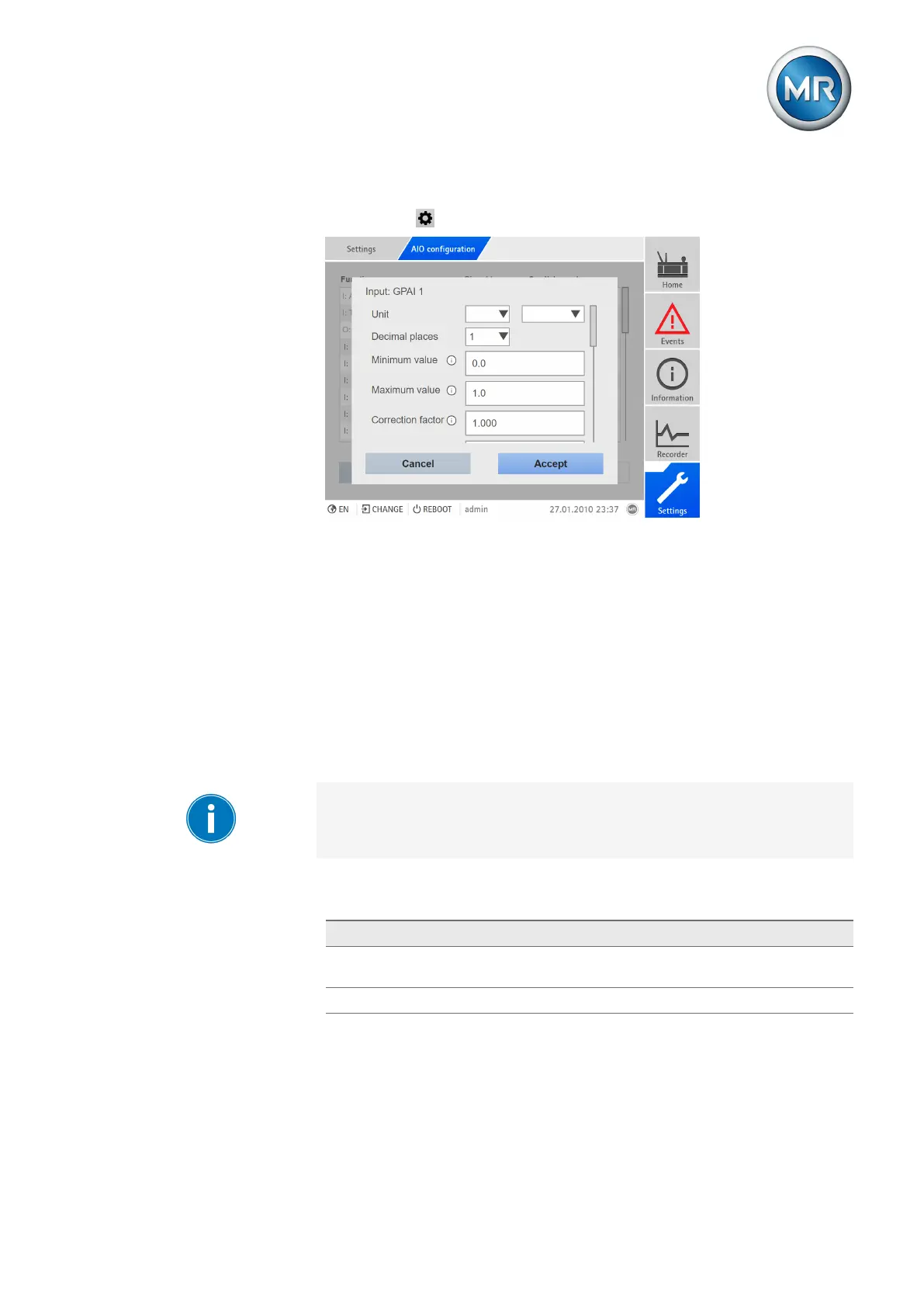
2. Configure properties such as function, signal type and card/channel.
3. Select the button to configure the values as desired.
Figure166: Entering values
4. Press the Accept button.
5. Confirm the security prompt with Save to save the changes.
8.24 Configuring digital inputs and outputs
Upon delivery, the configurable digital inputs and outputs of the device are
configured as follows:
▪ Input: High active
▪ Output: N/O contact (NO)
You can change this configuration if necessary.
Ensure that the configuration of the digital inputs and outputs is suitable for
the functions used. Otherwise, malfunctions may occur in the device and
the connected periphery.
The following information is displayed in tabular form for configuring the digi-
tal inputs and outputs. Grayed out elements cannot be changed.
Property Options
Function Function of the digital input (I: ...) or the digital output (O: ...). You
can adjust the designation.
Signal type Select signal type: Digital input



 To Next Page