8 Operation
Maschinenfabrik Reinhausen GmbH 2020 993587317/21 EN TAPCON
®
8.6 Configuring syslog
The device supports the transmission of log messages via the syslog proto-
col in accordance with the standards RFC5424 and RFC3164.
Reconnect delay time 10s
Emergency severity level Off
Critical severity level Off
Warning severity level Off
Notice severity level Off
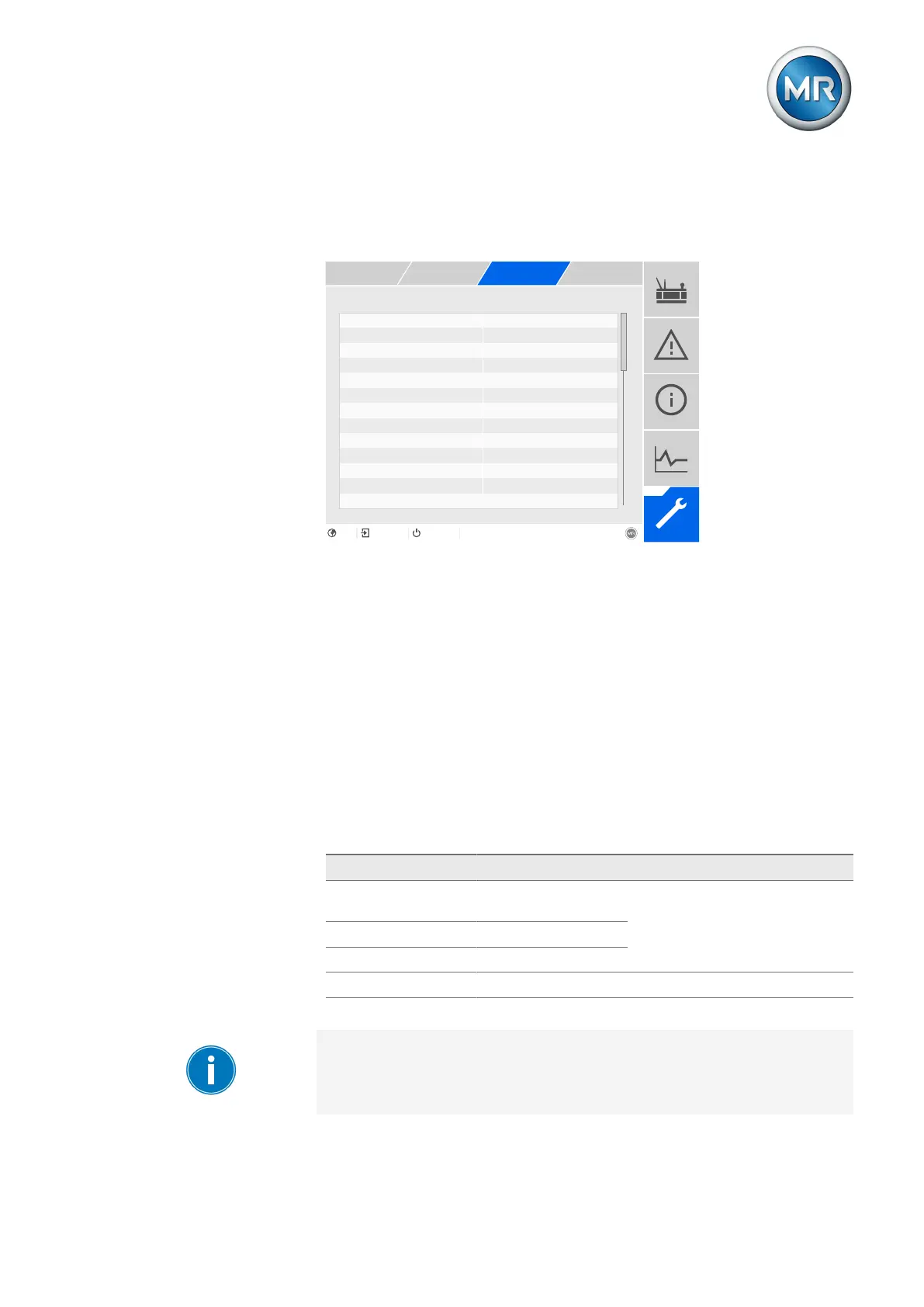
Figure79: Syslog
1. Go to Settings > Parameters > System > Syslog.
2. Select the desired parameter.
3. Set the parameter.
4. Press the Accept button to save the modified parameter.
Activate syslog
You can use this parameter to activate transmission of syslog messages via
the device.
Syslog standard
You can use this parameter to adjust the transmission process and the for-
mat for the syslog messages. You can select the following options:
Standard Transport Message format
RFC5425 (recom-
mended)
TLS RFC5424
RFC5426 UDP
RFC6587 TCP
RFC3164 UDP RFC3164
Table22: Syslog standard
If you use the standard RFC5245 (TLS), you have to import the root certifi-
cate and the client certificate with the corresponding key to the syslog
server. For more information, refer to the section titled Importing data
[►Section 8.28.2, Page 252].



 To Next Page