8 Operation
Maschinenfabrik Reinhausen GmbH 2020 2433587317/21 EN TAPCON
®
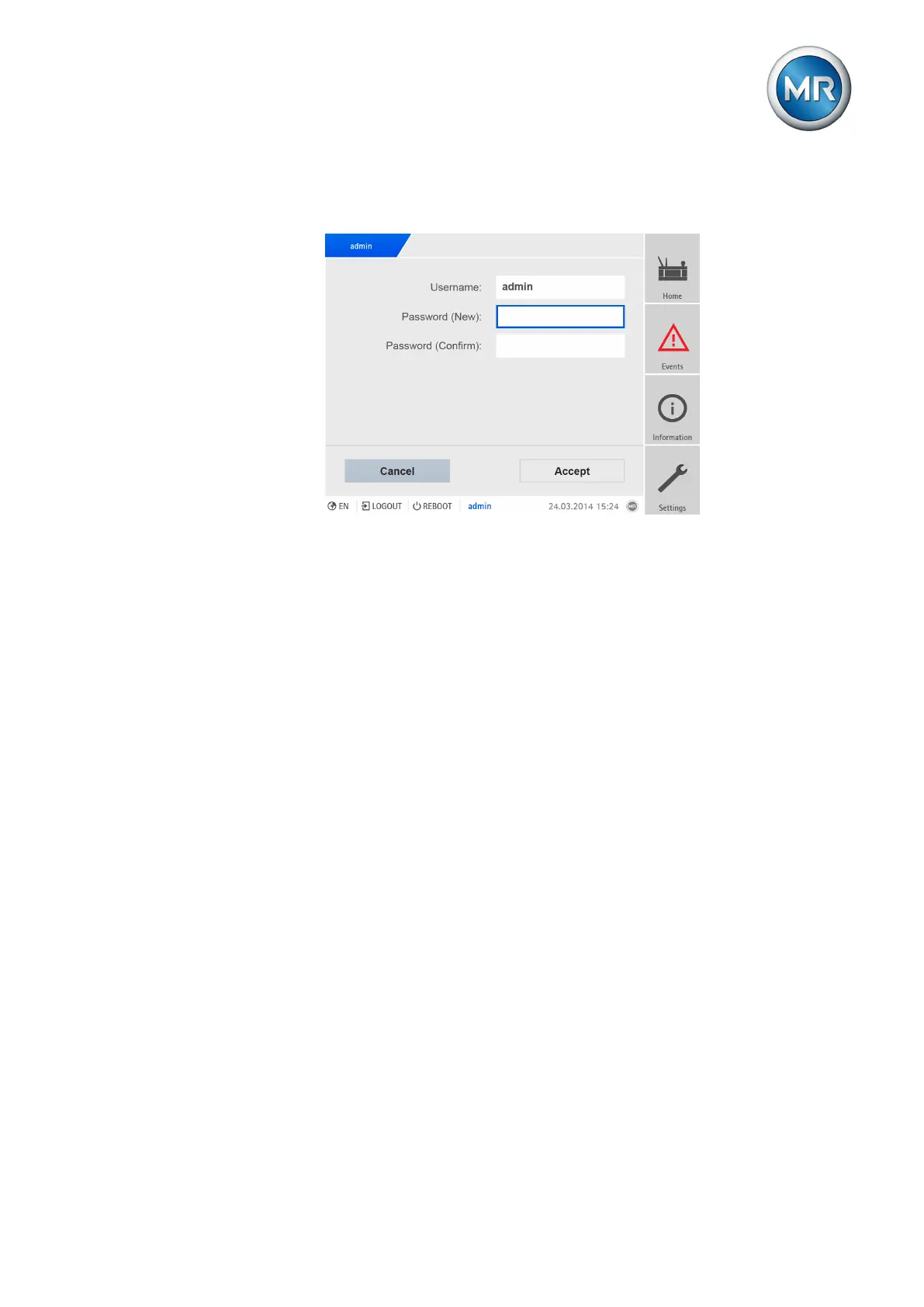
To change the password, proceed as follows:
1. Select the user name in the status line.
Figure171: Changing the password
2. Enter the new password twice.
3. Press the Accept button to save the changed password.
8.26.3 Creating, editing and deleting users
You can set the following options for all users:
▪ Username and password
▪ Role: You can assign a role to every user. The access rights to parame-
ters and events are linked to the roles.
▪ Group access: With this option, you can declare a user account to be a
group account (e.g. for access by different people). Users with group ac-
cess cannot change their own password. The password can only be
changed by the administrator.
▪ Active: You can activate or deactivate the user. Deactivated users cannot
log in. The user data is still stored in the device.
▪ Auto login: You can activate the Auto-login function for a user. This user is
automatically logged in when the system is restarted or another user logs
out.



 To Next Page