8 Operation
Maschinenfabrik Reinhausen GmbH 2020 893587317/21 EN TAPCON
®
8.2 General
You can set general parameters in this menu item.
8.2.1 Setting general device functions
You can set general device functions with the following parameters.
Time until auto-logout 15.0min
Measured value display Primary values
Transformer name Transformer
Remote behavior Hardware and SCADA
Service user access activation Activated
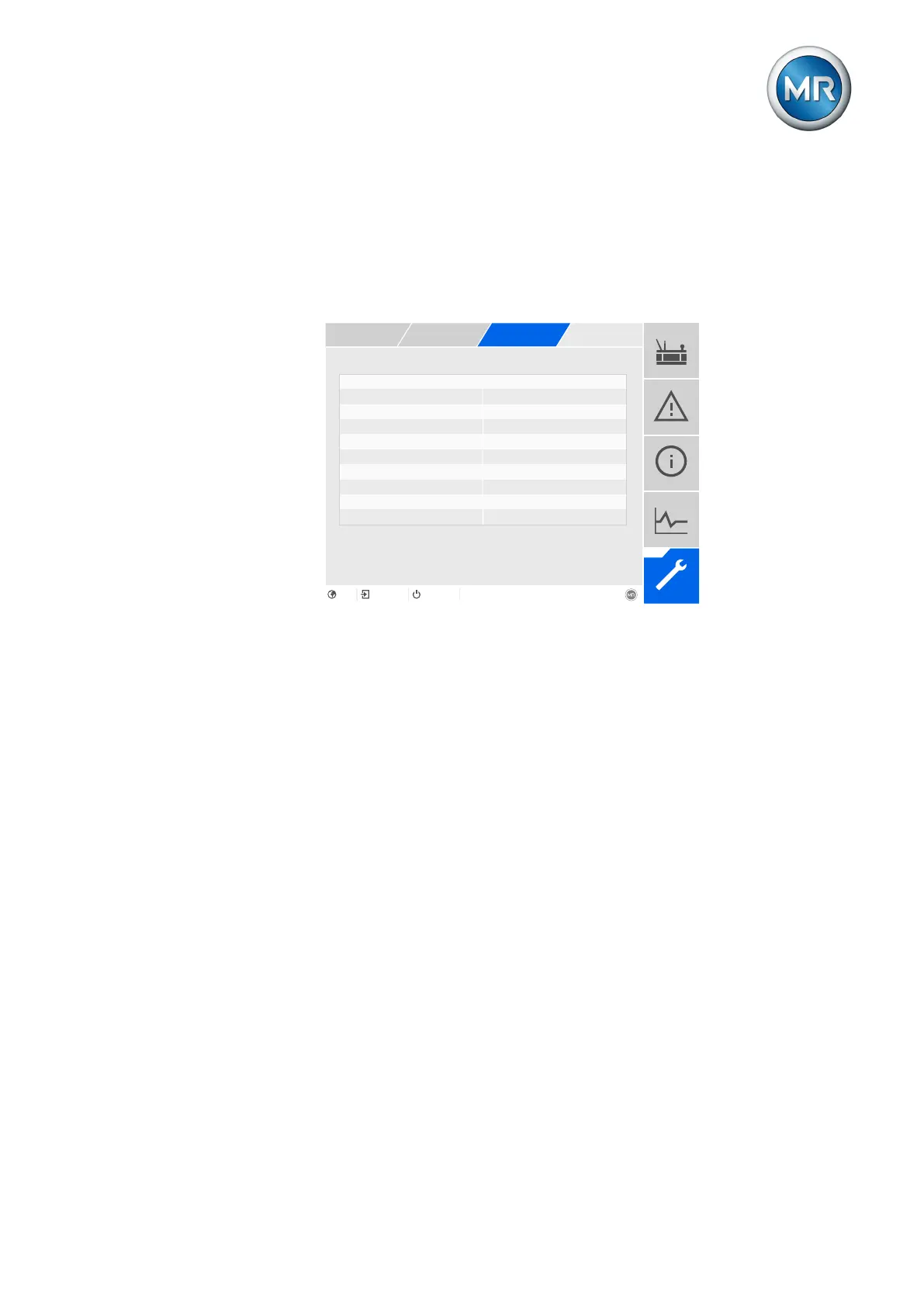
Figure73: General
1. Go to Settings > Parameters > System > General.
2. Select the desired parameter.
3. Set the parameter.
4. Press the Accept button to save the modified parameter.
Commissioning wizard
You can use this parameter to set whether the commissioning wizard
[►Section 7.4, Page 79] is to launch automatically when the device is
restarted.
Measured value display
You can use this parameter to set whether the displayed measured values
and control parameters are to refer to the primary side or secondary side of
the measuring transducers.
Transformer name
You can use this parameter to enter a transformer name for identification
purposes. The transformer name will be displayed on the main screen in the
visualization.



 To Next Page