8 Operation
Maschinenfabrik Reinhausen GmbH 2020 1793587317/21 EN TAPCON
®
To carry out the calibration, proceed as follows:
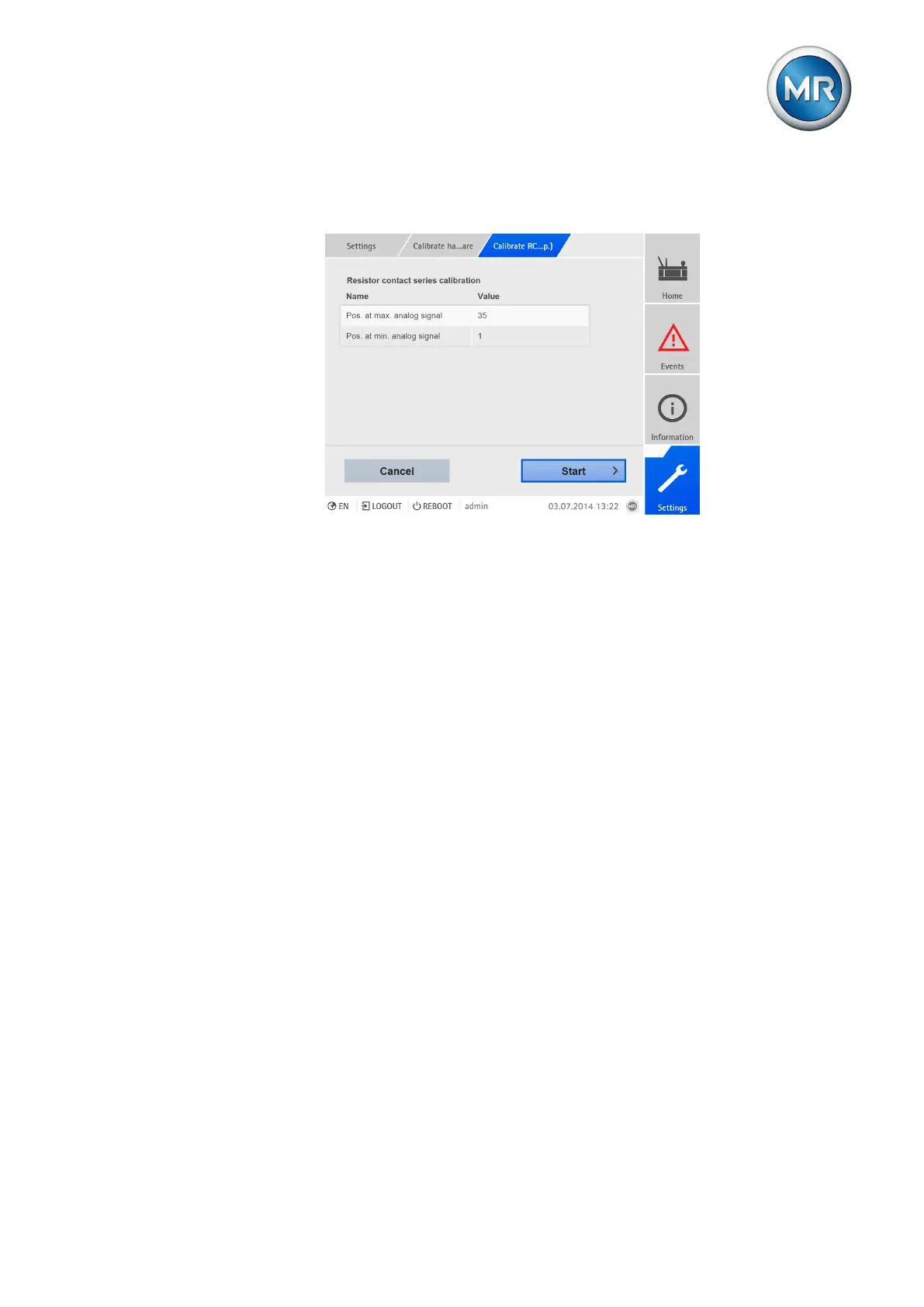
1. Go to Settings > Calibrate hardware > Calibrate RCS .
Figure123: Calibrate resistor contact series (RCS)
2. Select the Pos. at max. analog signal parameter.
3. Set the tap position.
4. Press the Accept button to save the modified parameter.
5. Select the Pos. at min. analog signal parameter.
6. Set the tap position.
7. Press the Accept button to save the modified parameter.
8. Press the Start button.
ð The calibration wizard is started.
9. Press the Next button.
10. Step 1: Manually switch on-load tap-changer to the highest tap position.
11. Press the Next button.
ð Step 2: The device calibrates the current output and once complete
moves onto step 3.
12. Step 3: Manually switch on-load tap-changer to the lowest tap position.
ð Step 4: The device determines the offset and once complete moves
onto step 5.
13. Step 5: Press the Next button to complete calibration.
ð Calibration of tap position capture using the resistor contact series has
been undertaken successfully.
8.18 Parallel operation (optional)
Parallel transformer operation is used to increase the throughput capacity or
short-circuit capacity at one location. The device provides you with specific
functions for regulating transformers.



 To Next Page