8 Operation
Maschinenfabrik Reinhausen GmbH 2020 1373587317/21 EN TAPCON
®
Response to SCADA disconnection
You can use this parameter to set the behavior of the device when the con-
nection to the control system is interrupted. You can select the following op-
tions:
▪ No response: The device remains in the current operating mode.
▪ Switchover to auto mode: The device switches to auto mode.
▪ Desired value 1…5: The device uses the selected voltage desired value.
This desired value will also continue to be used once the connection is
reestablished. Depending on the device configuration, you can select up
to 5 desired values.
SCADA disconnection delay time
You can use this parameter to set the delay time before the device responds
to the SCADA interruption. If the connection to the control system is inter-
rupted for longer than the delay time, the device triggers an event and re-
sponds with the set behavior.
8.11.2 Setting control variable (optional)
If the device is equipped with the optional reactive power regulation function,
you can set which control variable the device is to regulate.
Response to SCADA disconnection No reaction
SCADA disconnection delay time 5s
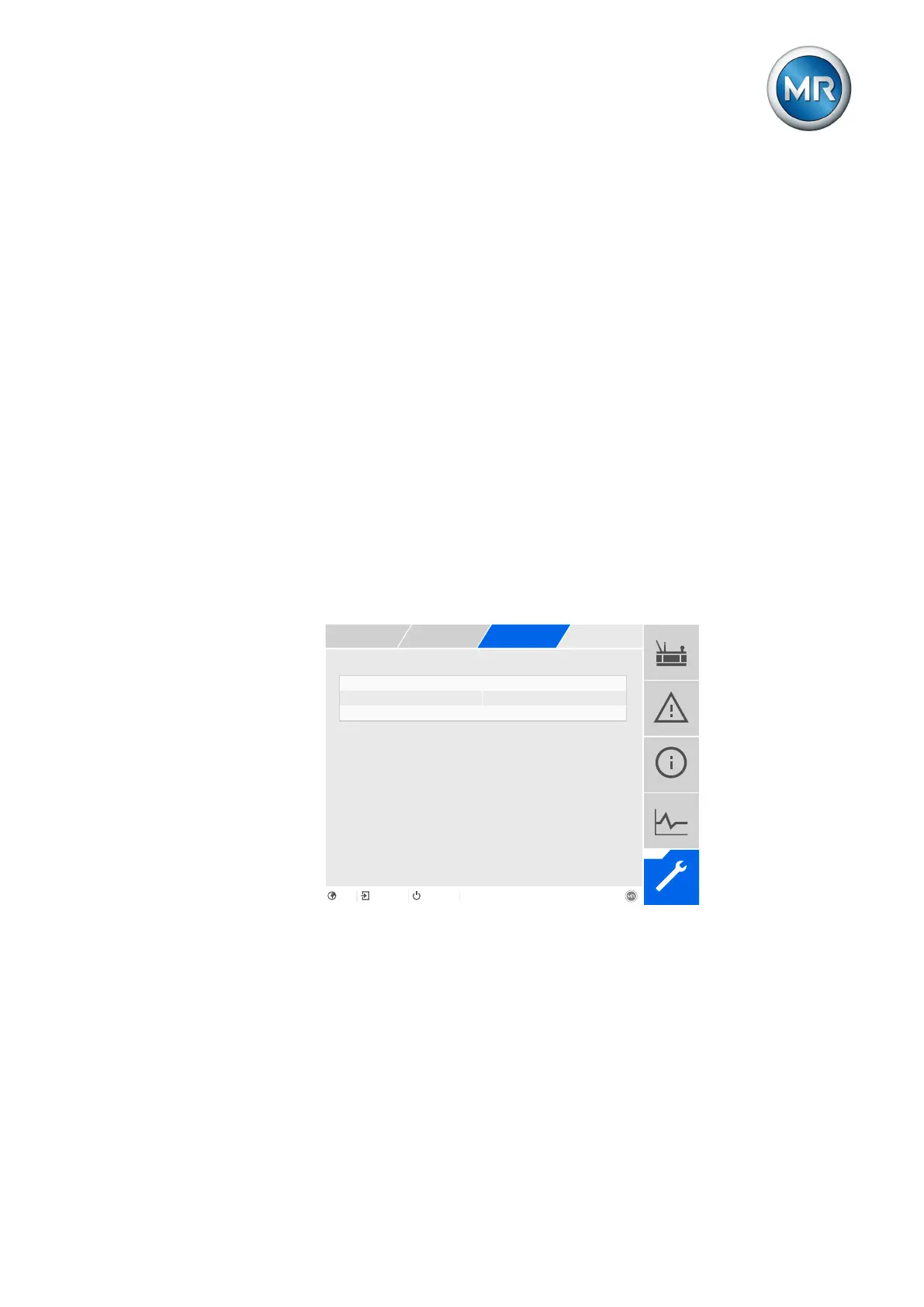
Figure103: Regulation
1. Go to Settings > Parameters > On-load tap-changer regulator > Regu-
lation.
2. Select the desired parameter.
3. Set the desired parameter.
4. Press the Accept button to save the modified parameter.



 To Next Page