8 Operation
Maschinenfabrik Reinhausen GmbH 2020 2233587317/21 EN TAPCON
®
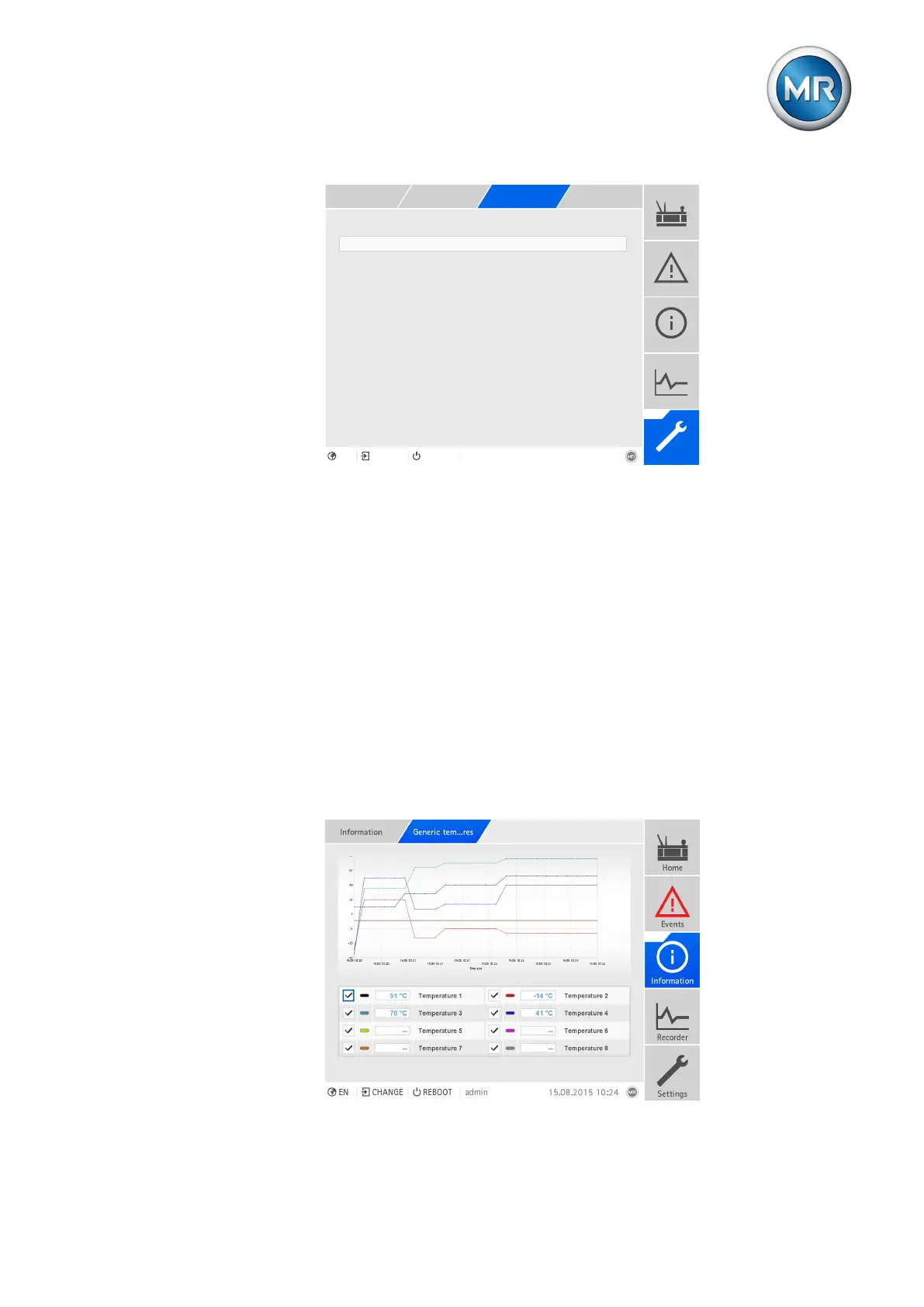
Mean value interval 360s
Figure153: Recorder
1. Go to Settings > Parameters > System > Recorder.
2. Select the desired parameter.
3. Set the parameter.
4. Press the Accept button to save the modified parameter.
Average value interval
You can use this parameter to set the average value interval of the mea-
sured value recorder for electrical measured variables (current, voltage,
phase angle etc.).
8.20.4 Displaying temperature curve (optional)
If you are using additional temperature sensors (generic temperature 1...8),
you can display the temperature curve for these temperatures over the last
10 days. To do so, proceed as follows:
Figure154: Generic temperatures



 To Next Page