8 Operation
Maschinenfabrik Reinhausen GmbH 2020 913587317/21 EN TAPCON
®
Time until auto-logout 15.0min
Measured value display Primary values
Transformer name Transformer
Remote behavior Hardware and SCADA
Service user access activation Activated
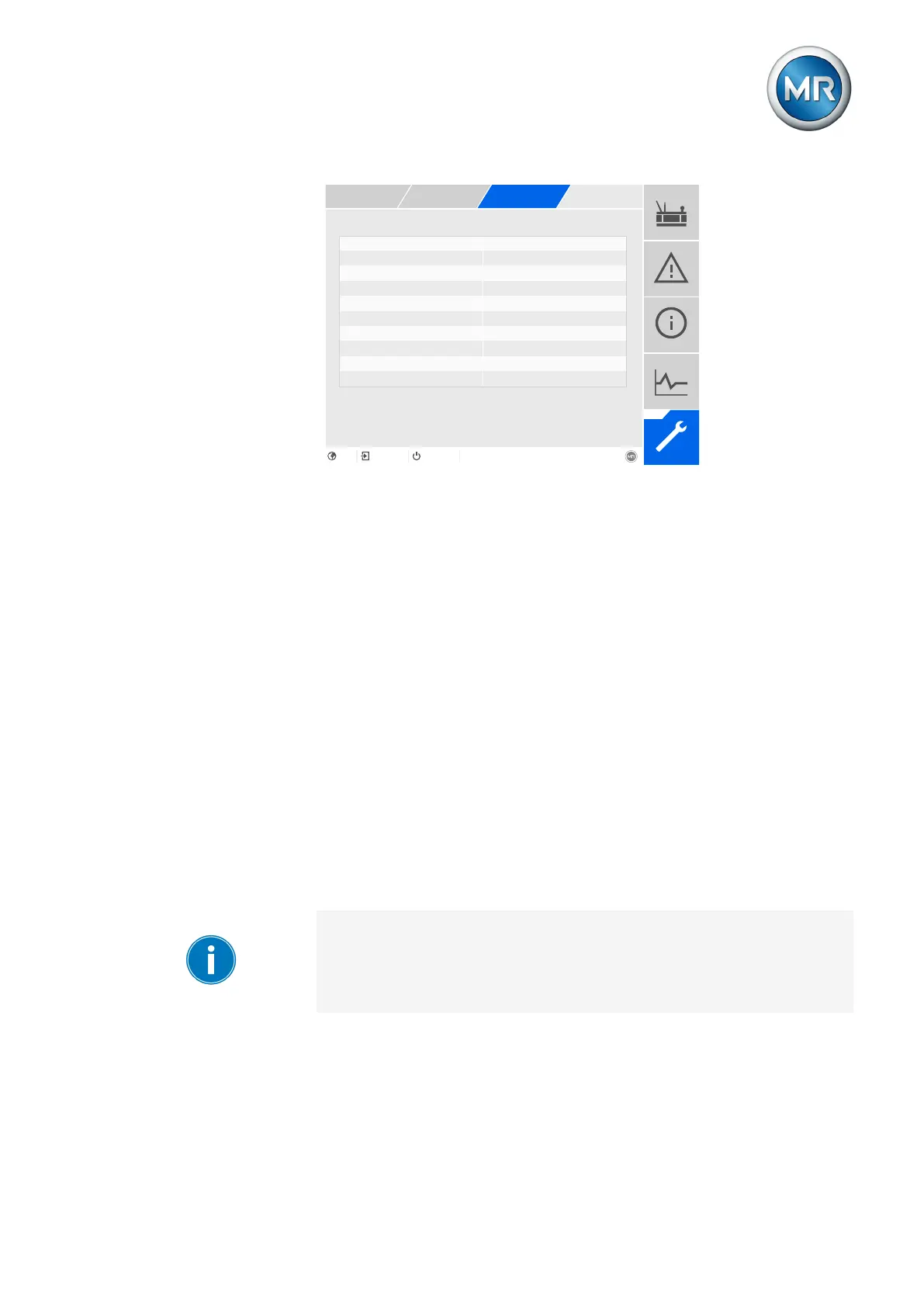
Figure74: General
1. Go to Settings > Parameters > System > General.
2. Select the desired parameter.
3. Set the parameter.
4. Press the Accept button to save the modified parameter.
Auto logout
You can use this parameter to activate th automatic logout function.
Time until auto logout
You can use this parameter to set the time period of inactivity after which a
user is automatically logged out.
8.2.3 Activating/deactivating service user access
The device is equipped with user access for the Maschinenfabrik Rein-
hausen GmbH Technical Service department. This access is for error diag-
nostics and troubleshooting in the event of device faults. Only activate ser-
vice user access for a limited time period for remedying faults in order to
safeguard IT security.
If you deactivate the service user access and lose your password for the ad-
ministrator role, it is not possible to reset the administrator password. If the
administrator password is lost, the device must be reset to the default set-
tings. When doing so, all information stored on the device (parameters,
measured values, etc.) will be lost.



 To Next Page