8 Operation
Maschinenfabrik Reinhausen GmbH 2020 2153587317/21 EN TAPCON
®
Behavior
You can use this parameter to set the behavior of the device when the event
message is issued. You can select the following options:
Setting Behavior
Off The limit value is not monitored.
Auto blocking Automatic regulation is blocked.
You can continue to perform tap-change operations in
manual mode.
Auto/manual blocking Automatic regulation is blocked.
You cannot perform tap-change operations in manual
mode.
Table77: Behavior when an event message is issued
Delay time
You can use this parameter to set the delay time in order to delay the issuing
of the event message.
8.19.9 Switching interval monitoring
You can use this function to monitor the typical tap-change behavior of your
transformer. Furthermore, you can set the number of consecutive tap-
change operations permissible in auto mode within a defined time period.
You can have the following operations monitored:
▪ Total operations: Total RAISE operations and LOWER operations
▪ LOWER operations: Total LOWER operations
▪ RAISE operations: Total RAISE operations
Total Lower Raise
Total No. ops
Time interval
Event duration
Response
Count behavior
-
25
1440.0min
1.0min
Auto blockin...
10
5.0min
15.0min
Off
Auto block. ...
10
5.0min
15.0min
On
Auto block. ...
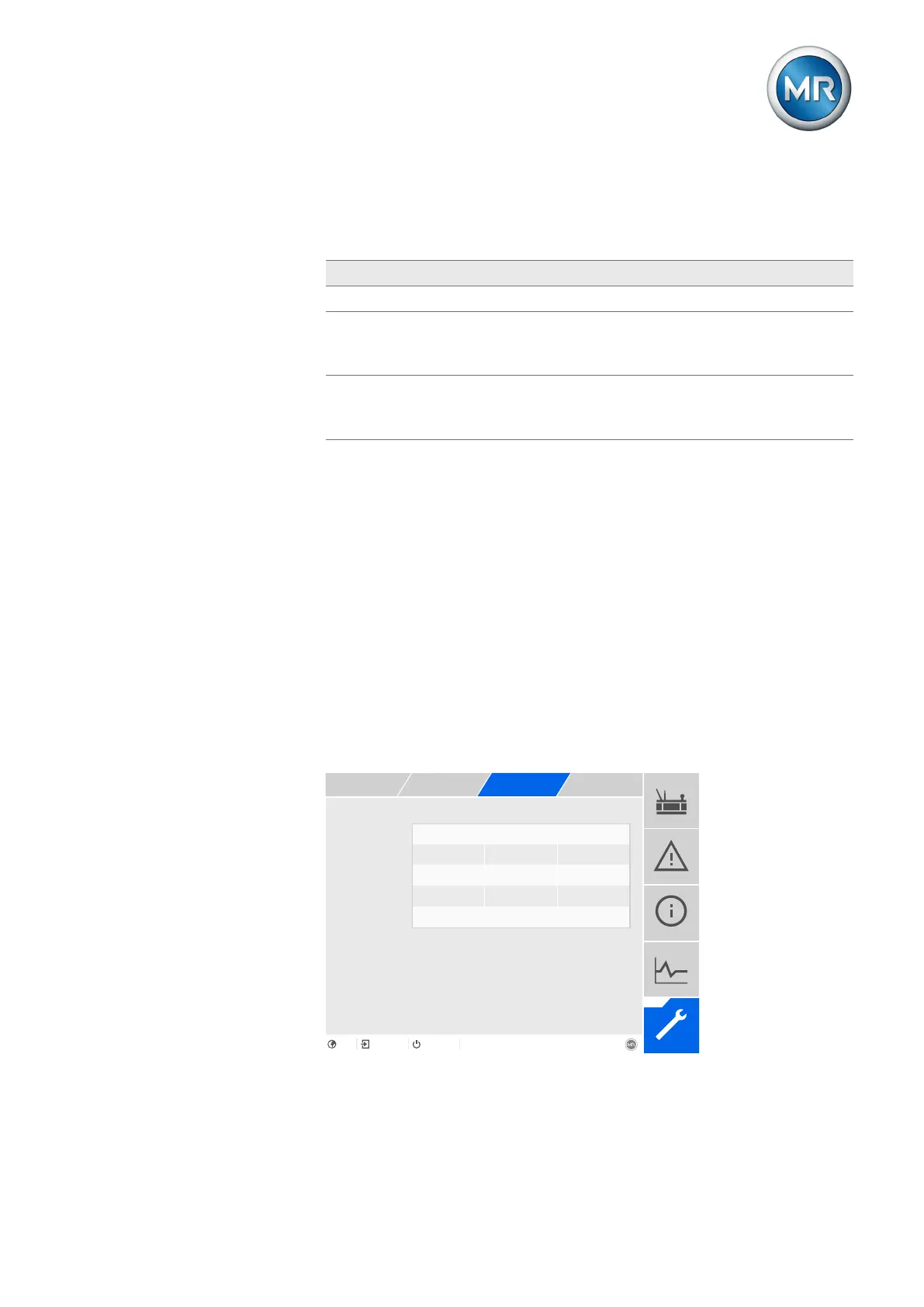
Figure148: Switching interval monitoring
1. Go to Settings > Parameters > Grid > Switching interval monitoring.
2. Select the desired parameter.



 To Next Page