12 Uninstallation
Maschinenfabrik Reinhausen GmbH 2020288 3587317/21 ENTAPCON
®
12 Uninstallation
The following describes the safe removal of the device.
DANGER
Electric shock!
Risk of fatal injury due to electrical voltage. Always observe the following
safety regulations when working in or on electrical equipment.
► Disconnect the equipment.
► Lock the equipment to prevent an unintentional restart.
► Make sure all poles are de-energized.
► Ground and short-circuit.
► Cover or cordon off adjacent energized parts.
WARNING
Electric shock!
Dangerous high voltages may occur when a current transformer is operated
with an open secondary circuit. This can lead to death, injuries and property
damage.
► Never operate a current transformer with an open secondary circuit;
short-circuit the current transformer to prevent this.
► Observe the information in the current transformer operating instructions.
NOTICE
Damage to the device!
Electrostatic discharge may cause damage to the device.
► Take precautionary measures to prevent the build-up of electrostatic
charges on work surfaces and personnel.
12.1 Uninstalling the CPU assembly
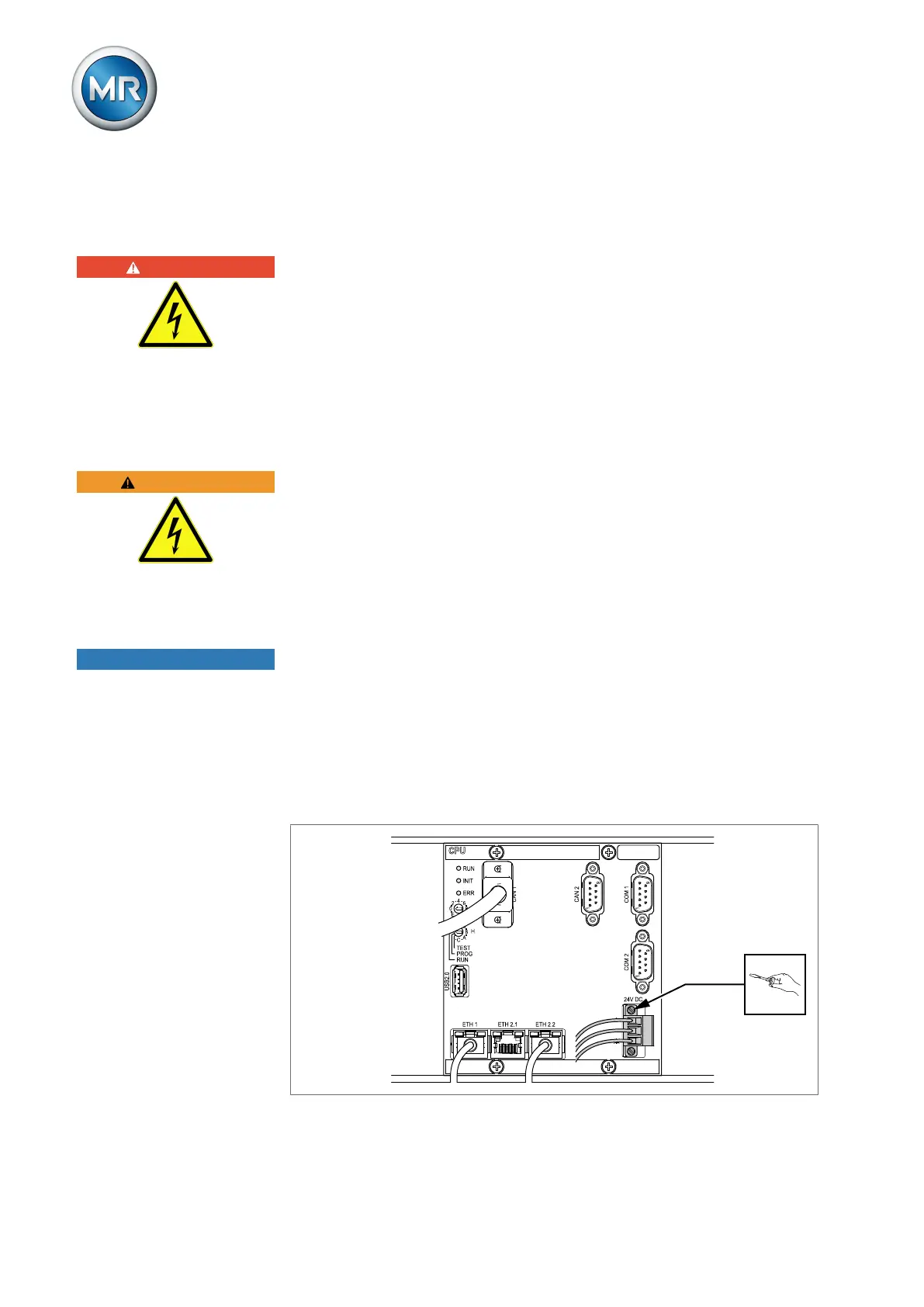
1. Remove the 24V DC plug.
Figure190: Removing the plug (voltage supply)



 To Next Page