8 Operation
Maschinenfabrik Reinhausen GmbH 2020 2093587317/21 EN TAPCON
®
Setting Behavior
Auto/manual blocking ▪ The Reversal of power flow event is issued.
▪ If Z compensation is activated, this function is deacti-
vated.
▪ Automatic regulation is blocked.
▪ You cannot perform tap-change operations in manual
mode.
Target tap position ▪ The Reversal of power flow event is issued.
▪ If Z compensation is activated, this function is deacti-
vated.
▪ The device triggers a tap-change operation to the tap
position you defined in the "Target tap position" pa-
rameter.
▪ The device blocks further tap-change operations.
▪ The target-tap-position operation is ignored if there is
no tap-position capture. Automatic regulation is
blocked.
Table74: Behavior in the event of a reversal of power flow
8.19.5 Tap position monitoring (optional)
You can set 2 limit values for tap position monitoring:
▪ Pos<
▪ Pos>
You can set the following parameters for each limit value.
▪ Delay time limit value
▪ Behavior limit value
Number of tap-change operations 775571
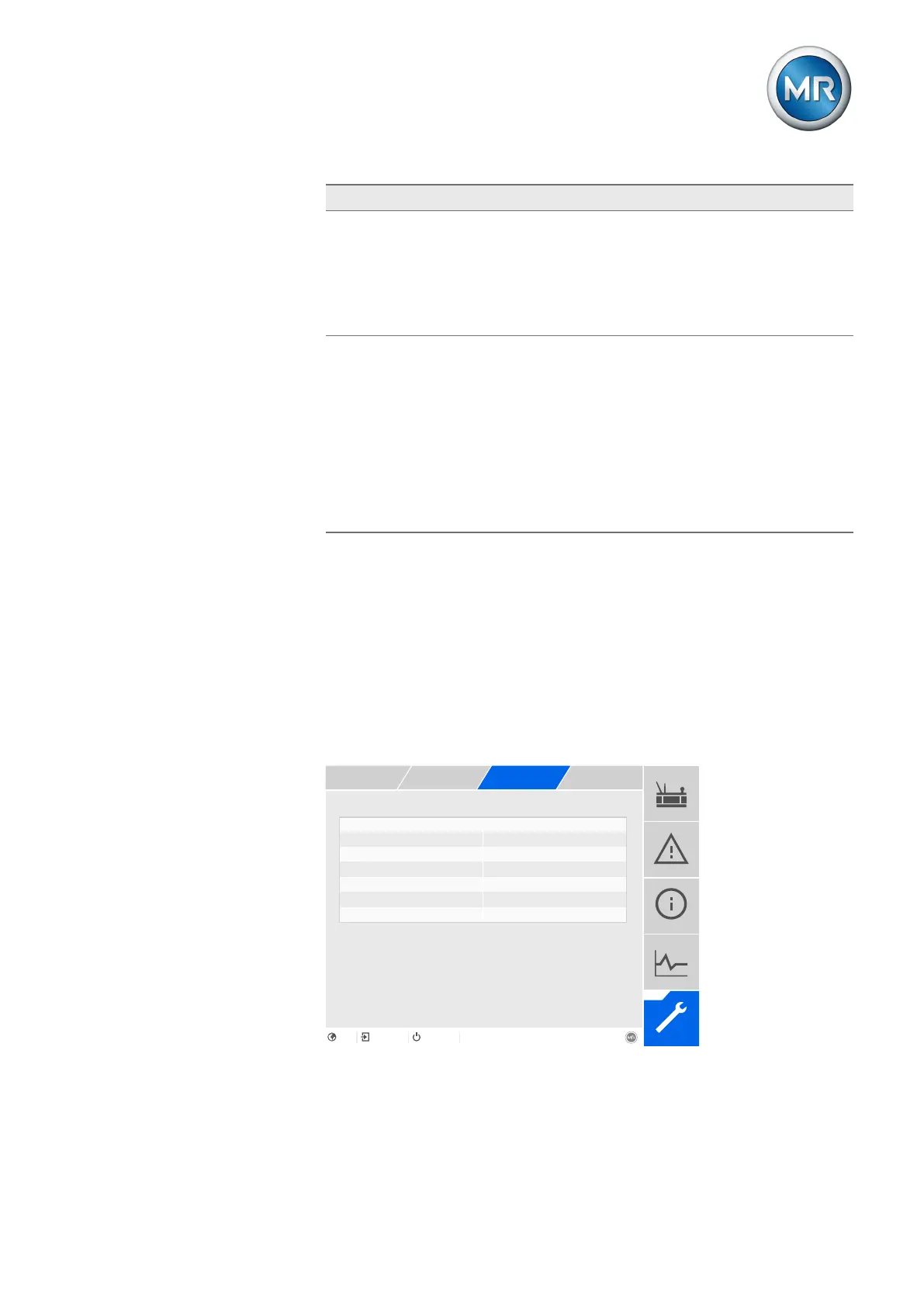
Figure144: Tap position monitoring
1. Go to Settings > Parameters > Grid > Tap position monitoring.
2. Select the desired parameter.



 To Next Page