8 Operation
Maschinenfabrik Reinhausen GmbH 2020102 3587317/21 ENTAPCON
®
Brightness dimming
Setting for the brightness when the display is dimmed. 100% corresponds to
full brightness, 10% to the lowest brightness.
8.8 SCADA
The following section describes how you can configure the device to connect
to a control system (SCADA). You can download the data points with the
help of the export manager [►Section 8.28, Page 251].
8.8.1 Configuring IEC 61850 (optional)
If you want to use the IEC 61850 control system protocol, you must set the
following parameters. Also refer to the section Configuring the network
[►Section 8.3, Page 92].
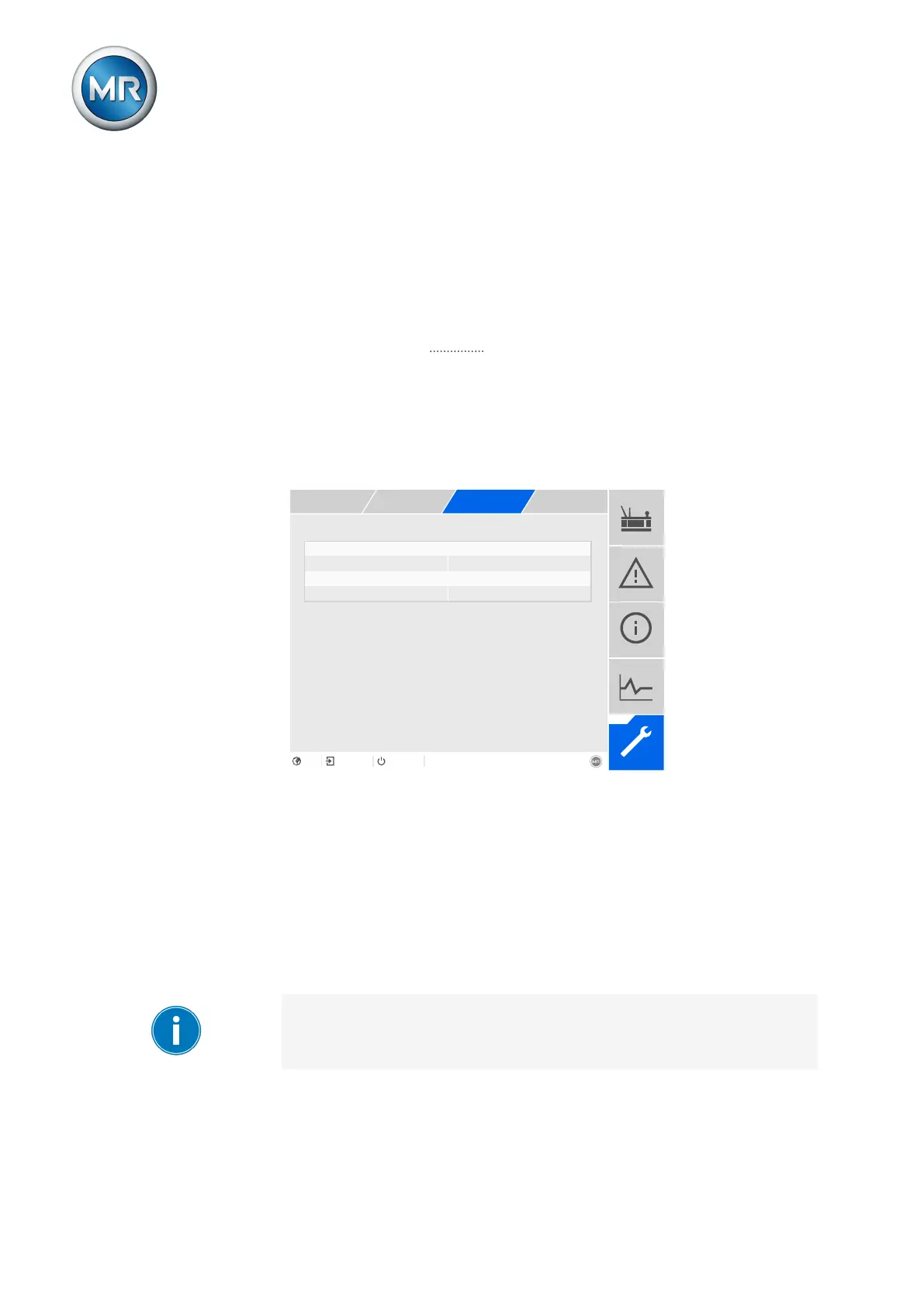
Figure81: IEC61850
1. Go to Settings > Parameters > System > IEC61850.
2. Select the desired parameter.
3. Set the parameter.
4. Press the Accept button to save the modified parameter.
IED name
You can use this parameter to assign the device an IED name in order for it
to be identified in the IEC61850 network.
The IED name must start with a letter and may contain no more than 11
characters.



 To Next Page