8 Operation
Maschinenfabrik Reinhausen GmbH 2020228 3587317/21 ENTAPCON
®
Duration
You can use this parameter to set how long this interval should be. The de-
vice uses this to calculate the current maintenance progress.
Date of next maintenance
You can use this parameter to set the target date for the next maintenance.
The device uses this to calculate the current maintenance progress.
Event (yellow)
You can use this parameter to set the maintenance progress (as a percent-
age) after which the device should issue an event message (yellow).
8.22.2 Setting operator interval for transformer maintenance
You can define a maintenance interval of your choice for the transformer.
The maintenance interval is dependent on time. If the limit is reached
(100%), the device triggers an event message (red).
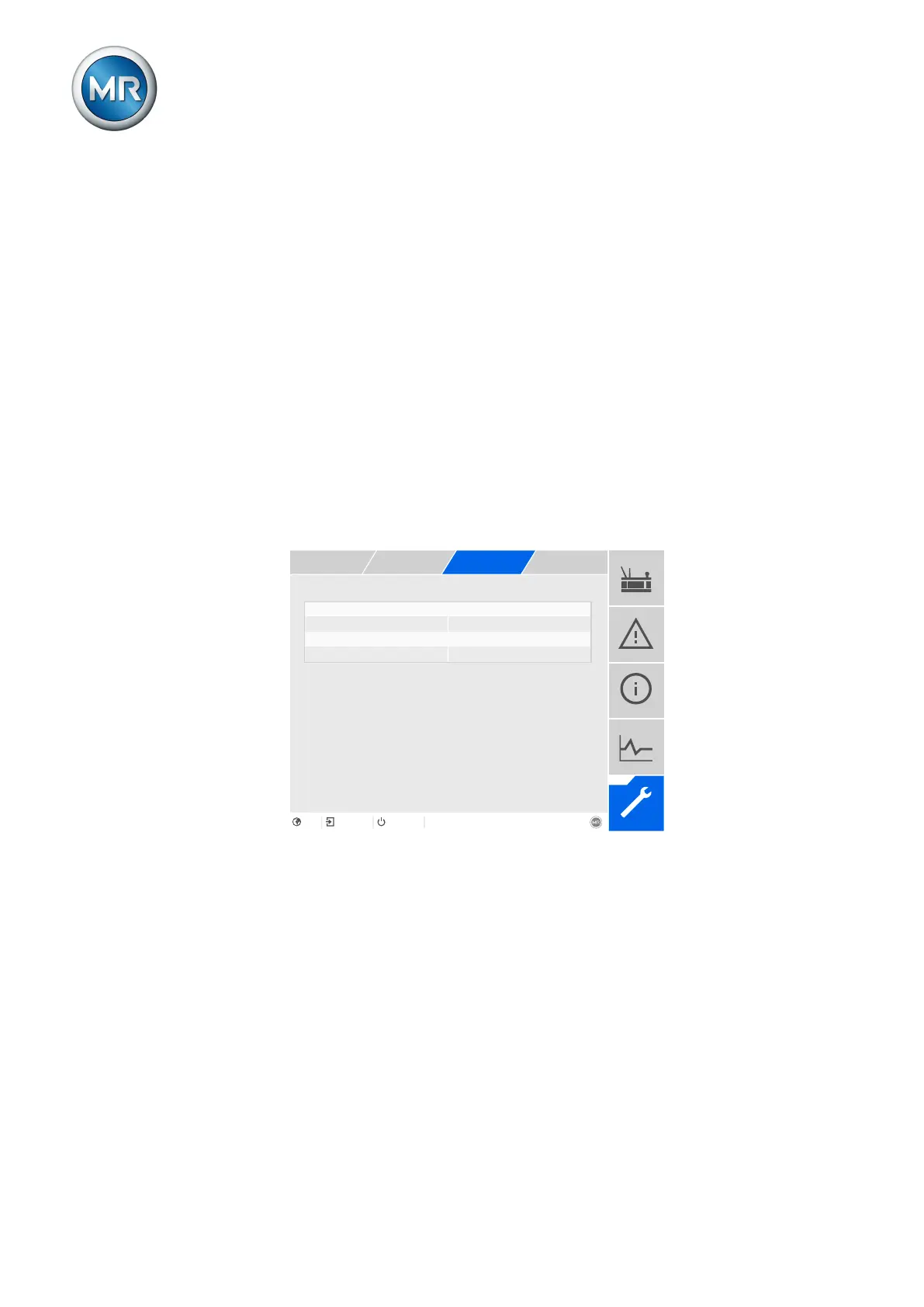
Date of next maintenance 17.09.2066 23:59:21
Figure159: Maintenance: Transformer operator
1. Go to Settings > Parameters > Active part > Maintenance: Trans-
former operator.
2. Select the desired parameter.
3. Set the desired parameter.
4. Press the Accept button to save the modified parameter.
Activate interval
You can use this parameter to activate or deactivate the maintenance inter-
val.



 To Next Page