8 Operation
Maschinenfabrik Reinhausen GmbH 2020156 3587317/21 ENTAPCON
®
8.13 Reactive power regulation (optional)
All of the parameters required for reactive power regulation are described in
this section.
Activate delay time T2 Off
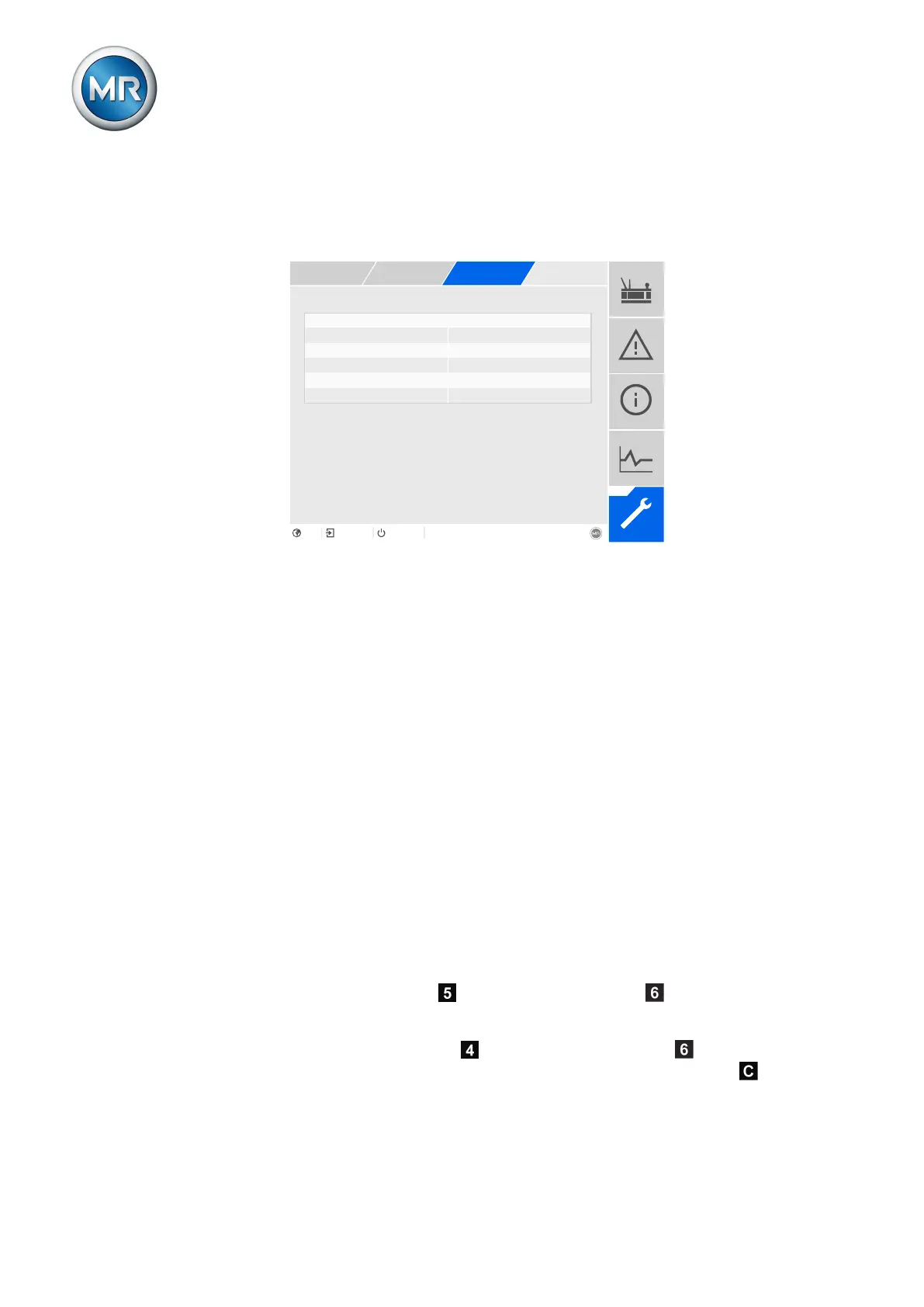
Figure111: Reactive power regulation
1. Go to Settings > Parameters > On-load tap-changer regulator > Reac-
tive power regulation.
2. Select the desired parameter.
3. Set the desired parameter.
4. Press the Accept button to save the modified parameter.
Desired value
You can use this parameter to set the desired value for the reactive power
regulation.
Bandwidth
You can use this parameter to set the maximum permissible deviation of the
reactive power from the desired value.
Delay time T1
Delay time T1 delays the issuing of a tap-change command for a defined pe-
riod. This prevents unnecessary tap-change operations if the tolerance
bandwidth is exited briefly.
Response to delay time T1
If the control variable is within the set bandwidth , no control com-
mands are issued to the motor drive unit for the tap change. Control com-
mands will also not be issued to the motor-drive unit if the control variable
returns to the bandwidth within the set delay time T1 . However, if the
control variable deviates from the set bandwidth for a long period , a tap-



 To Next Page