8 Operation
Maschinenfabrik Reinhausen GmbH 2020 2133587317/21 EN TAPCON
®
The following parameters are available for setting function monitoring:
▪ Function monitoring
▪ Hysteresis
▪ Delay time
Function monitoring Auto and Manual
Lower bandwidth hysteresis 0.1%
Lower bandwidth delay time 2s
Upper bandwidth hysteresis 0.1%
Upper bandwidth delay time 2s
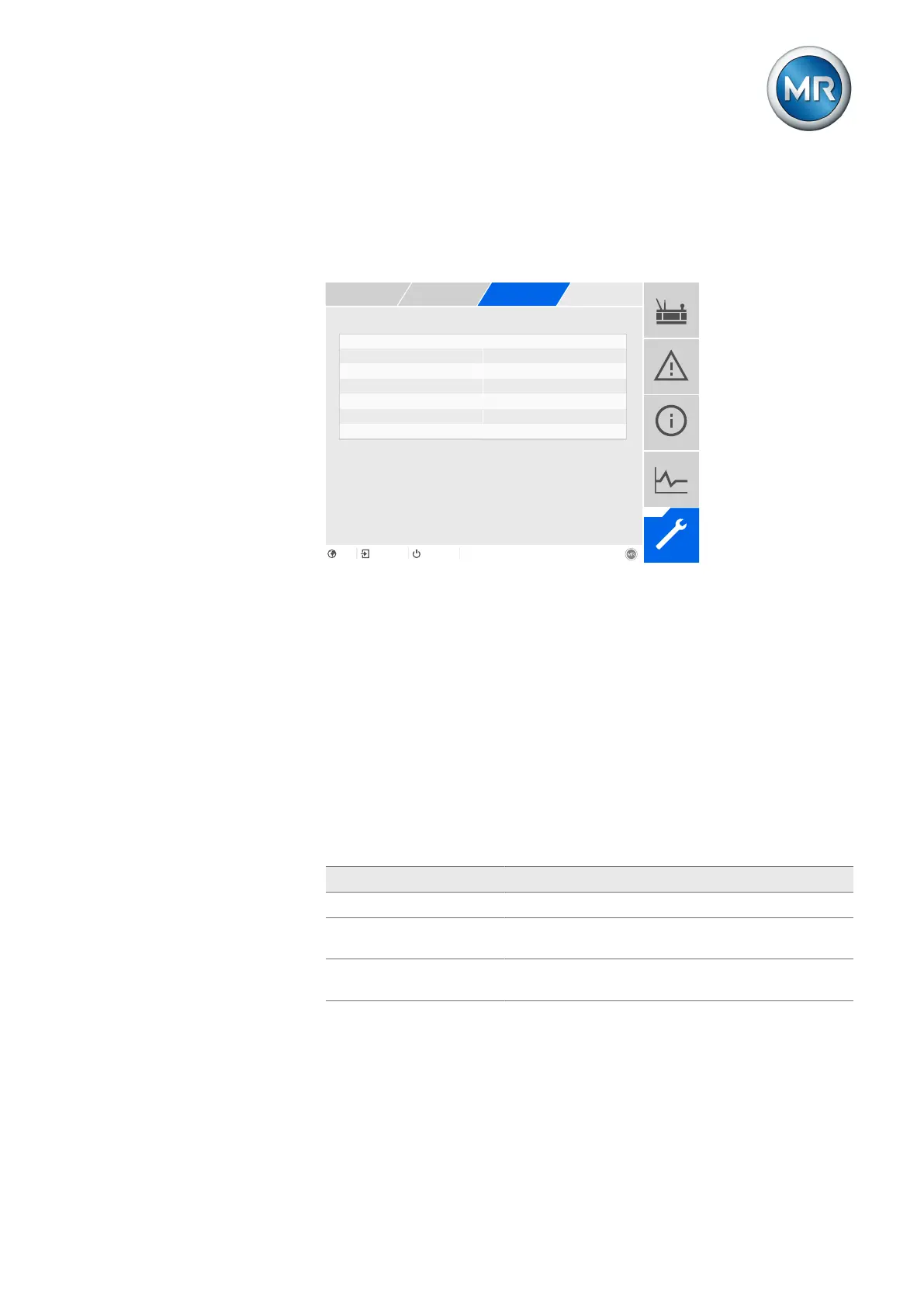
Figure146: Q bandwidth monitoring
1. Go to Settings > Parameters > On-load tap-changer regulator > Q
bandwidth monitoring.
2. Select the desired parameter.
3. Set the desired parameter.
4. Press the Accept button to save the modified parameter.
Also refer to
2 Current monitoring [►202]
Function monitoring
You can use this parameter to activate function monitoring. You can select
the following options:
Setting Behavior
Off Function monitoring is deactivated.
Only Auto Function monitoring is only active in AVR AUTO oper-
ating mode.
Auto and Manual Function monitoring is active in AVR AUTO and AVR
MANUAL operating modes
Table76: Activate function monitoring
Hysteresis
You can use this parameter to set the hysteresis. You can use this to avoid
the unnecessary generation of messages if the measured value fluctuates
around a threshold value.



 To Next Page