8 Operation
Maschinenfabrik Reinhausen GmbH 2020 2473587317/21 EN TAPCON
®
8.26.5.2 Configuring RADIUS
To establish a connection to the RADIUS server, you must set the following
parameters.
Activate RADIUS client Off
Authentication protocol CHAP
Key (shared secret) default
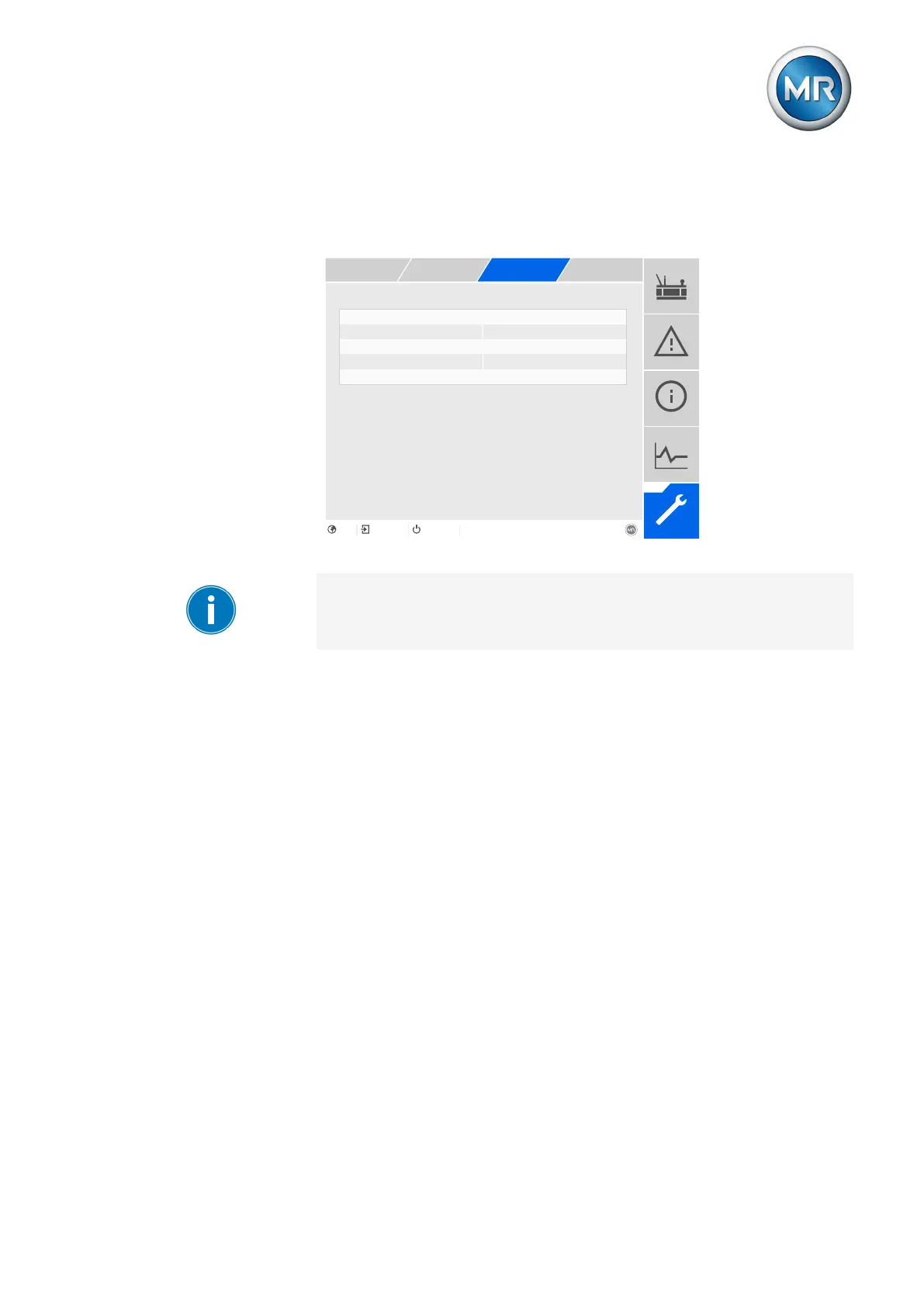
Figure174: Configuring RADIUS
You can only configure RADIUS if you are assigned an administrator role.
When in delivery status, you can log in as the administrator as follows:
▪ User name: admin
▪ Password: admin
1. Go to Settings > Parameters > System > RADIUS.
2. Select the desired parameter.
3. Set the parameter.
4. Press the Accept button to save the modified parameter.



 To Next Page