8 Operation
Maschinenfabrik Reinhausen GmbH 2020254 3587317/21 ENTAPCON
®
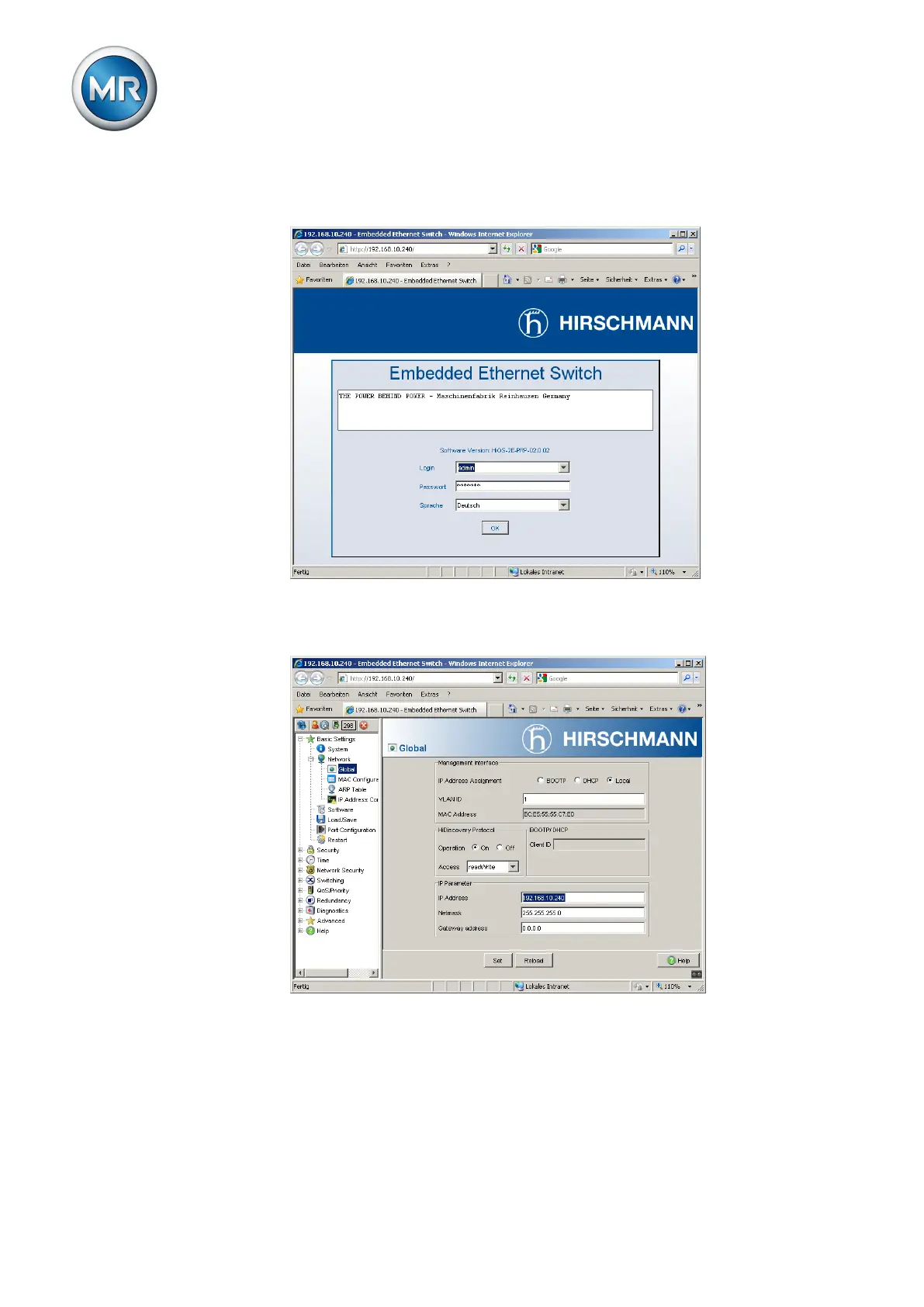
4. Login with the user information (login = admin; password = private).
Switch the language if necessary (German/English).
Figure179: Login using a web interface
5. In the Basic settings > Network > Global menu, adjust the network set-
tings and click on the Write button.
Figure180: Network settings
6. In the Basic settings > Load/Save menu, click on the Save button to per-
manently store the settings.
7. If necessary, establish a connection to the new IP address to continue
changing settings. Click on the Help button to find out more information.
8. Attach the cable for connecting to your network.



 To Next Page