4 Product description
Maschinenfabrik Reinhausen GmbH 202044 3587317/21 ENTAPCON
®
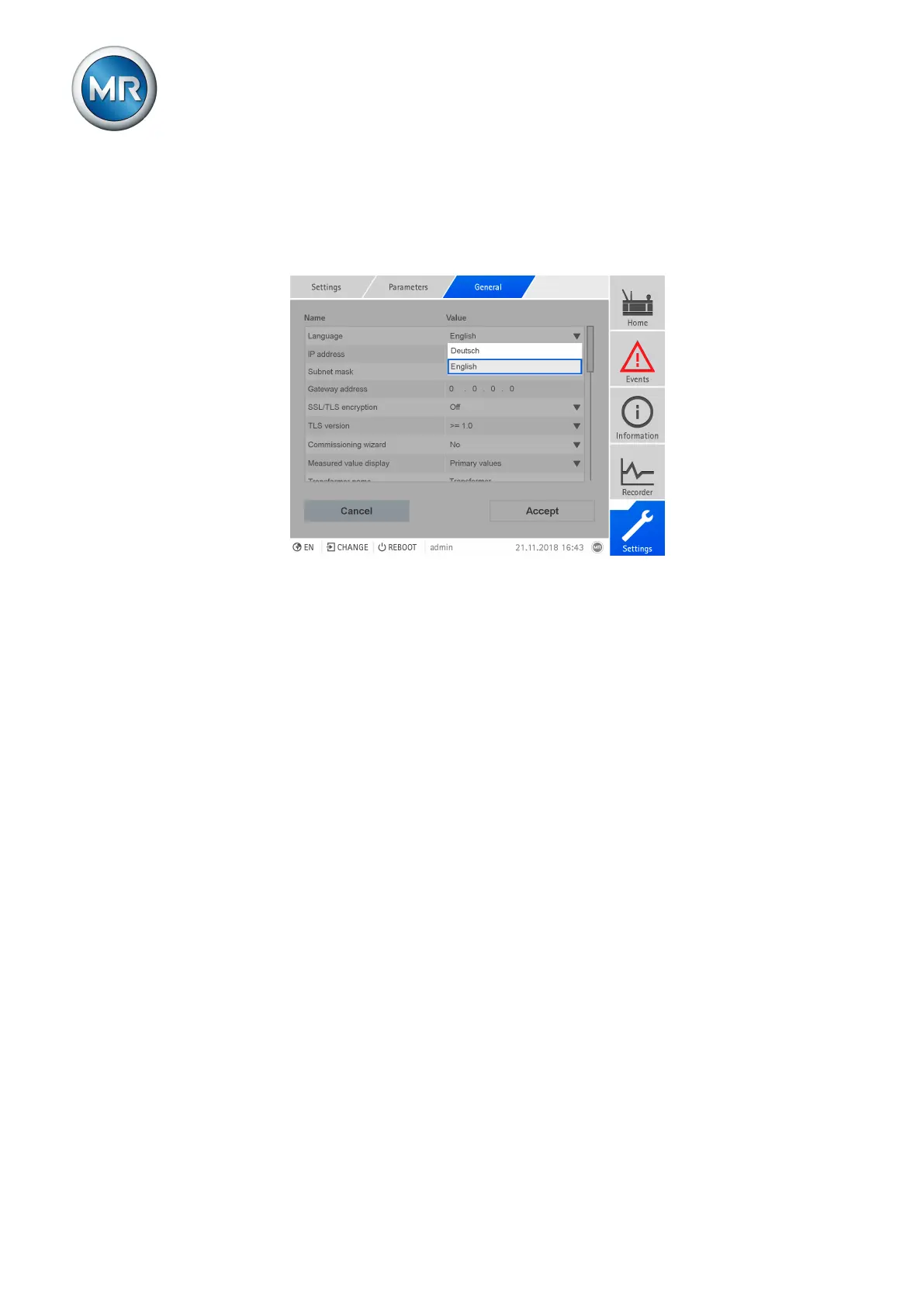
Expert mode
The device has an expert mode for entering the parameters. You can enter
the parameters directly on the overview screen of the respective menu in
this mode.
Figure26: Expert mode
1. Go to Settings > Parameters.
2. Select the Expert mode checkbox.
ð Expert mode is active.
Hiding/showing parameters
Depending on how you set the parameters, the device will hide or show ad-
ditional parameters related to this function.



 To Next Page