Messages PRISMAproduction Explorer
92 A29247-X3-X-6-7670
• Detailed description
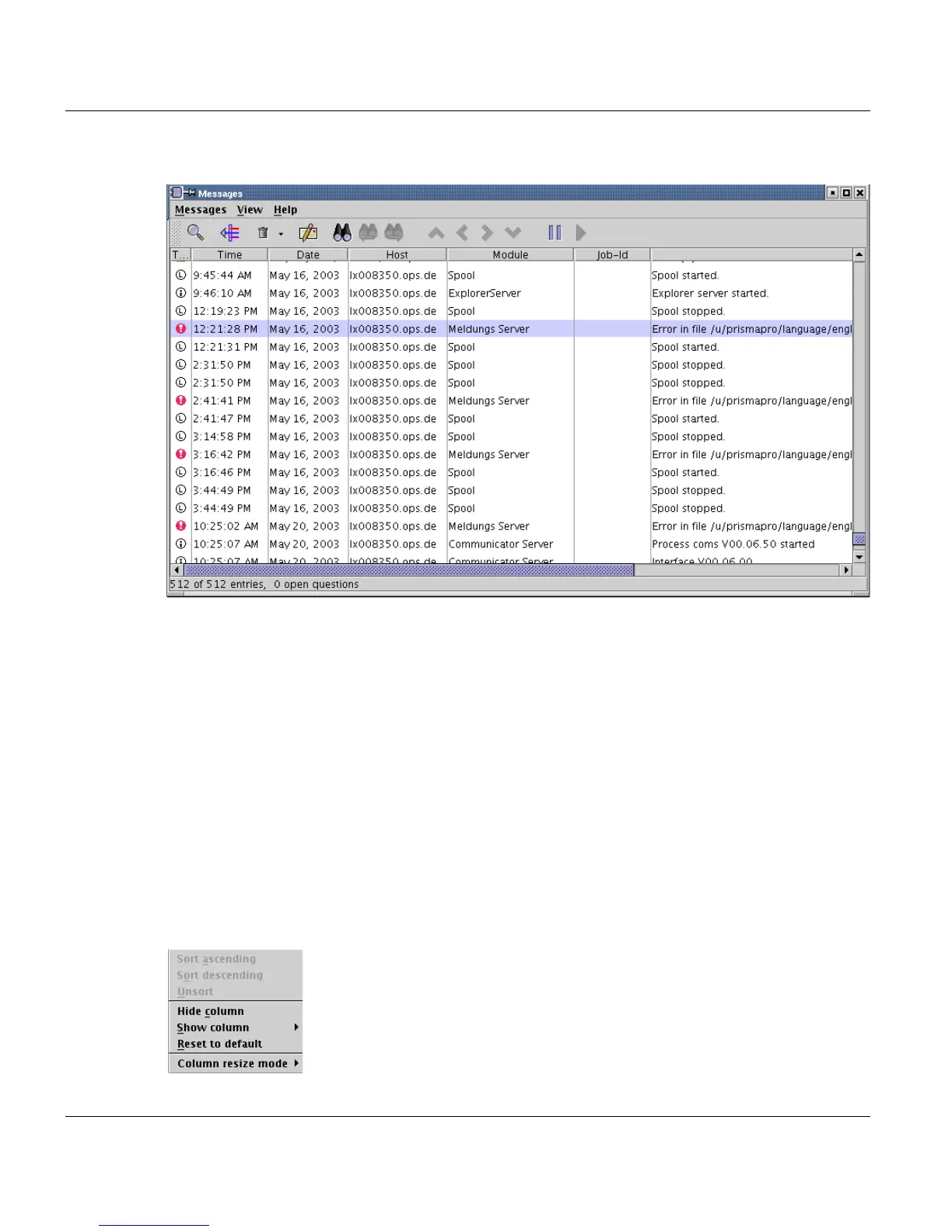
The Messages window consists of the title bar, menu bar, toolbar, message information
list and a status bar.
The title bar contains the name of the window or the name of the saved filter the window
was opened with.
The menu bar contains the menus Messages, View and Help.
The toolbar contains some of the most important menu bar entries for quicker access.
The status bar indicates how many messages are stored in the database, how many mes-
sage are displayed in the window and how many questions are still not answered by the
user.
The message information list contains one line for each message entry. By default, each
entry's time stamp and a short description of the message are displayed. You can enable
or disable the columns for displaying other information by clicking with the right mouse but-
ton on the header of the list columns:



 To Next Page