Messages PRISMAproduction Explorer
94 A29247-X3-X-6-7670
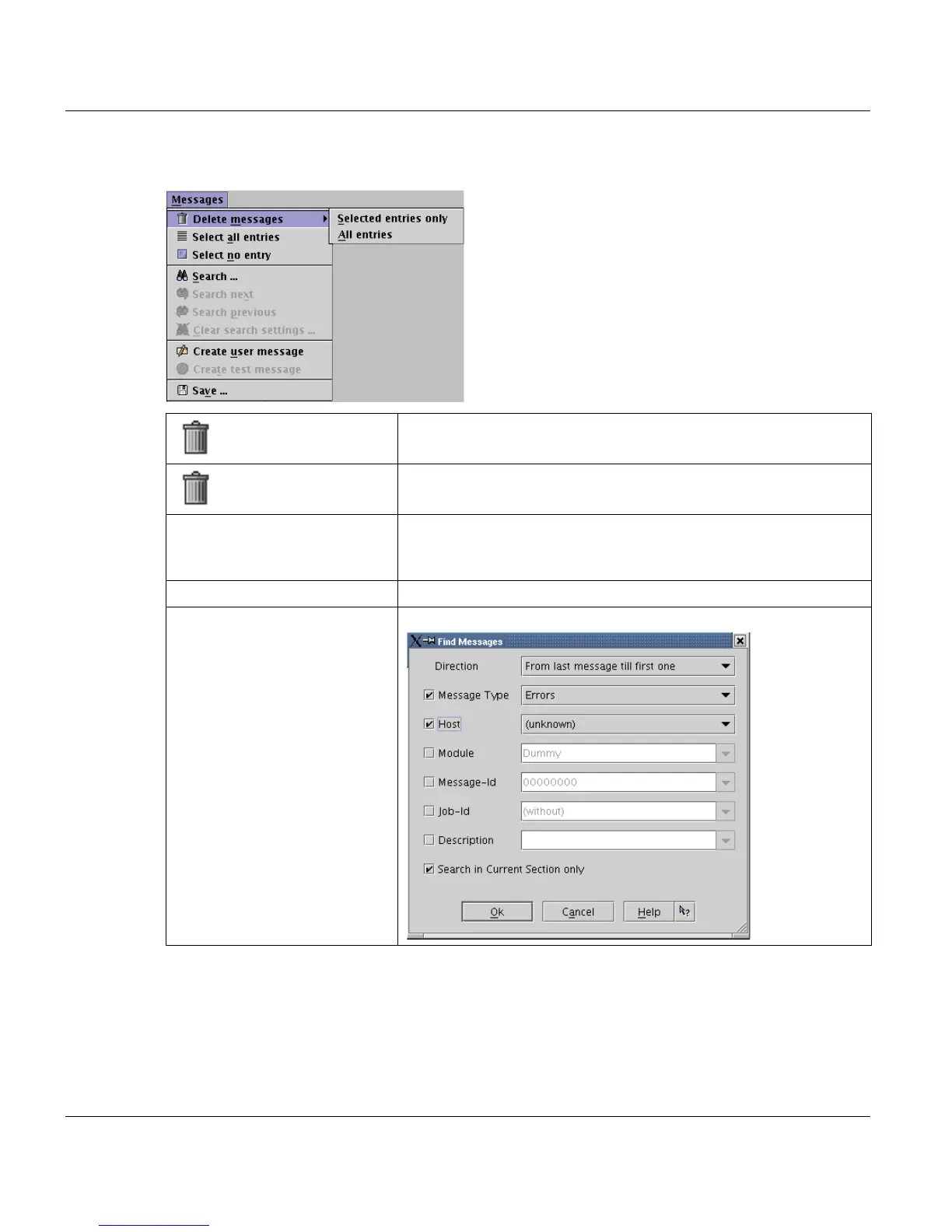
5.10.1 The 'Messages' Menu
Delete messages ->
Selected entries only
Deletes only the selected messages from the window and the
message database.
Delete messages ->
All entries
Clears all messages from the window and deletes them from the
message database.
Select all entries Select all displayed messages. You can configure the maximum
value of visible lines under 'View' in the 'Section size' dialogue
box.
Select no entry Deselects all selected messages in the list.
Search... Opens the 'Search' dialogue:



 To Next Page