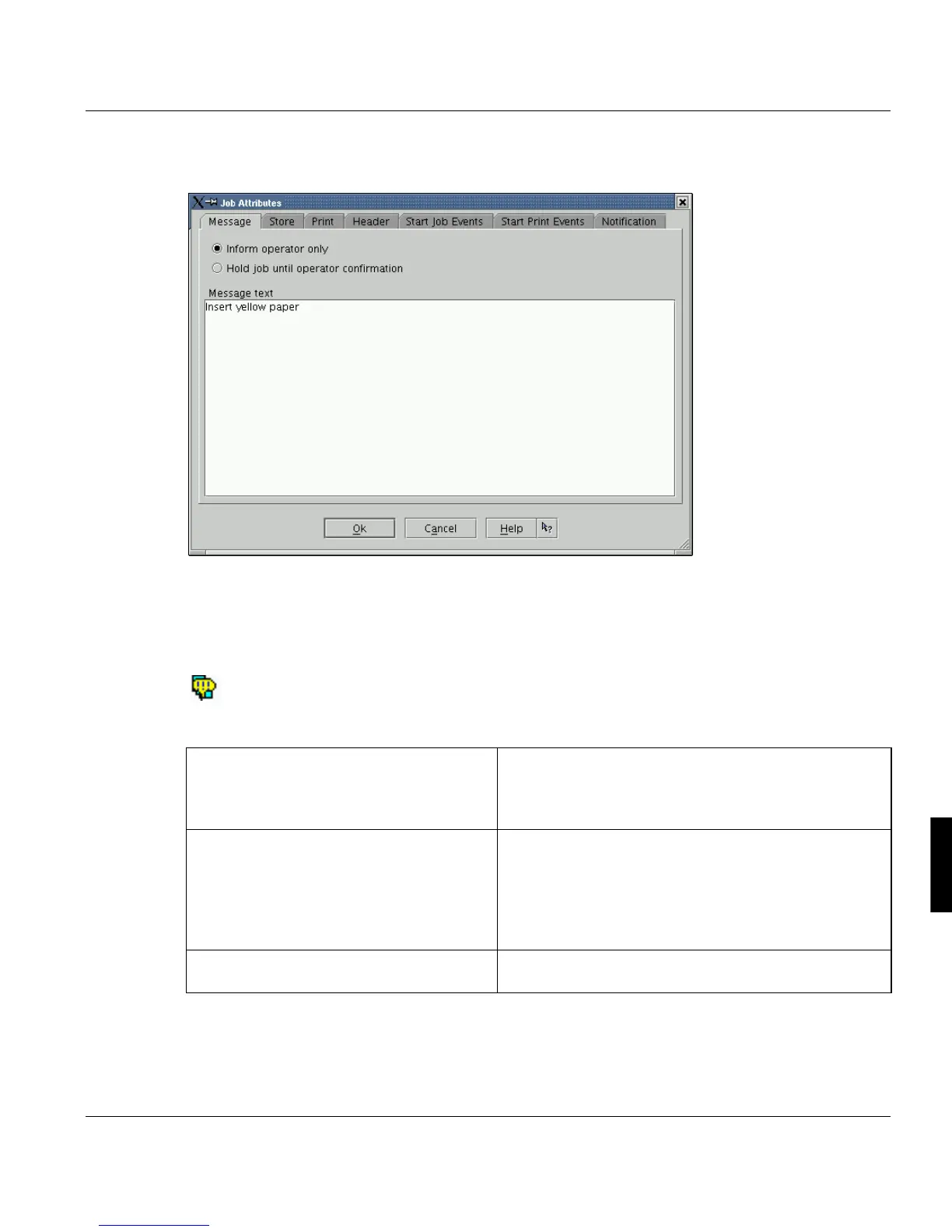
Print Job Manager ’Job Attributes’ Section
A29247-X3-X-6-7670 249
8.7.1 Messages
Use the 'Message' tab to enter a message to submit to the operator. The information in the
message relates to the job ticket. The default setting is 'Inform operator'.
If a note to the operator is entered in the text field, the job ticket is displayed in the ‘Explorer’
Job lists with a special icon:.
The text is displayed by double-clicking the print job name.
Choose 'OK to confirm your parameter settings and return to the main PJM window. 'Can-
cel' discards the values you have entered and returns to the main PJM window.
‘
’Inform operator only’ When this option is turned on, the word 'Message' ap-
pears in the title bar of the ODS Manager – prompting
the operator to read the note in the 'Message' section of
the 'Job properties' dialog box.
‘’Hold job until operator confirmation’ The print job remains in wait state in the ODS with the
message 'inter./mess.'. The operator can call up the
message by double-clicking the job, and can then con-
firm it with 'OK' or ignore it by clicking 'Cancel'. The print
process does not continue unless the message is con-
firmed.
’Message Text’ When this option is turned on, the print job does not
continue until the operator has confirmed the message.



 To Next Page