Configuration Printer
A29247-X6-X-6-7670 191
6.14.12 Colors
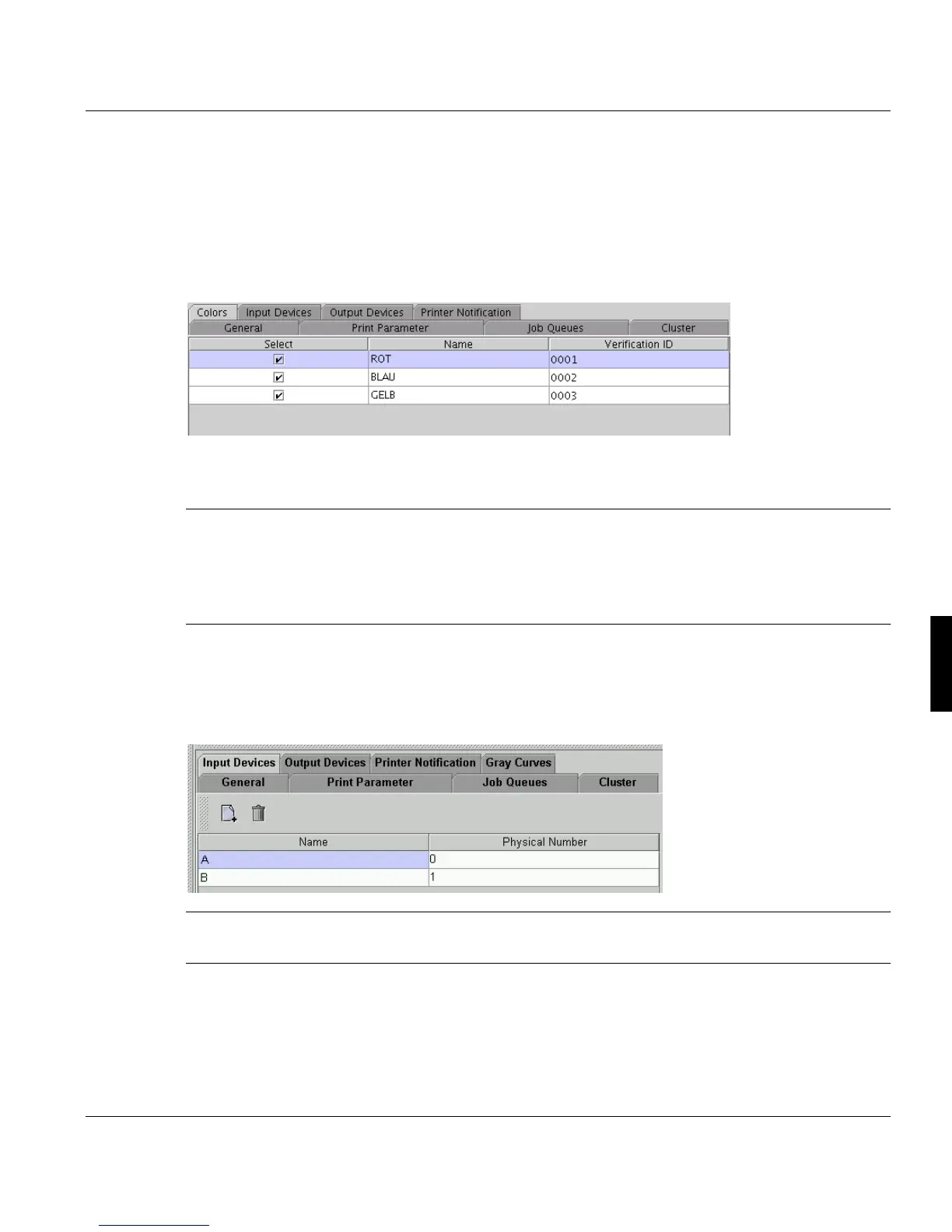
If a printer is able to print multicolor jobs, it's required to configure the available colors for
the printer. The colos are configured with the "Color Verification" application.
In this tab the administrator has to specify, which of the available printer colors are usable
for the current printer. This does not mean, that all of the colors are built in at the same time.
The list shows all available colors in the system. To allow or forbid the usage of a certain
color for the displayed printer, the checkbox in the ’Select’ column has to be (de)activated.
Note: There is no check, if the printers of a cluster are "compatible" with each other. The
administrator is responsible for building sensible clusters.
The PJM treats a cluster like a normal logical printer. Most of the attributes of the
first logical printer in the cluster are used as attributes of the cluster (= virtual print-
er).
6.14.13 Input Devices
On this tab the number of input trays is configured for current printer.
Note: Even a continuous feed printer has at least one "input tray" for continuous feed pa-
per.



 To Next Page