Print Job Manager ’List of Files’ Section (‘Edit’ Menu)
A29247-X3-X-6-7670 243
8.6.1 Columntitels
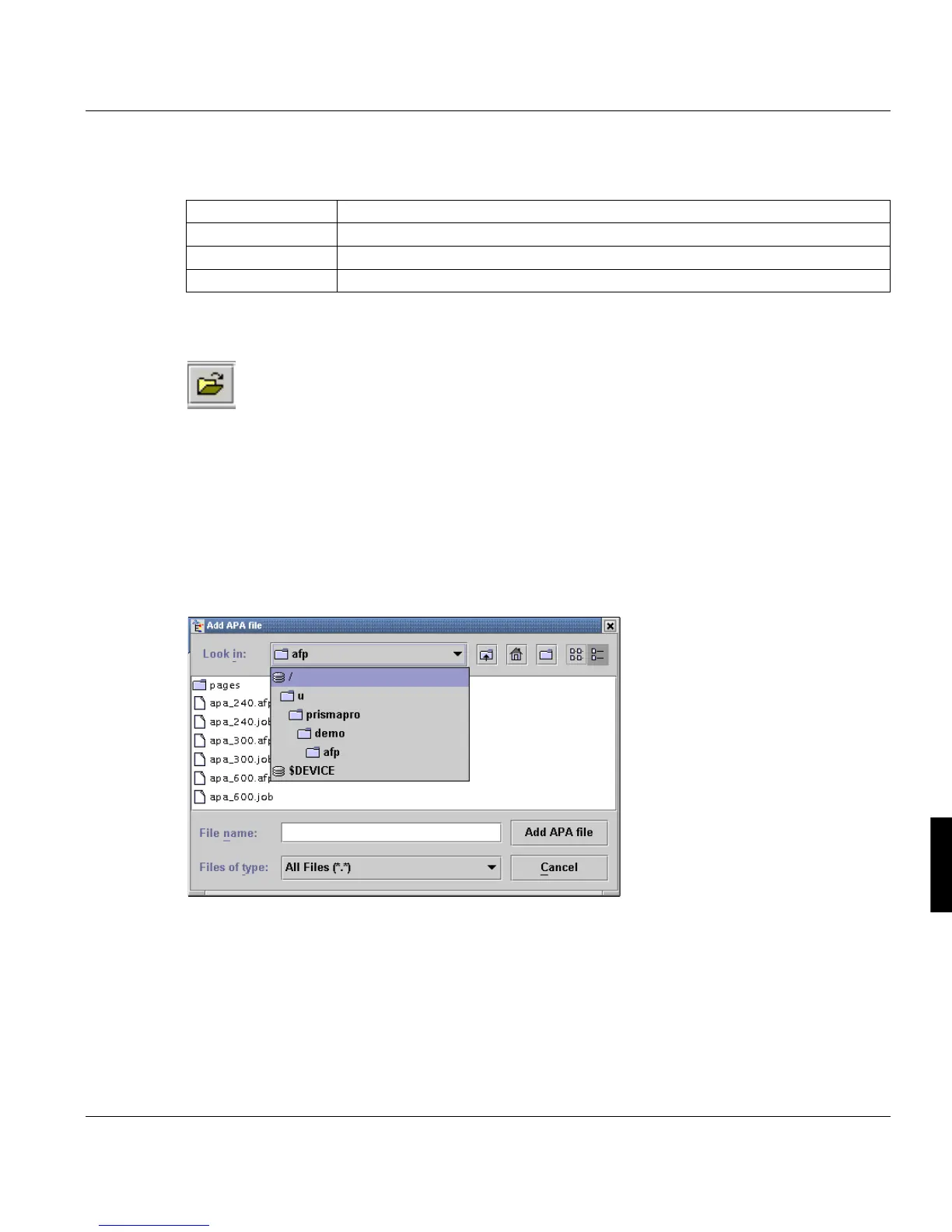
8.6.2 File Selection Box
Clicking this icon opens the file selection box. The caption on the title bar depends on thew
selected job ticket (APA, LCDS, POD or OLDS).
Select the file(s) to be inserted in one job ticket. The list can contain up to 9998 files.
With the POD-Module you can load job tickets and reprints from an archive. Options within
the job ticket, which are not supported by the server settings are marked red.
With the APA-, LCDS- and OLDS-Module you can load files from the vitual directory $DE-
VICE, which means to load the files directely from connected tape or cassette devices.
’No.’ Number of the file within the system.
’File’ Fully qualified filename.
’Size’ Size of the file in bytes.
’Format’ Format of the file. Is set automatically by the PJM.



 To Next Page