PRISMAproduction Explorer Printer Pool
A29247-X3-X-6-7670 125
5.13.3 The 'Help' Menu
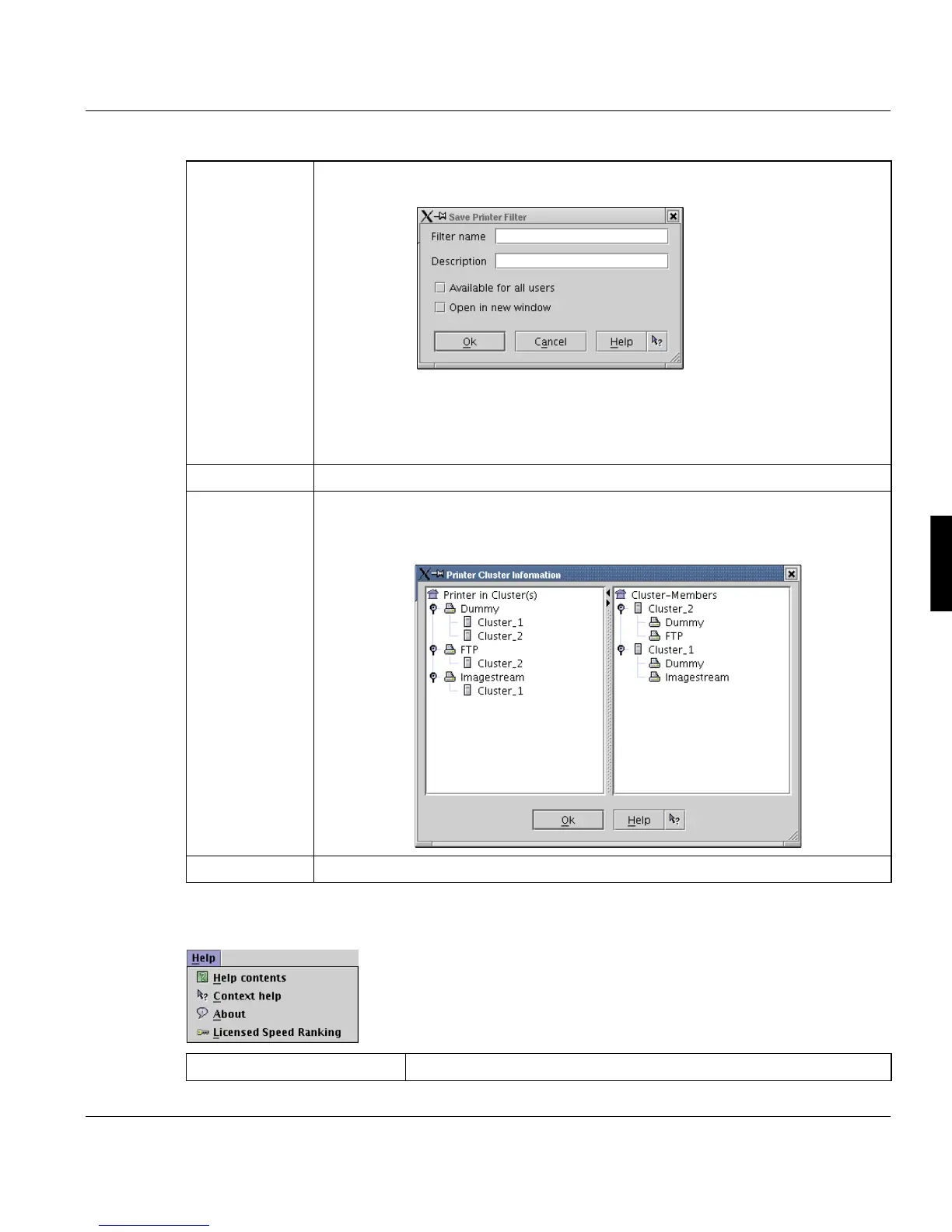
'Save filter as
...'
Opens a dialog, which allows you to define a name and a description for the filter
and then to save the selected filter configuration.
It then appears in the PRISMA Explorer under the 'Printer pool' node.
Additionally the entry can be selected to be visible for the current user only or for
all users and if the window, opened by the new entry should open in a separate
window by default.
'Messages ...' Opens the message window but displays messages of the selected printer only.
'Cluster ...' Opens a dialog where printer cluster configuration is displayed in two views:
- which printer is member of which clusters
- which cluster contains which printers as it's member
'Refresh' Refreshes the printer pool entries.
Help contents Displays the related help topic for the Printer Pool.



 To Next Page