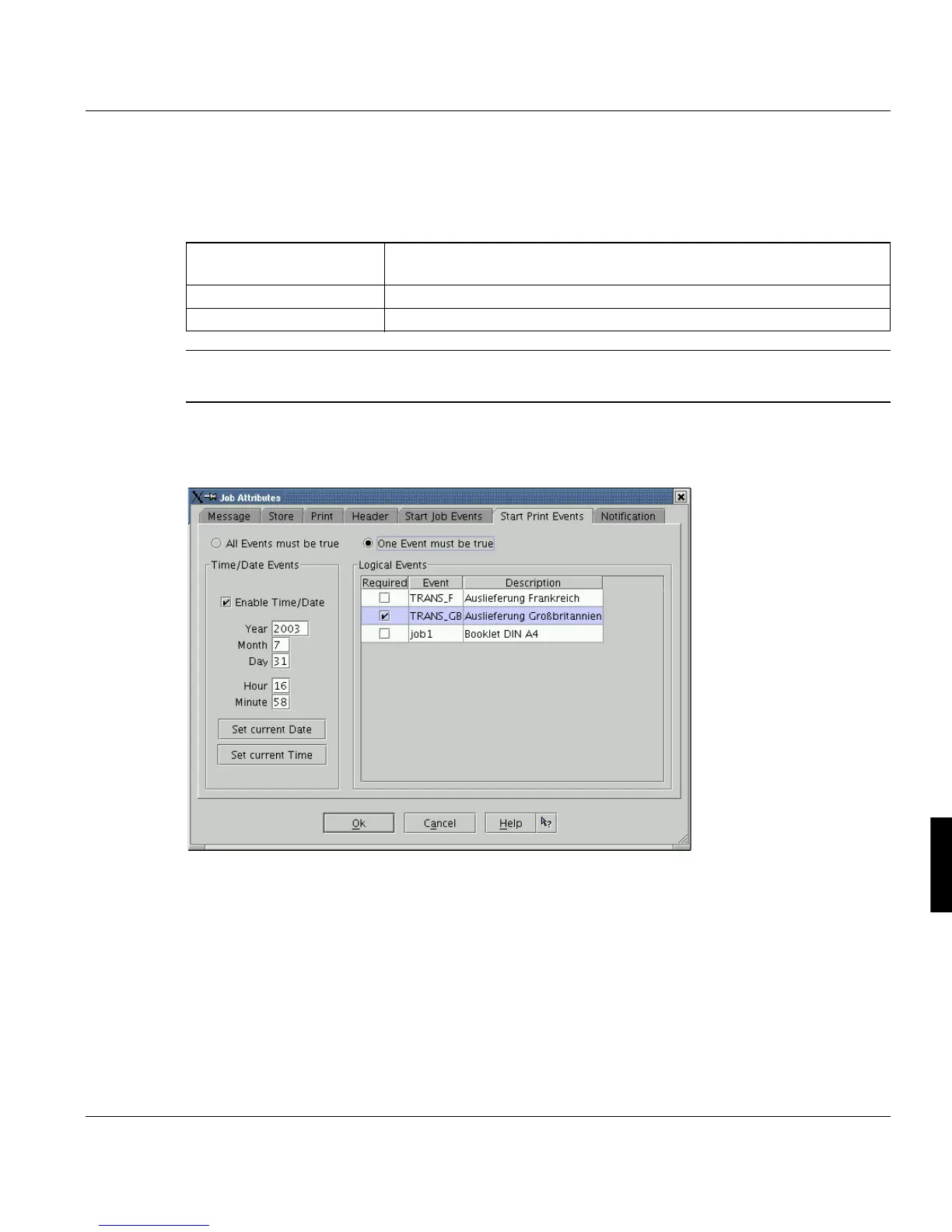
Print Job Manager ’Job Attributes’ Section
A29247-X3-X-6-7670 259
’Logical Events’
The logical events configured in the database are listed here. You select the items by acti-
vating the check boxes in the 'Required' column.’
Note: If the timer of a print job has expired (e.g. because of an old job ticket), the job will
be submitted without comment.
8.7.6 Start Print Events
A job is only printed (i.e. status ’Ready to print’), if the events selected here are true. Until
then the job is in the state 'waiting for event' or 'waiting for time to run'.
For further details see chapter ’Start Job Events’ above.
’Required’ Check the boxes of the events which should be relevant for job submis-
sion. You are allowed to select up to 8 events.
’Event’ Output of the event name as configured in the database.
’Description’ Output of the event description.



 To Next Page